> ## Documentation Index
> Fetch the complete documentation index at: https://support.i.moneyforward.com/llms.txt
> Use this file to discover all available pages before exploring further.
# Huntress
> How to integrate with Huntress. This section describes a series of steps from administrator login to Huntress to the integration method from Admina by Money Forward.
## Advance preparation
### How to log in to Huntress
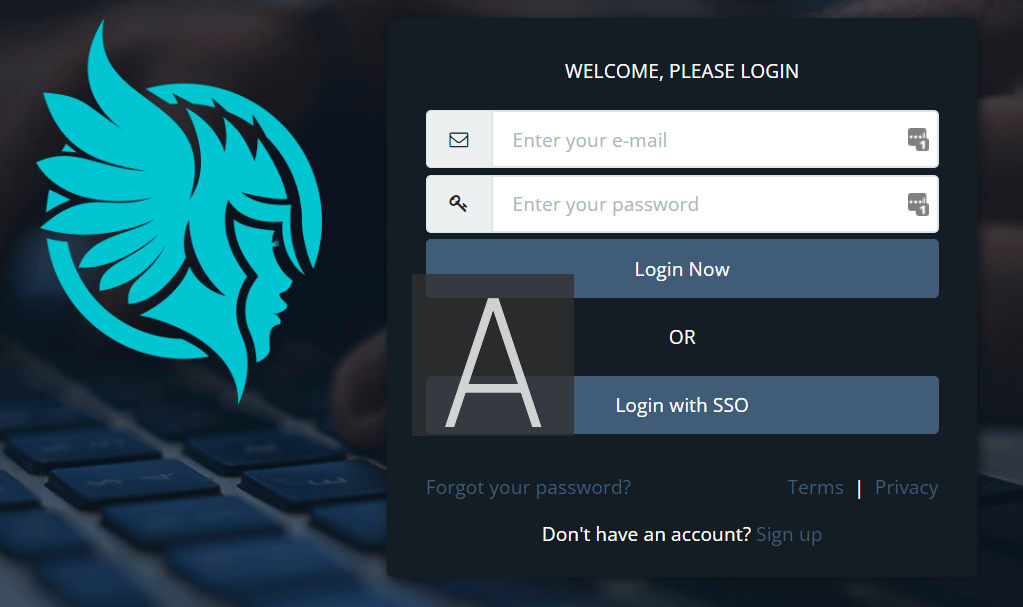
On the [Huntress login page](https://huntress.io/login), enter your email address and password to log in.
 ### How to get the workspace key
After logging in to Huntress, select **Organization > Linked Organization** from the top menu tab.
### How to get the workspace key
After logging in to Huntress, select **Organization > Linked Organization** from the top menu tab.
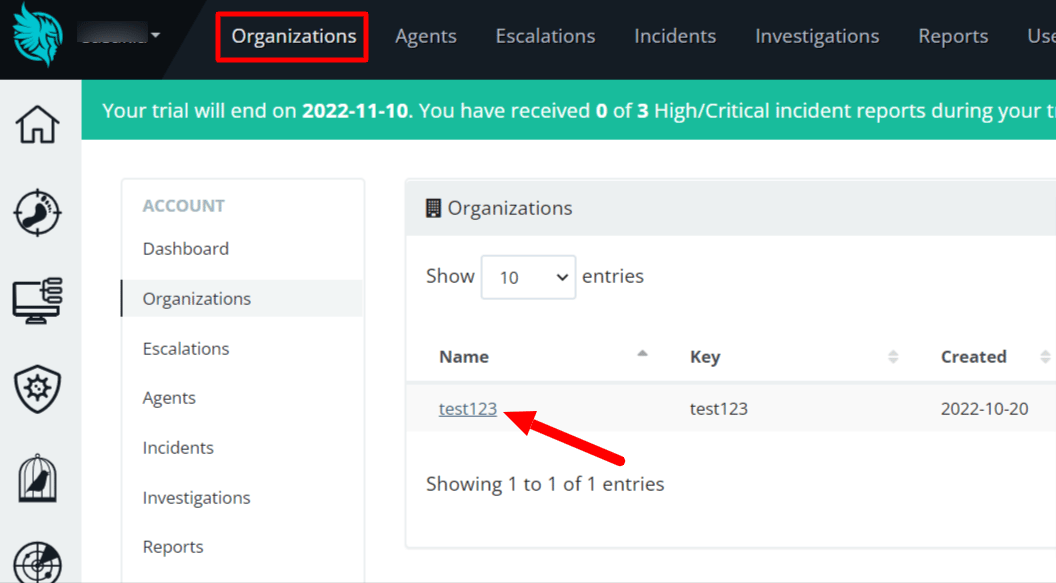 **A part of the URL of the linked Organization page will be the workspace key**, so save it.
https\://****.huntress.io/org/ **`{workspace key}`**
### How to get two-factor authentication (QR code, Secret key)
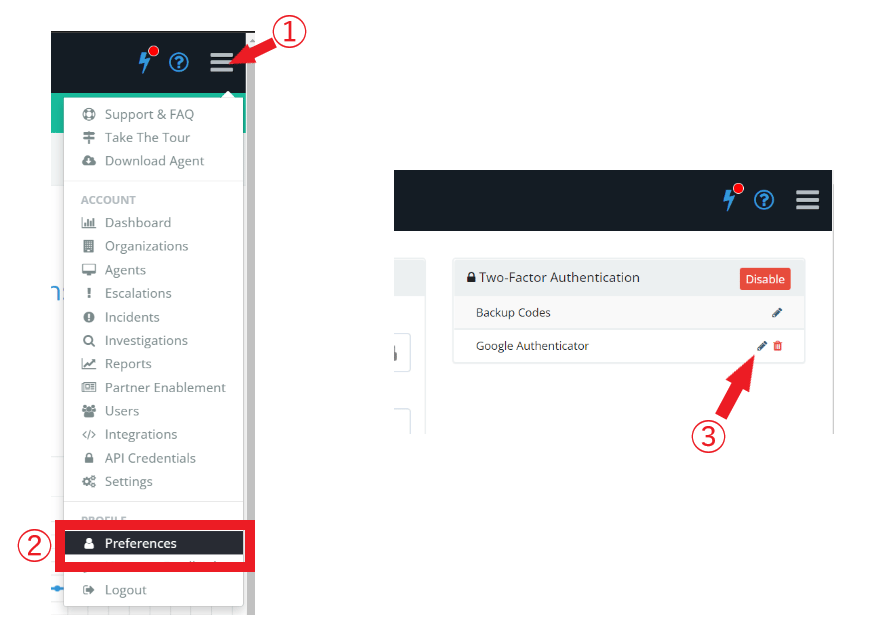
Go to the **top right menu icon > Preferences** and click **Edit Google Authenticator** ✎ in Two-Factor Authentication.
**A part of the URL of the linked Organization page will be the workspace key**, so save it.
https\://****.huntress.io/org/ **`{workspace key}`**
### How to get two-factor authentication (QR code, Secret key)
Go to the **top right menu icon > Preferences** and click **Edit Google Authenticator** ✎ in Two-Factor Authentication.
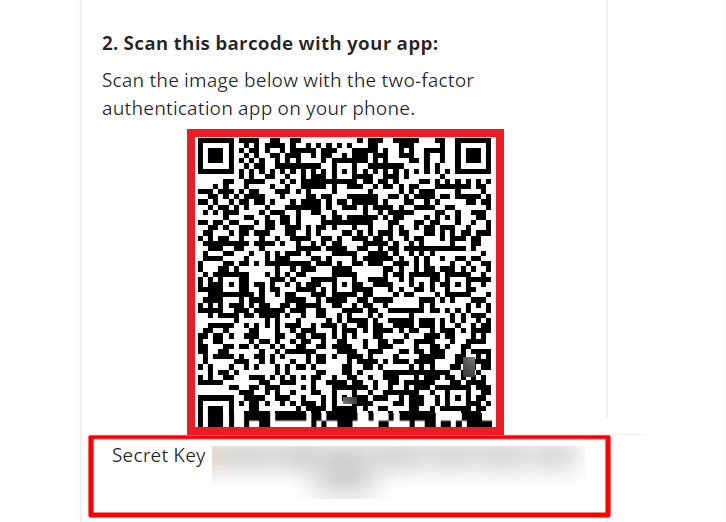
 Since the **QR code and Secret Key** are displayed:
* When linking with a **QR code, take a screenshot of the displayed QR code and save** it.
* When collaborating with a secret key, **save the Secret Key**.
Since the **QR code and Secret Key** are displayed:
* When linking with a **QR code, take a screenshot of the displayed QR code and save** it.
* When collaborating with a secret key, **save the Secret Key**.
 ## Integration setup
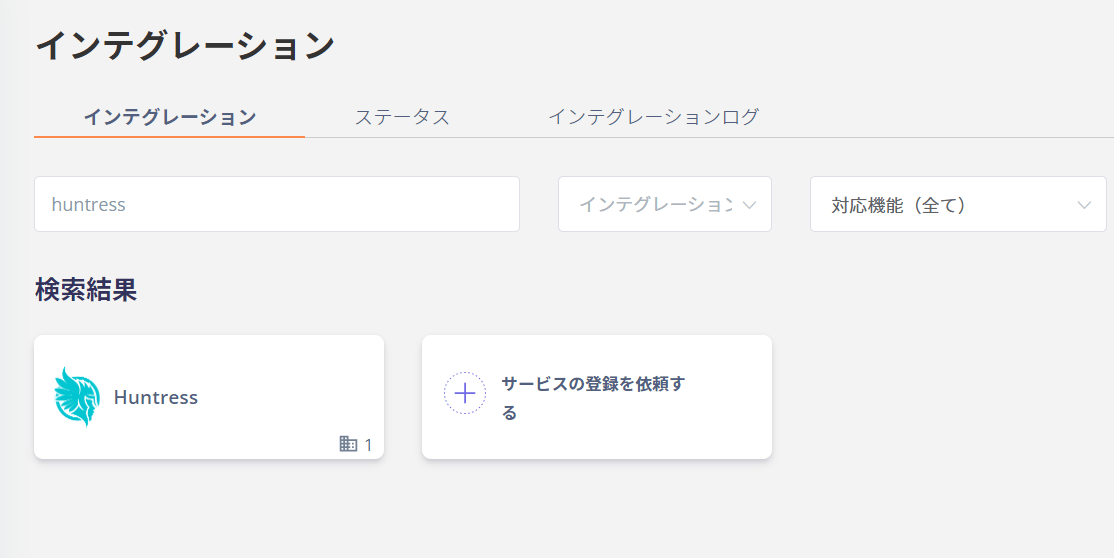
Search for **Huntress** on the Admina by Money Forward integration screen.
## Integration setup
Search for **Huntress** on the Admina by Money Forward integration screen.
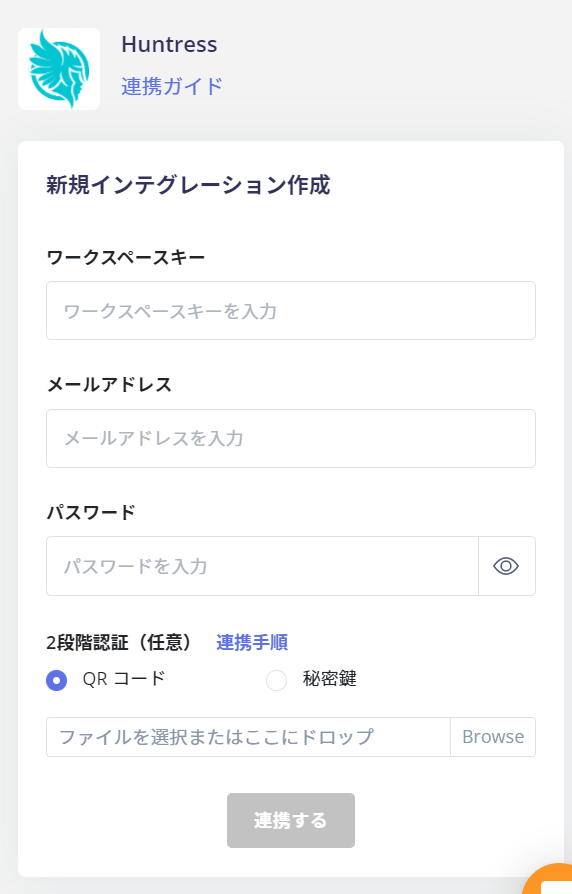
 Enter the **workspace key** obtained in the previous step, **two-factor authentication**, the **email address and password** for logging in to **Huntress**, and click **Link**.
 If you successfully link with Huntress, the registered user information will be displayed in the account list.
If it does not complete successfully, please **edit** from the status tab of the integration screen and try linking again.
If you can't solve it, please contact us by chat.
For an overview of the Huntress integration, see the [integration page](https://admina.moneyforward.com/en/integrations/huntress).
## Notes
Immediately after signing up, the account that signed up for the Organization is not included.
Admina by Money Forward retrieves accounts in the Organization, but the account that signed up is not retrieved. Please manually add the sign-up account to the Organization and run the sync again.
If you successfully link with Huntress, the registered user information will be displayed in the account list.
If it does not complete successfully, please **edit** from the status tab of the integration screen and try linking again.
If you can't solve it, please contact us by chat.
For an overview of the Huntress integration, see the [integration page](https://admina.moneyforward.com/en/integrations/huntress).
## Notes
Immediately after signing up, the account that signed up for the Organization is not included.
Admina by Money Forward retrieves accounts in the Organization, but the account that signed up is not retrieved. Please manually add the sign-up account to the Organization and run the sync again.