> ## Documentation Index
> Fetch the complete documentation index at: https://support.i.moneyforward.com/llms.txt
> Use this file to discover all available pages before exploring further.
# 2026/10/2 Release‼︎
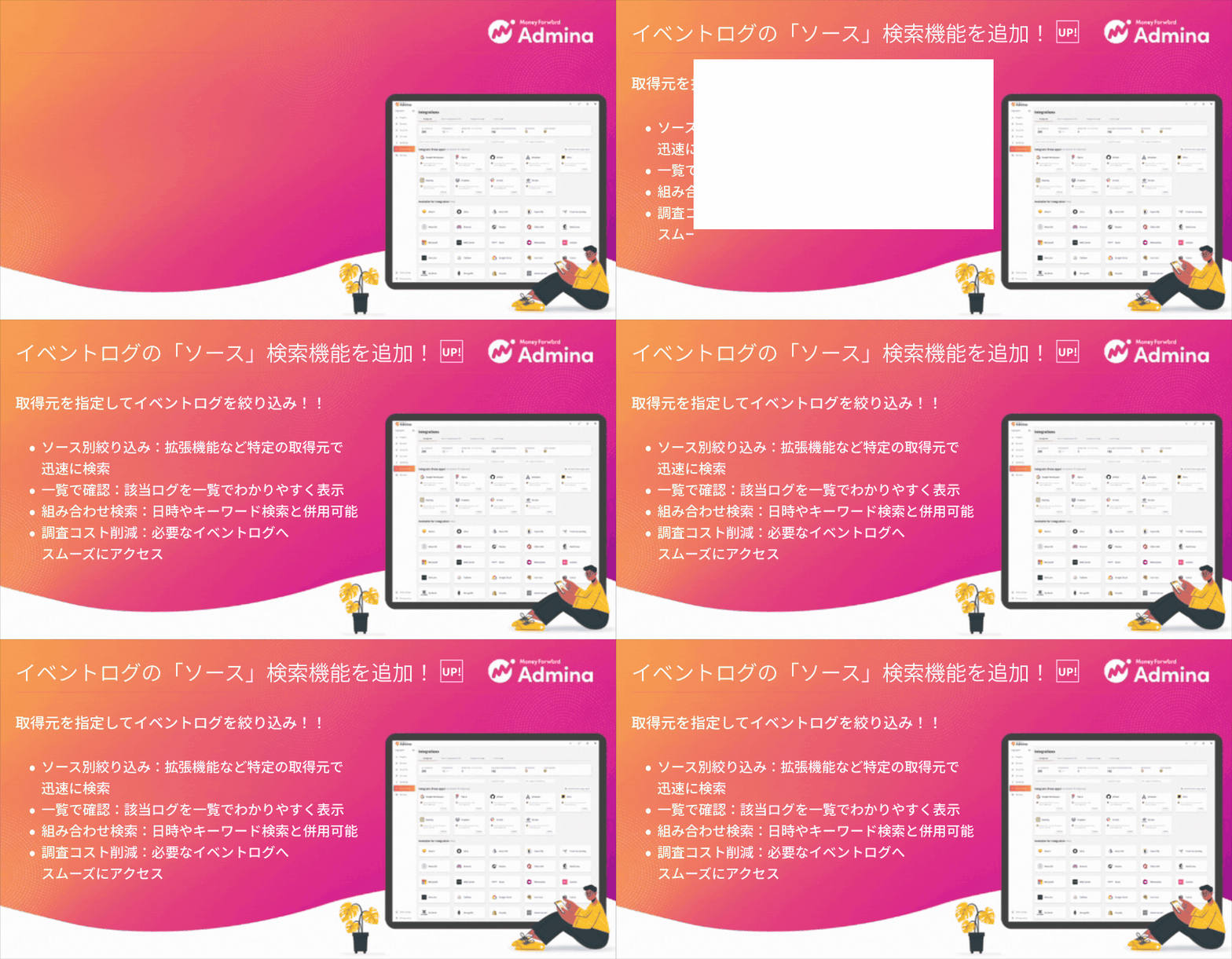
> We released the Source filter for the event log, which lets you narrow down logs by where they were collected.
 We released the Source filter for the event log, which lets you narrow down logs by where they were collected.
## Filter the event log by source
The event log screen now has a Source search condition, so you can search and review logs from a specific source.
* Filter by source. Select a source such as Chrome Extension or Edge Extension in the Source field to narrow down the logs.
* Review results in the list. Event logs that match the selected source appear right away in the list below.
* Combine conditions. Use the Source filter with the keyword search (name, email address, domain, or source PC) and the date range.
## How to use
Go to Integrations > Event Log and select a source in the Source field to filter the list.
We released the Source filter for the event log, which lets you narrow down logs by where they were collected.
## Filter the event log by source
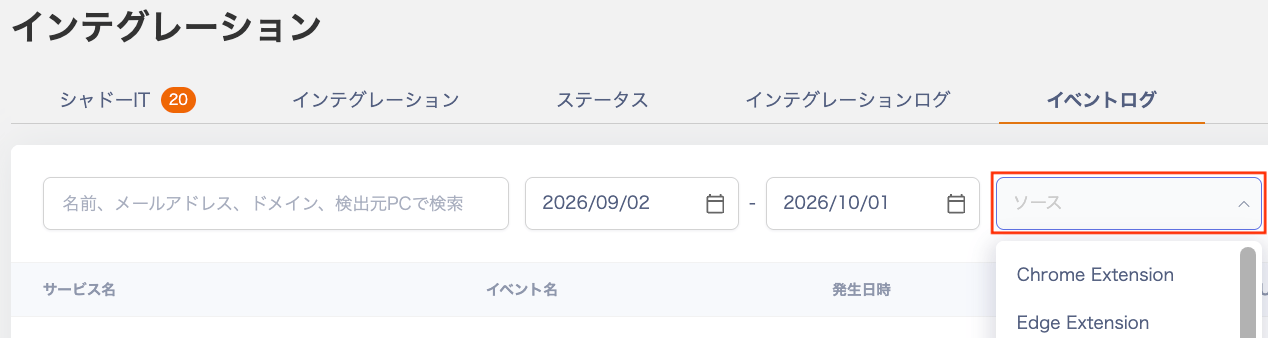
The event log screen now has a Source search condition, so you can search and review logs from a specific source.
* Filter by source. Select a source such as Chrome Extension or Edge Extension in the Source field to narrow down the logs.
* Review results in the list. Event logs that match the selected source appear right away in the list below.
* Combine conditions. Use the Source filter with the keyword search (name, email address, domain, or source PC) and the date range.
## How to use
Go to Integrations > Event Log and select a source in the Source field to filter the list.
 See [Check usage in the event log](/en/it-management/shadow-it/oepl0j5y5g-eventlog) for details.
If you have any questions, feel free to reach out through our [support contact page](/en/contact-support).
This documentation is built and hosted on [Mintlify](https://mintlify.com), a developer documentation platform.
See [Check usage in the event log](/en/it-management/shadow-it/oepl0j5y5g-eventlog) for details.
If you have any questions, feel free to reach out through our [support contact page](/en/contact-support).
This documentation is built and hosted on [Mintlify](https://mintlify.com), a developer documentation platform.