> ## Documentation Index
> Fetch the complete documentation index at: https://support.i.moneyforward.com/llms.txt
> Use this file to discover all available pages before exploring further.
# 2026/4/17 Release!!
> Automation-supported services have been expanded to 230, providing more comprehensive employee account lifecycle management. This advances onboarding automation, reduces manual configuration effort for administrators, and strengthens security and governance.
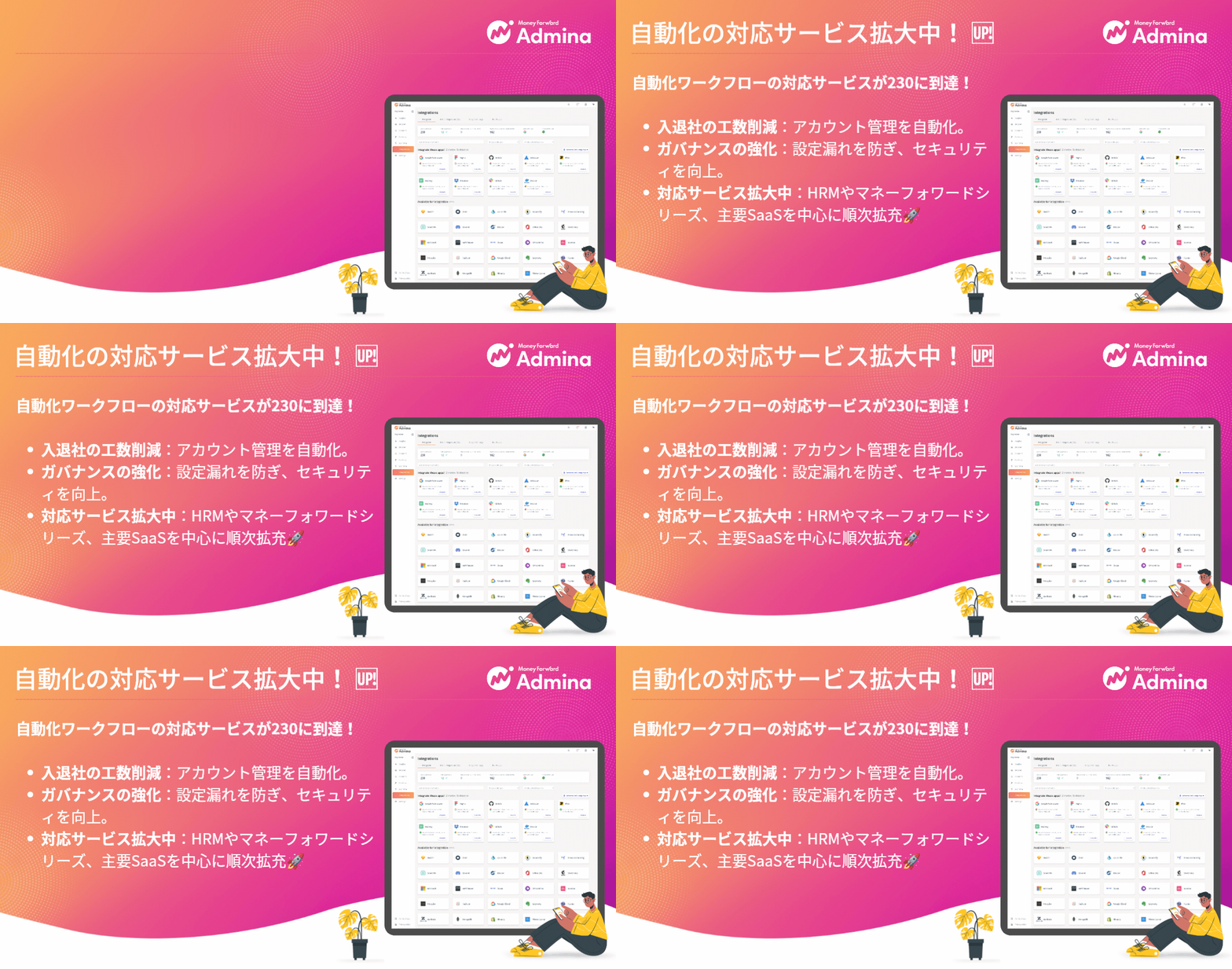
 Thank you for your continued use. This update strengthens automation capabilities and further expands the number of supported services.
The number of services available for automation has been expanded, now reaching **230**. The goal is to fully support the "Account Lifecycle" features for connectable SaaS services. This covers new registration, addition, deletion, and deactivation. This expansion enables automation of more complex business processes than ever before.
## What You Can Achieve with This Feature
With the expanded service support, employee onboarding becomes smoother than ever.
**Immediate account provisioning**: Create the necessary SaaS accounts based on each employee's role.
**Freedom from manual configuration**: Eliminate manual per-SaaS login and configuration for administrators. New employees can hit the ground running from their first day.
**Strengthened security and governance**: Automated access management minimizes configuration oversights and errors.
## Prioritization in This Expansion
We progressively add workflow-supported services in the following order of priority.
**HRM services**: Starting with services that hold the "master data" that serves as the starting point for onboarding.
**MoneyForward series**: Further strengthening integrations across the group platform.
**High-usage major SaaS**: Progressively bringing full support to services used by numerous customers.
## Setup and Usage
Go to Automation > Services > \[Add Connection] > Add Service to incorporate new services into your workflows.
For setup instructions, please refer to the Automation Setup Guide.
If you have any questions or requests, please feel free to contact our support team.
Thank you for your continued use. This update strengthens automation capabilities and further expands the number of supported services.
The number of services available for automation has been expanded, now reaching **230**. The goal is to fully support the "Account Lifecycle" features for connectable SaaS services. This covers new registration, addition, deletion, and deactivation. This expansion enables automation of more complex business processes than ever before.
## What You Can Achieve with This Feature
With the expanded service support, employee onboarding becomes smoother than ever.
**Immediate account provisioning**: Create the necessary SaaS accounts based on each employee's role.
**Freedom from manual configuration**: Eliminate manual per-SaaS login and configuration for administrators. New employees can hit the ground running from their first day.
**Strengthened security and governance**: Automated access management minimizes configuration oversights and errors.
## Prioritization in This Expansion
We progressively add workflow-supported services in the following order of priority.
**HRM services**: Starting with services that hold the "master data" that serves as the starting point for onboarding.
**MoneyForward series**: Further strengthening integrations across the group platform.
**High-usage major SaaS**: Progressively bringing full support to services used by numerous customers.
## Setup and Usage
Go to Automation > Services > \[Add Connection] > Add Service to incorporate new services into your workflows.
For setup instructions, please refer to the Automation Setup Guide.
If you have any questions or requests, please feel free to contact our support team.