> ## Documentation Index
> Fetch the complete documentation index at: https://support.i.moneyforward.com/llms.txt
> Use this file to discover all available pages before exploring further.
# How Pricing Is Calculated
> This page explains how pricing is calculated.
#### How to check your billable quantity
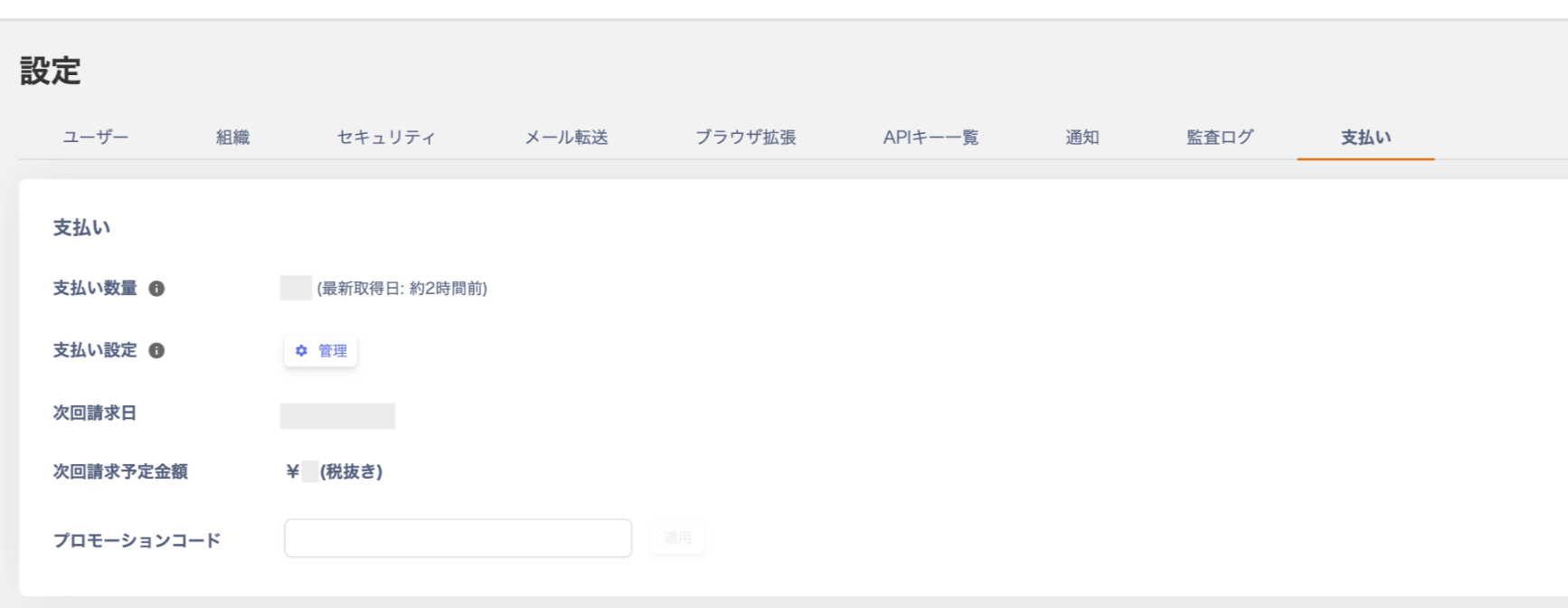
Go to Side menu Settings > Billing > Billable Quantity to view your current count.
How the ID count (billable quantity) is calculated
Billing is based on the ID count shown in the Directory menu.
Specifically, IDs with both `"Internal ID"` **and** `"Active"` status are counted as billable.
※ If the number of "Internal ID + Active" IDs is 50 or fewer, you can use the service for free.
Pricing table
For the fee structure, see the pricing page below.
[Pricing page](https://i.moneyforward.com/pricing)
#### Using the service during the trial period
For details about the trial period, see [Using the Trial](/en/it-management/faq/uzbi1mlxtx-trial).