> ## Documentation Index
> Fetch the complete documentation index at: https://support.i.moneyforward.com/llms.txt
> Use this file to discover all available pages before exploring further.
# Change Display Settings
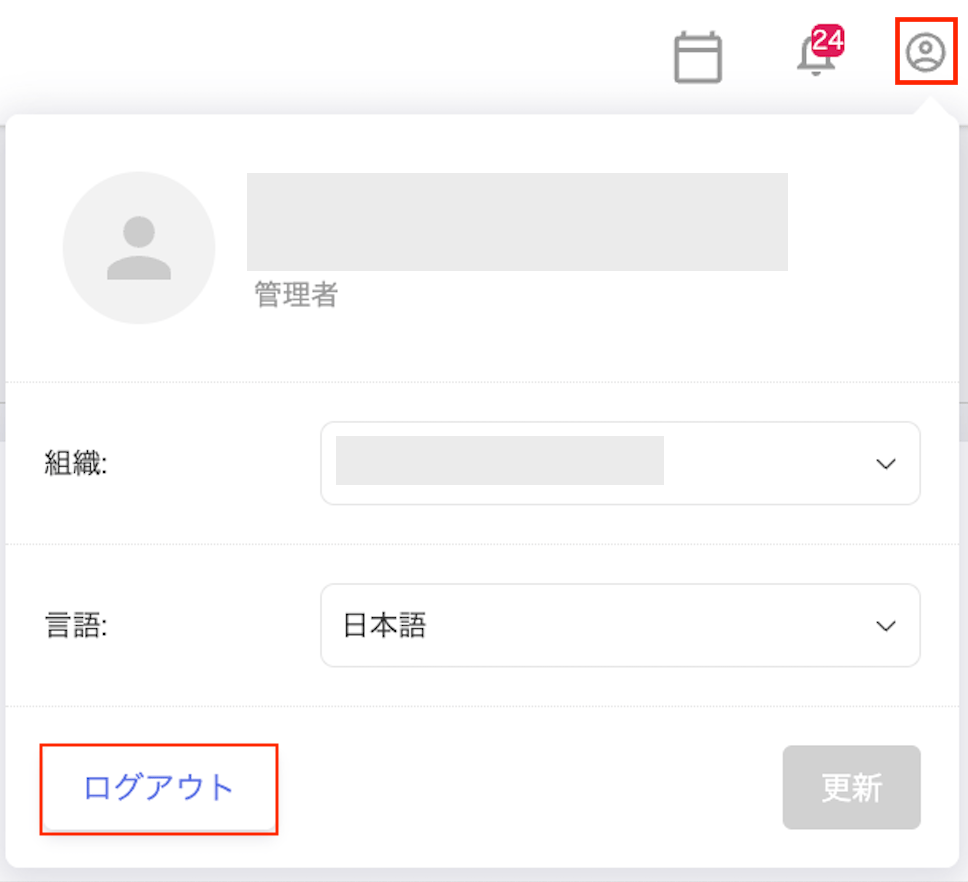
> Switch organizations using the dropdown. Change the display language by clicking your account in the top-right and selecting Japanese or English. Log out by clicking your account in the top-right and selecting Logout.
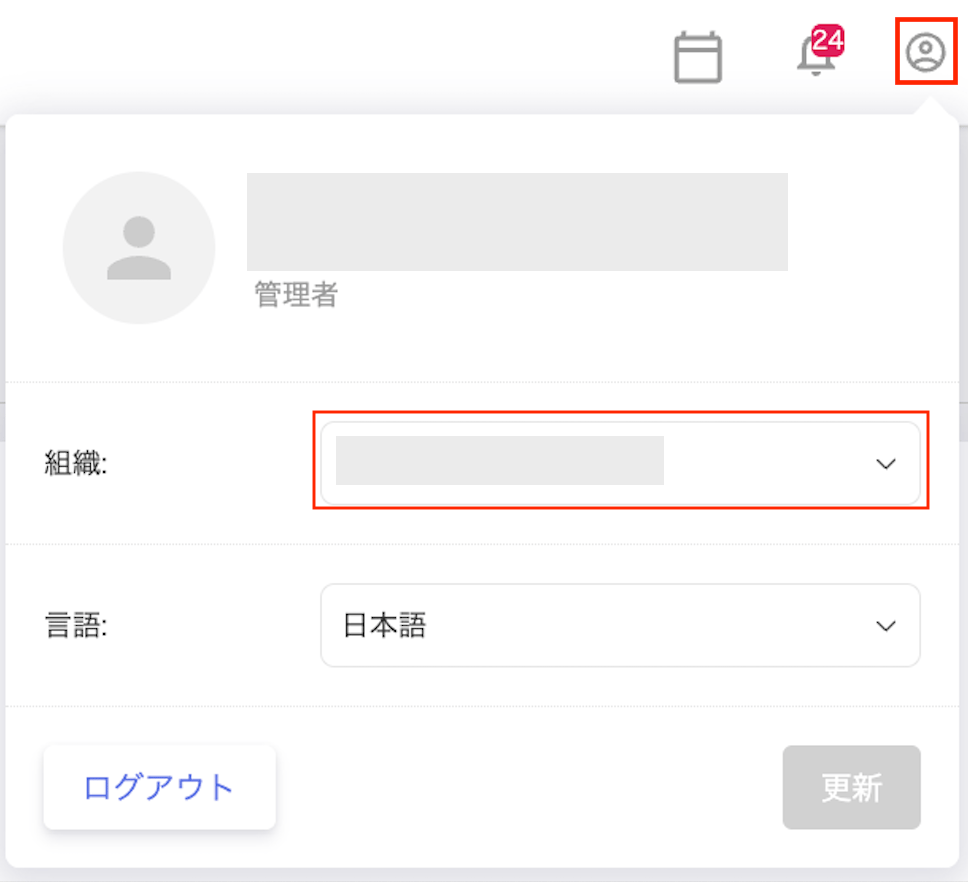
#### Switch organization
Select an organization from the dropdown to switch to it.
 #### Change display language
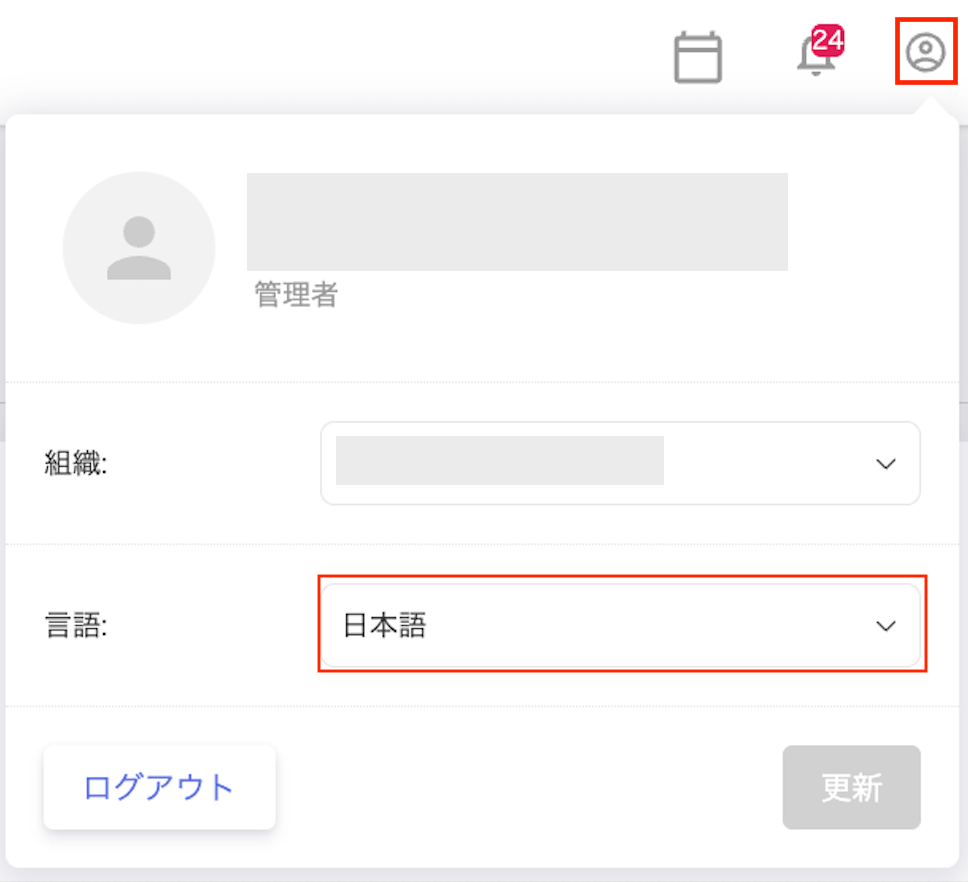
Click your account in the top-right corner, then select "Japanese" or "English" under Language.
#### Change display language
Click your account in the top-right corner, then select "Japanese" or "English" under Language.
 #### Log out
Click your account in the top-right corner, then click **Logout** in the bottom-right.
#### Log out
Click your account in the top-right corner, then click **Logout** in the bottom-right.