> ## Documentation Index
> Fetch the complete documentation index at: https://support.i.moneyforward.com/llms.txt
> Use this file to discover all available pages before exploring further.
# workhub
> Workhubとの連携方法です。
## サポートする機能
アカウント削除 アカウント作成
## 事前準備
### workhubへのログイン方法
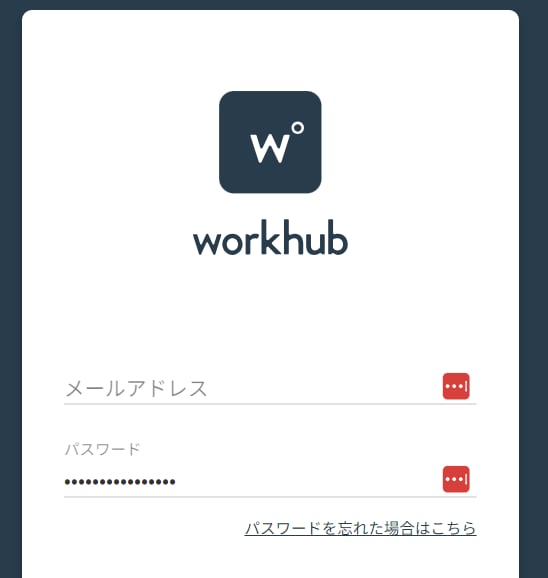
[workhubログインページ](https://admin.workhub.site/)にて、メールアドレス・パスワードを入力しログインします。
 ## インテグレーションのセットアップ
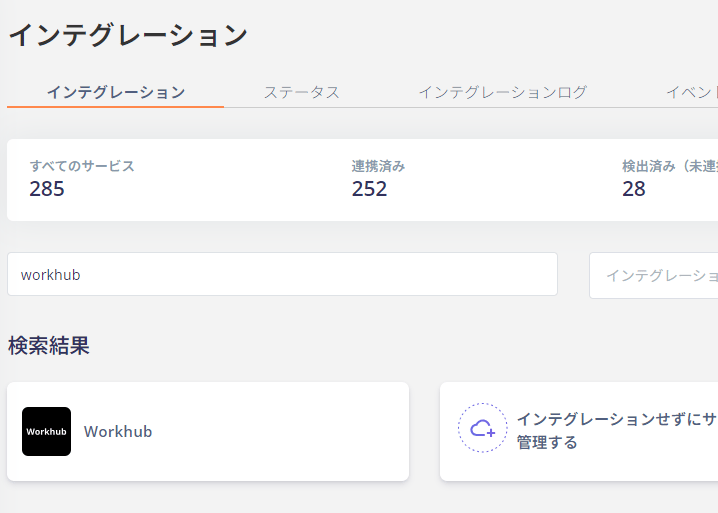
インテグレーション画面にて、**workhub**で検索します。
## インテグレーションのセットアップ
インテグレーション画面にて、**workhub**で検索します。
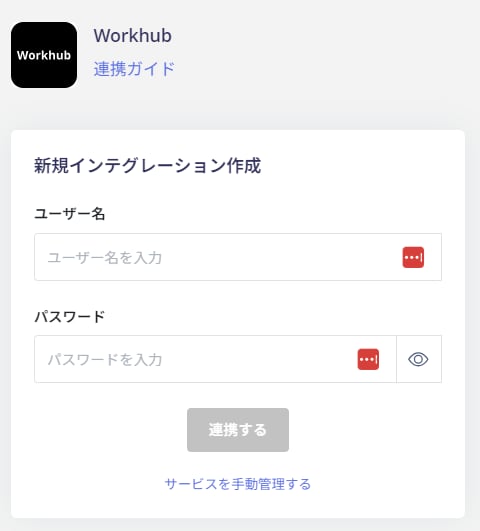
 workhub**管理者権限のあるアカウントのユーザー名(メールアドレス)とパスワード**を入力し、**連携する**をクリックします。
 workhubとの連携に成功すると、アカウント一覧に登録済みのユーザー情報が表示されます。
正常に完了しない場合は、インテグレーション画面のステータスタブから**編集**し、再度連携をお試しください。
解決しない場合はチャットにてお問い合わせください。
workhubとの連携に成功すると、アカウント一覧に登録済みのユーザー情報が表示されます。
正常に完了しない場合は、インテグレーション画面のステータスタブから**編集**し、再度連携をお試しください。
解決しない場合はチャットにてお問い合わせください。