> ## Documentation Index
> Fetch the complete documentation index at: https://support.i.moneyforward.com/llms.txt
> Use this file to discover all available pages before exploring further.

# スマレジ

> スマレジとの連携手順です。

## サポートする機能

<Info>
  このサービスは基本的なアカウント情報の取得・集計のみに対応しています。
</Info>

## 事前準備

<Info>
  アプリの購入に費用はかかりません。
</Info>

### アプリの申し込み

スマレジAppMarketにて、Money Forward IT Management Cloudのアプリを購入します。

下記URLよりアプリページに進み、**アプリ申込へ進む**をクリックします。

[https://apps.smaregi.jp/apps/820](https://apps.smaregi.jp/apps/820)
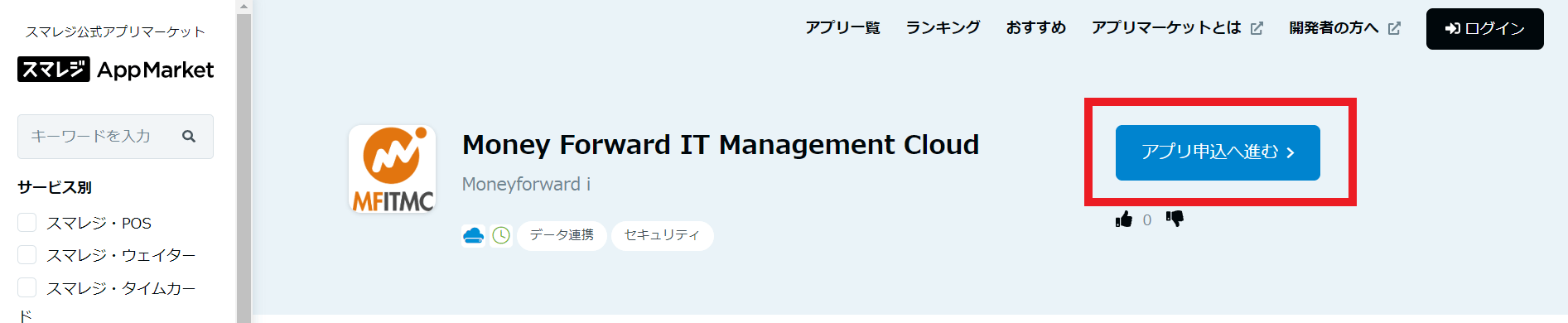
<img src="https://mintcdn.com/moneyforwardi/5aO90x6f2w9Vx4XQ/images/integrations/zi1lggkm5y/1653549473158-image.png?fit=max&auto=format&n=5aO90x6f2w9Vx4XQ&q=85&s=dc946c1e926c217420f32546053076de" alt="スマレジAppMarketページ" width="1893" height="390" data-path="images/integrations/zi1lggkm5y/1653549473158-image.png" />

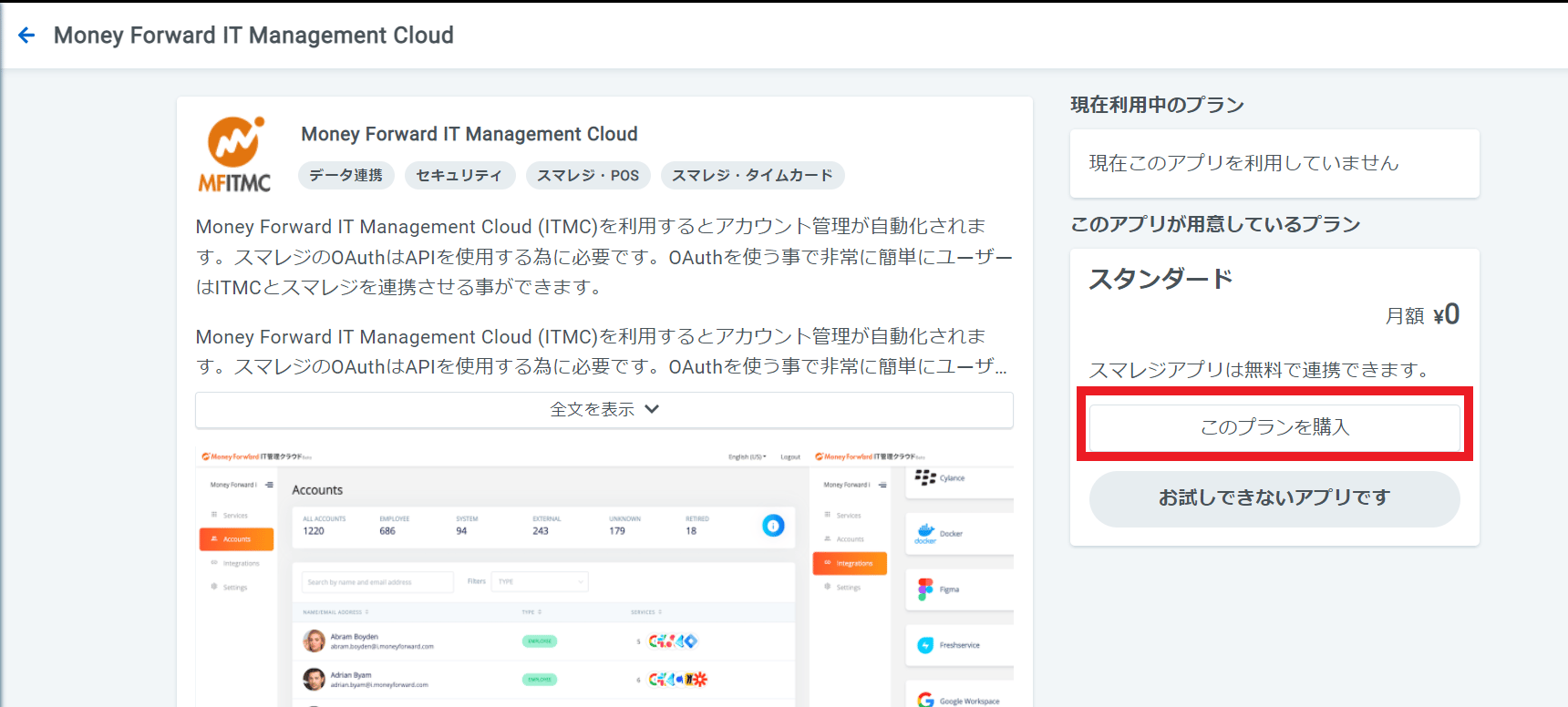
**プランを購入**をクリックします。

<img src="https://mintcdn.com/moneyforwardi/5aO90x6f2w9Vx4XQ/images/integrations/zi1lggkm5y/1653549631595-image.png?fit=max&auto=format&n=5aO90x6f2w9Vx4XQ&q=85&s=36e04b080859c4f80515f6ca0a2e3504" alt="プラン購入画面" width="1720" height="776" data-path="images/integrations/zi1lggkm5y/1653549631595-image.png" />

以下のような画面が出るので、**許可して進む**をクリックします。アプリの購入が完了すると、マイページにて「ご利用中のアプリ」に購入したアプリが表示されます。
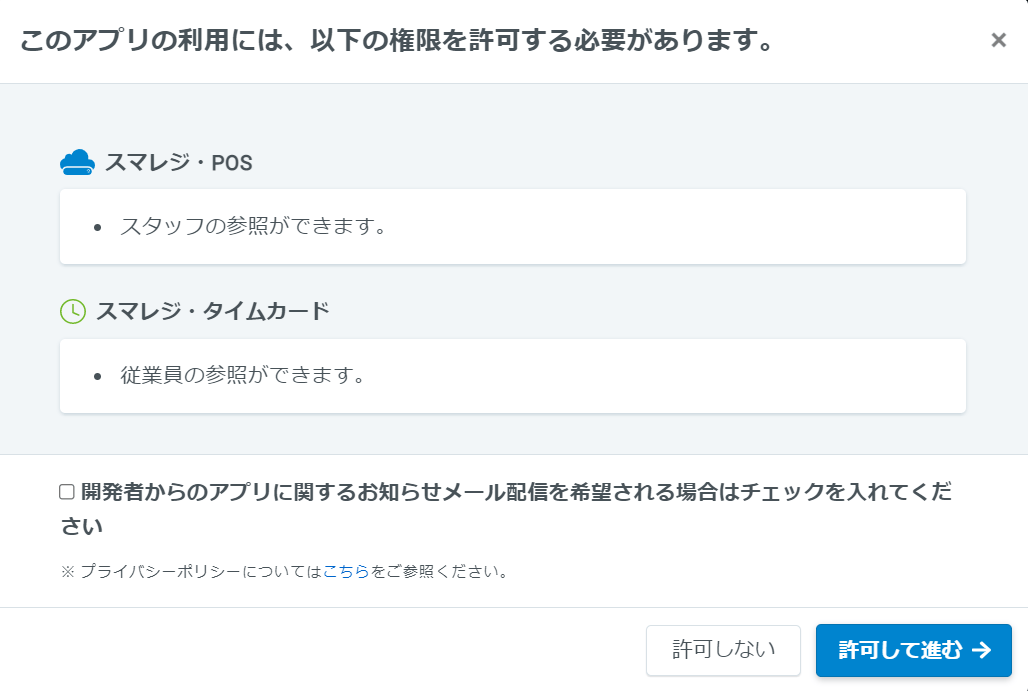
<img src="https://mintcdn.com/moneyforwardi/5aO90x6f2w9Vx4XQ/images/integrations/zi1lggkm5y/1653549845047-image.png?fit=max&auto=format&n=5aO90x6f2w9Vx4XQ&q=85&s=6d083d62a21190199da1e21021e53a5a" alt="アプリ許可画面" width="1028" height="691" data-path="images/integrations/zi1lggkm5y/1653549845047-image.png" />

### スマレジへのログイン方法

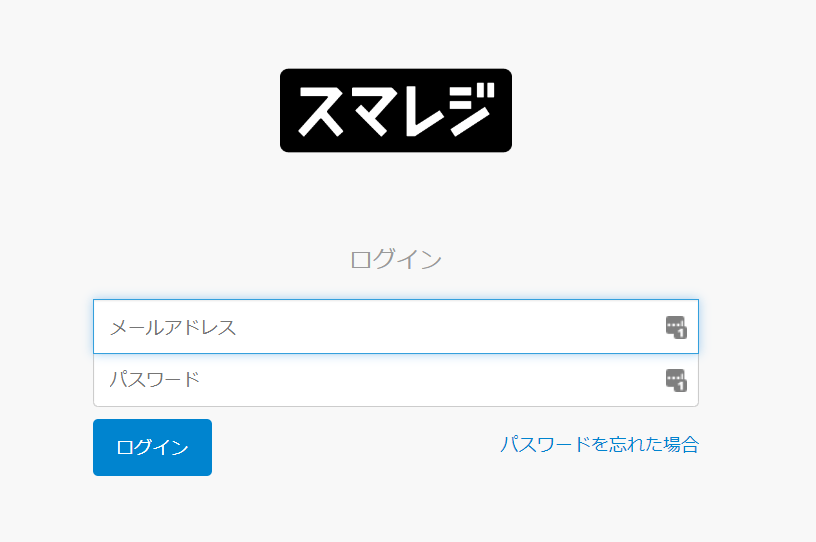
[スマレジ ログインページ](https://home.smaregi.jp/users)にて、メールアドレス・パスワードを入力し、ログインします。
<img src="https://mintcdn.com/moneyforwardi/5aO90x6f2w9Vx4XQ/images/integrations/zi1lggkm5y/1661933820040-image.png?fit=max&auto=format&n=5aO90x6f2w9Vx4XQ&q=85&s=81e317a3ce9b1e74598b3222acbbec12" alt="スマレジログイン画面" width="816" height="542" data-path="images/integrations/zi1lggkm5y/1661933820040-image.png" />

### ワークスペースキーの確認

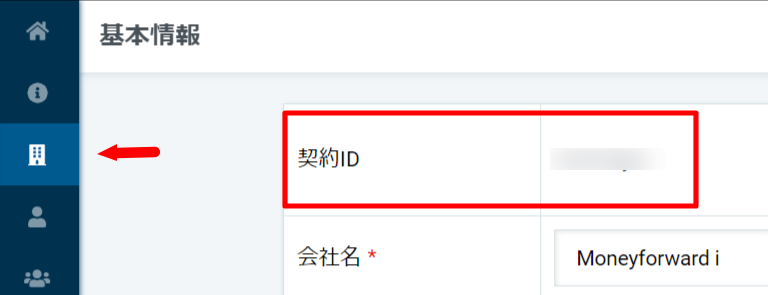
スマレジにログイン後、画面左のメニューバーの上から3番目にある建物マークを選択し、**基本情報**へ行きます。

**契約IDがワークスペースキー**となりますので、コピーしておきます。
<img src="https://mintcdn.com/moneyforwardi/5aO90x6f2w9Vx4XQ/images/integrations/zi1lggkm5y/1653550490178-image.png?fit=max&auto=format&n=5aO90x6f2w9Vx4XQ&q=85&s=2e346283593a39f17c83d9c1171abc37" alt="スマレジ基本情報画面" width="768" height="295" data-path="images/integrations/zi1lggkm5y/1653550490178-image.png" />

## インテグレーションのセットアップ

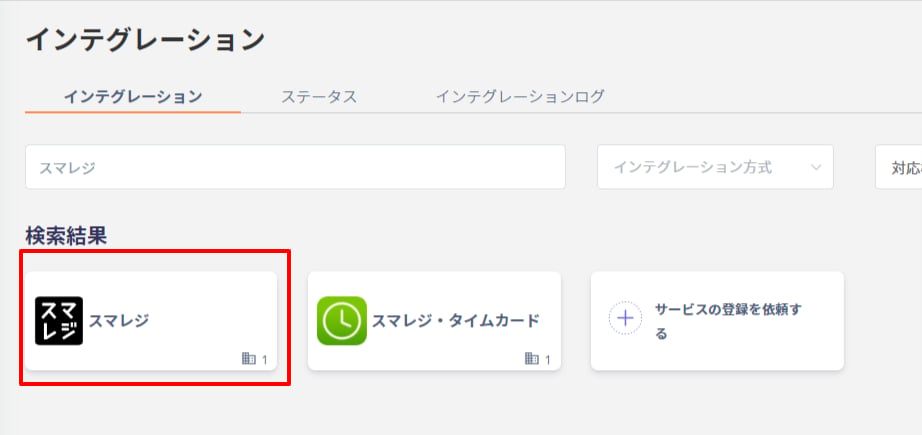
インテグレーション画面にて、**スマレジ**で検索します。
<img src="https://mintcdn.com/moneyforwardi/5aO90x6f2w9Vx4XQ/images/integrations/zi1lggkm5y/1661933935638-image.png?fit=max&auto=format&n=5aO90x6f2w9Vx4XQ&q=85&s=8b2e9aac14a6b87830ddbabd2e1e5632" alt="スマレジ検索画面" width="922" height="435" data-path="images/integrations/zi1lggkm5y/1661933935638-image.png" />

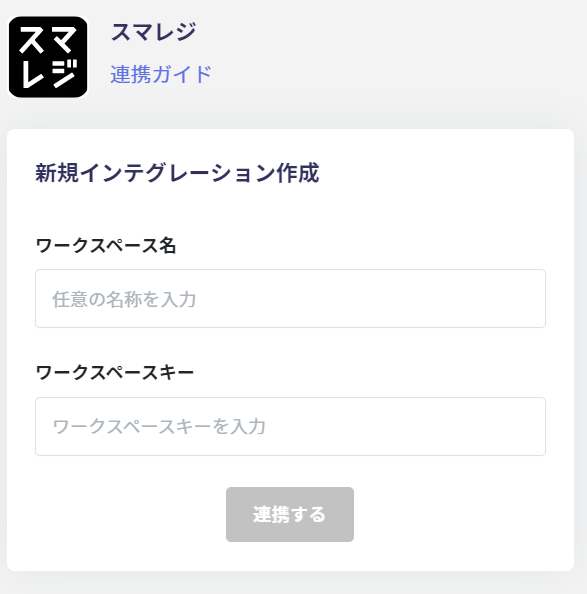
**ワークスペース名は任意の名称（会社名など）**、**前の手順で確認したワークスペースキー**を入力し、**連携する**をクリックします。
<img src="https://mintcdn.com/moneyforwardi/5aO90x6f2w9Vx4XQ/images/integrations/zi1lggkm5y/1653548706806-image.png?fit=max&auto=format&n=5aO90x6f2w9Vx4XQ&q=85&s=8887aa95cbdfe19969a9820df437f7dd" alt="連携情報入力画面" width="587" height="594" data-path="images/integrations/zi1lggkm5y/1653548706806-image.png" />

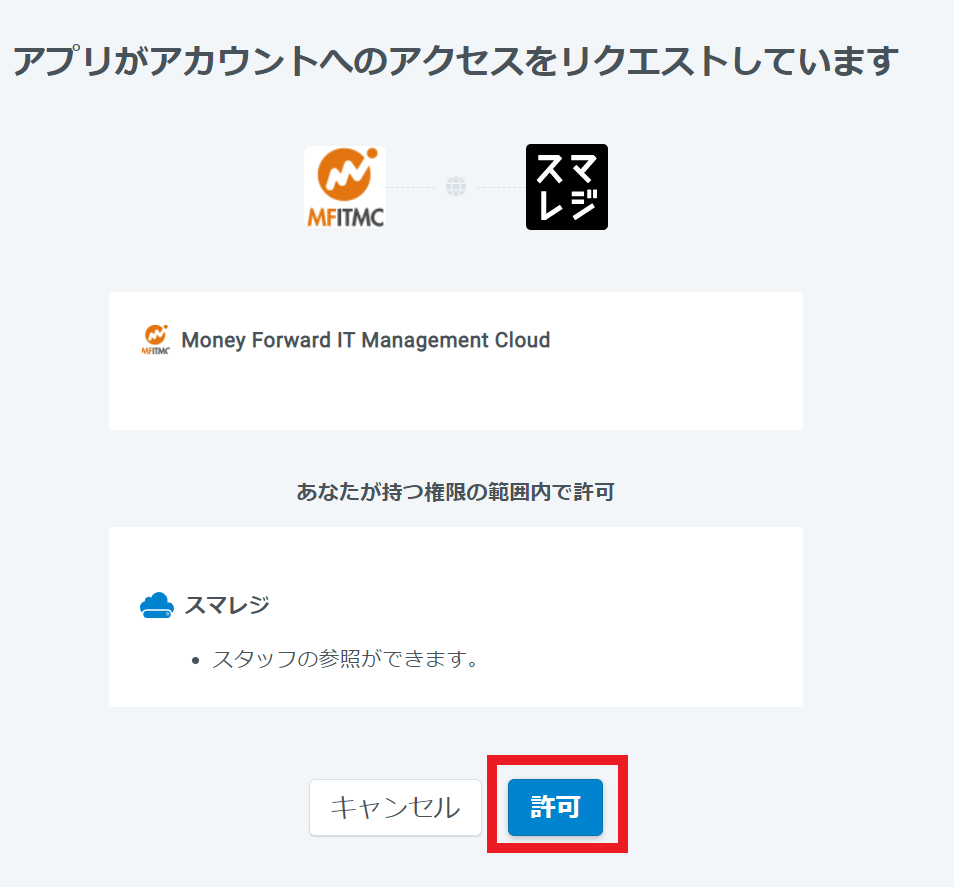
以下のような許諾画面が出るので、**許可**をクリックします。

<img src="https://mintcdn.com/moneyforwardi/5aO90x6f2w9Vx4XQ/images/integrations/zi1lggkm5y/1653550556529-image.png?fit=max&auto=format&n=5aO90x6f2w9Vx4XQ&q=85&s=a5f93eaf83118aac377a162f28d1edbe" alt="許可確認画面" width="954" height="887" data-path="images/integrations/zi1lggkm5y/1653550556529-image.png" />

スマレジとの連携に成功すると、アカウント一覧に登録済みのユーザー情報が表示されます。

正常に完了しない場合は、インテグレーション画面のステータスタブから**編集**し、再度連携をお試しください。

解決しない場合はチャットにてお問い合わせください🙏

スマレジの連携概要については[連携ページ](http://admina.moneyforward.com/jp/integrations/sumaregi)をご覧ください。