> ## Documentation Index
> Fetch the complete documentation index at: https://support.i.moneyforward.com/llms.txt
> Use this file to discover all available pages before exploring further.
# 2026/9/4 Release‼︎
> カスタムアプリのアイコンを編集・変更できる機能をリリースしました。
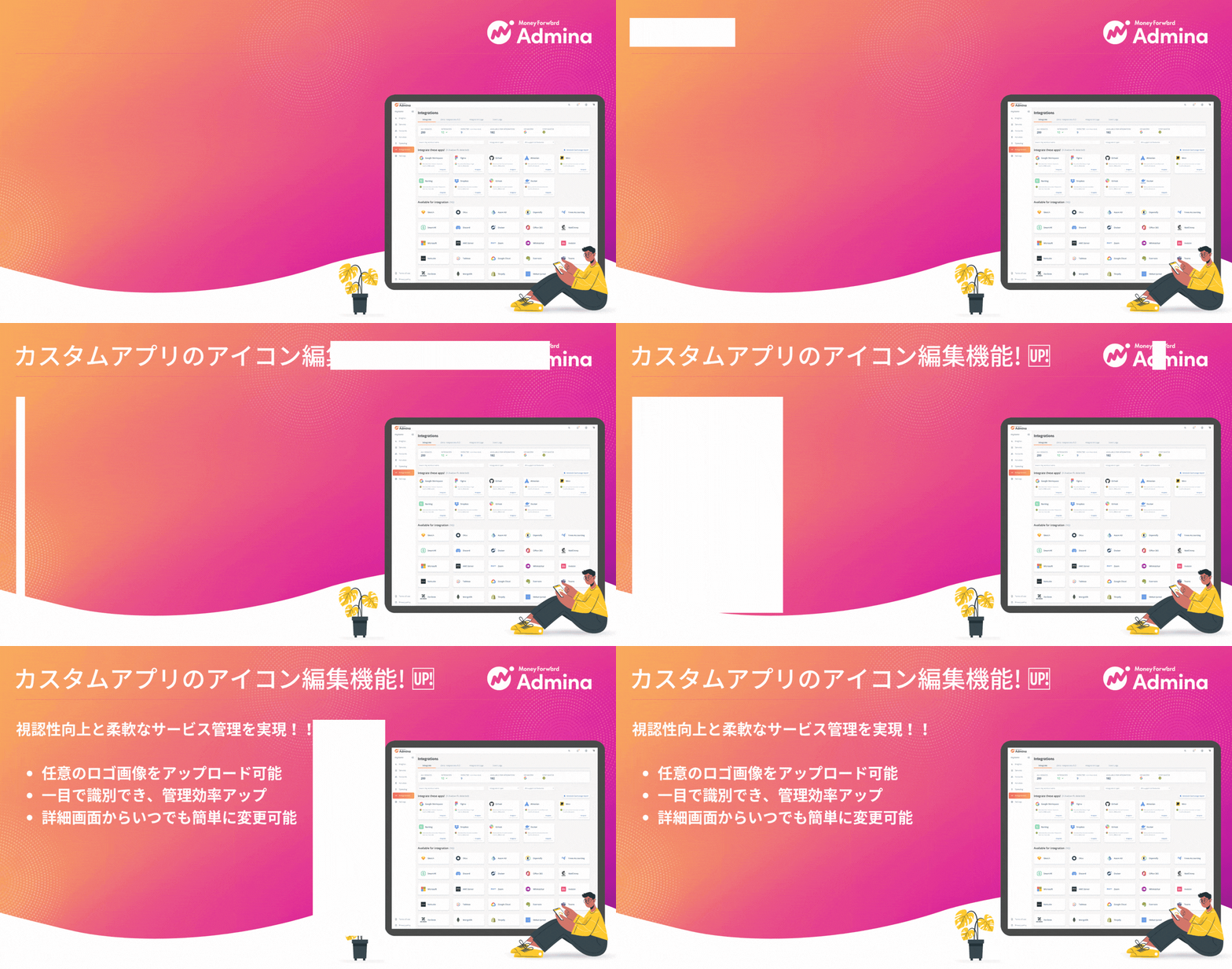 いつもAdminaをご利用いただき、誠にありがとうございます。今回のアップデートでは、手動登録やスプレッドシート連携で作成したカスタムアプリにおいて、任意の画像をアイコンとして設定・変更できる機能をリリースいたしました。
## カスタムアプリのアイコン編集機能を追加
カスタムアプリの詳細画面から、任意のロゴやアイコン画像(PNG / JPEG / SVG)をアップロードして設定できるようになりました。
* 視認性の向上:自社独自で利用しているSaaSや社内システムに任意のアイコンを設定することで、一覧画面での識別が容易になります。
* 柔軟な管理:いつでも自由に変更・編集が可能なため、ブランディングやサービスロゴの変更にもスムーズに対応できます。
### アップロード可能な画像の要件
* 対応形式:PNG / JPEG / SVG
* ファイルサイズ:最大1MBまで
* 解像度:最小128×128px以上
## ご利用方法
**サービス** > **カスタムアプリ**を選択し、詳細画面の **[アイコンを編集]** ボタンから設定いただけます。
いつもAdminaをご利用いただき、誠にありがとうございます。今回のアップデートでは、手動登録やスプレッドシート連携で作成したカスタムアプリにおいて、任意の画像をアイコンとして設定・変更できる機能をリリースいたしました。
## カスタムアプリのアイコン編集機能を追加
カスタムアプリの詳細画面から、任意のロゴやアイコン画像(PNG / JPEG / SVG)をアップロードして設定できるようになりました。
* 視認性の向上:自社独自で利用しているSaaSや社内システムに任意のアイコンを設定することで、一覧画面での識別が容易になります。
* 柔軟な管理:いつでも自由に変更・編集が可能なため、ブランディングやサービスロゴの変更にもスムーズに対応できます。
### アップロード可能な画像の要件
* 対応形式:PNG / JPEG / SVG
* ファイルサイズ:最大1MBまで
* 解像度:最小128×128px以上
## ご利用方法
**サービス** > **カスタムアプリ**を選択し、詳細画面の **[アイコンを編集]** ボタンから設定いただけます。
 詳細は[カスタムアプリのアイコン編集](/it-management/saas-management/custom-app-edit-icon)をご参照ください。
ご質問やご不明な点がございましたら、[お問い合わせ窓口](/contact-support)までお気軽にご連絡ください!
This documentation is built and hosted on [Mintlify](https://mintlify.com), a developer documentation platform.
詳細は[カスタムアプリのアイコン編集](/it-management/saas-management/custom-app-edit-icon)をご参照ください。
ご質問やご不明な点がございましたら、[お問い合わせ窓口](/contact-support)までお気軽にご連絡ください!
This documentation is built and hosted on [Mintlify](https://mintlify.com), a developer documentation platform.