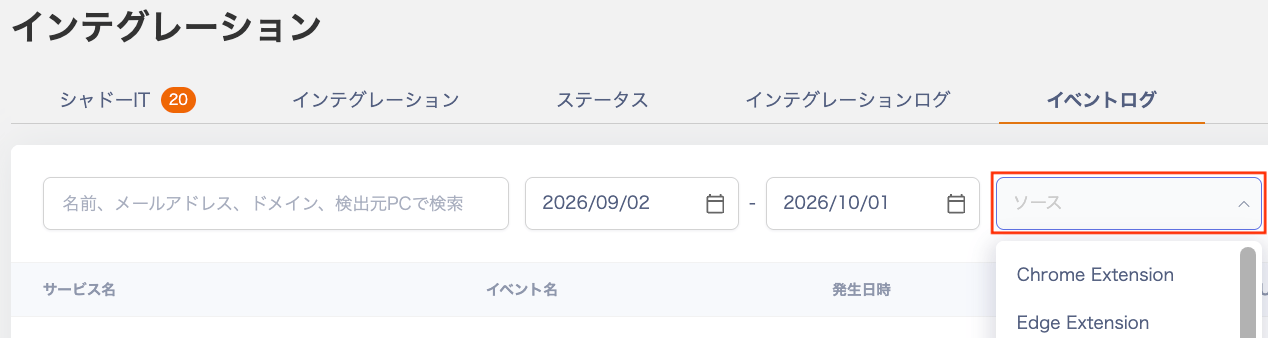
Filter the event log by source
The event log screen now has a Source search condition, so you can search and review logs from a specific source.- Filter by source. Select a source such as Chrome Extension or Edge Extension in the Source field to narrow down the logs.
- Review results in the list. Event logs that match the selected source appear right away in the list below.
- Combine conditions. Use the Source filter with the keyword search (name, email address, domain, or source PC) and the date range.
How to use
Go to Integrations > Event Log and select a source in the Source field to filter the list.