

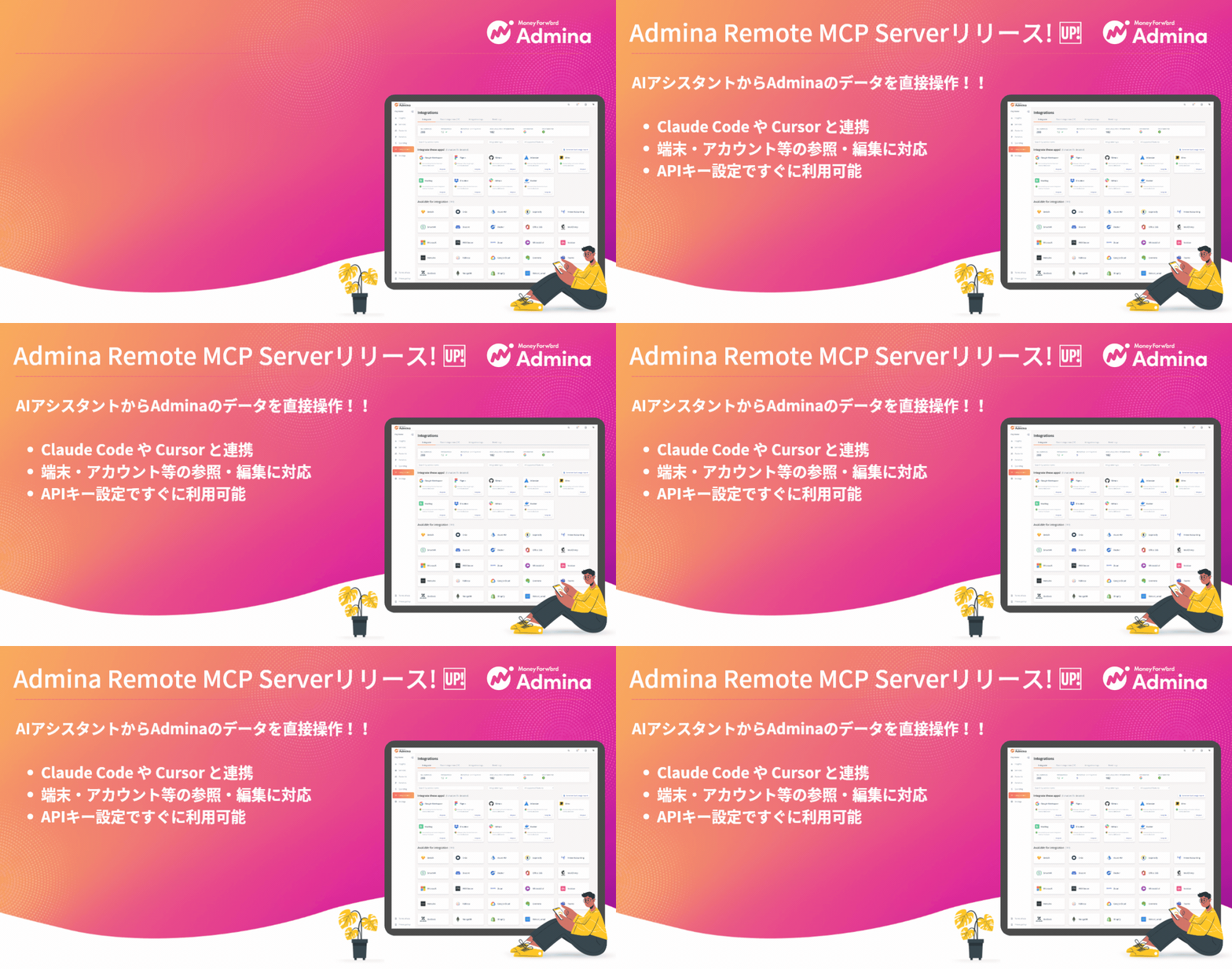
🚀 Introducing the IT Management Remote MCP Server
We’ve launched the IT Management Remote MCP Server, which supports MCP (Model Context Protocol). With this feature, AI coding assistants such as Claude Code and Cursor can access Admina data directly. This includes device information, employee data, and SaaS account information. You can view, edit, and manage this data through your AI assistant.💡 What You Can Do With This
- Direct data access from your AI assistant. Your AI coding assistant connects to Admina seamlessly. You can retrieve and update organization, device, and account data through an AI chat. There’s no need to open the admin console.
- Support for 36 tools across 6 categories, covering organization info, devices, employees and SaaS accounts. Each category supports operations such as list, update and custom fields where relevant.
- Support for major AI tools. Connect securely to Claude Code, Cursor, and other major tools with minimal setup.
🛠 Setup and Usage
Setup takes just two steps. Add the API key and organization ID issued by Admina to your AI tool’s MCP configuration file. Examples includeclaude_desktop_config.json and .cursor/mcp.json.
Main steps
- Preparation (Admina admin console).
Issue an API key from the Admina admin console and check your organization ID. - Configure MCP (AI tool side).
In your AI assistant’s configuration file, register the header information. This includesx-api-keyandx-organization-id, plus the endpointhttps://mcp.itmc.i.moneyforward.com/mcp. - Connect and start using the tools.
Once configured, call Admina’s tools from your AI assistant to operate on data.