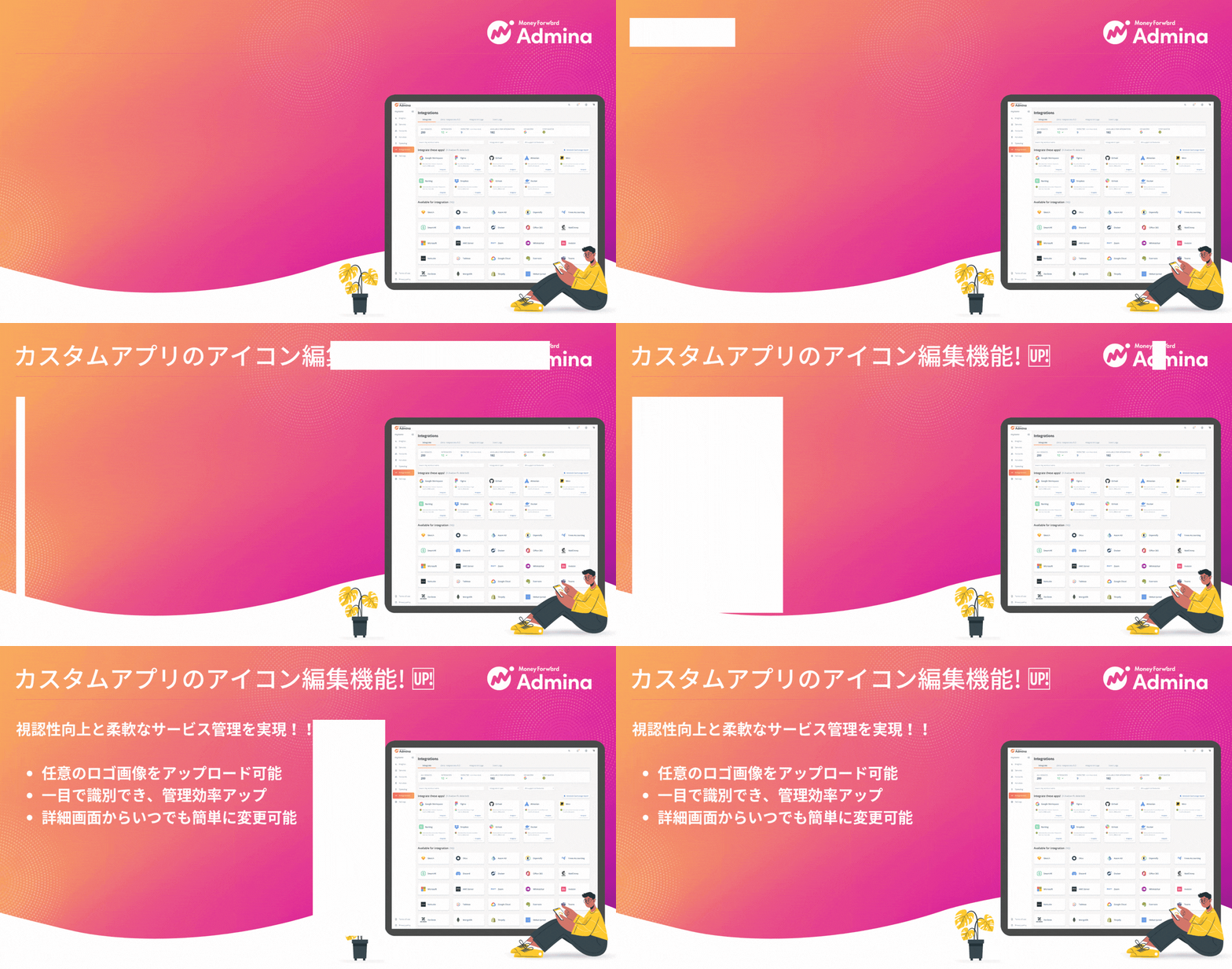
Edit icons for custom apps
You can now upload any logo or icon image (PNG, JPEG, or SVG) as the icon for a custom app, from its detail screen.- Better visibility. Set a distinct icon for your organization’s own SaaS or internal systems. This makes them easier to identify in list views.
- Flexible management. Change or edit the icon anytime, so you can respond smoothly to branding or service logo changes.
Image requirements
- Supported formats: PNG, JPEG, SVG
- File size: Up to 1 MB
- Resolution: At least 128 × 128 px
How to use
Go to Services > Custom Apps, then use the Edit Icon button on the detail screen.