

-
Go to Service > select the custom app, then click [Edit icon] at the top right of the screen.

-
On the “Edit icon” screen, click [Select file] and choose the image file to use as the icon.
The supported file formats and requirements are as follows.
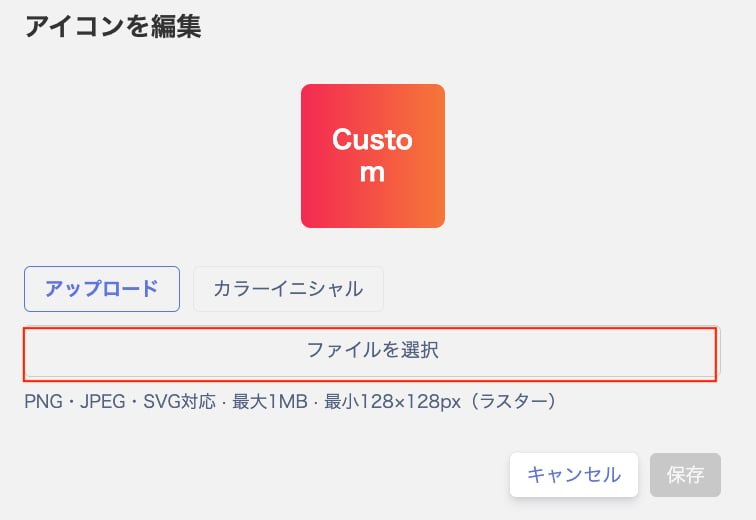
- After selecting the file, click [Save] to apply the icon change.
SaaS integrations
Edit a custom app icon
How to change the icon image of a custom app from its detail screen, including the supported formats (PNG, JPEG, SVG), the 1 MB size limit, and the minimum resolution of 128 x 128 px.
Here is how to edit the icon of a custom app.
Last modified on October 7, 2026
Was this page helpful?