What is a workspace?
A workspace is the unit for managing services. You can assign any name to each domain or tenant.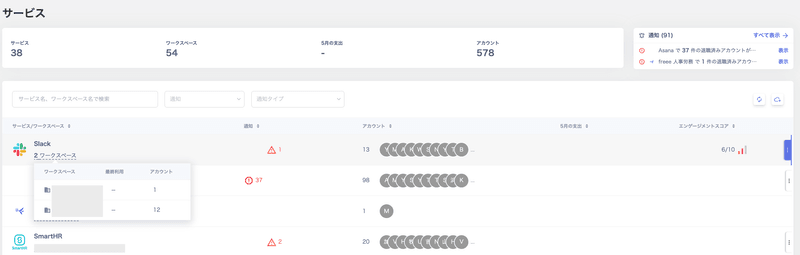
Connecting multiple workspaces
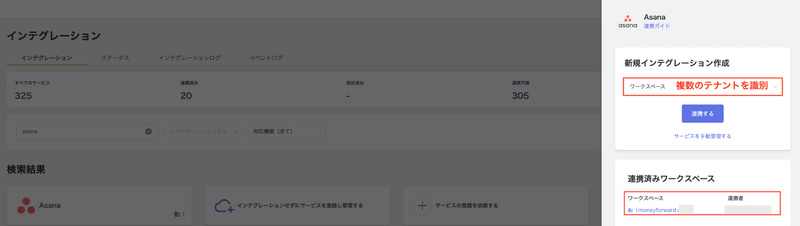
You can manage multiple workspaces for all supported SaaS integrations.Steps to connect multiple workspaces
- Go to Integrations > Integrations and connect the first workspace of the target SaaS.
-
Follow the same steps to connect the second workspace of the same SaaS from Integrations > Integrations.
Renaming a workspace
-
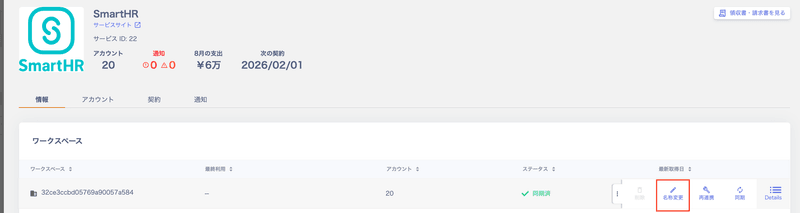
Go to Services > Information, click the arrow at the far right, and select Rename to change the workspace name.
-
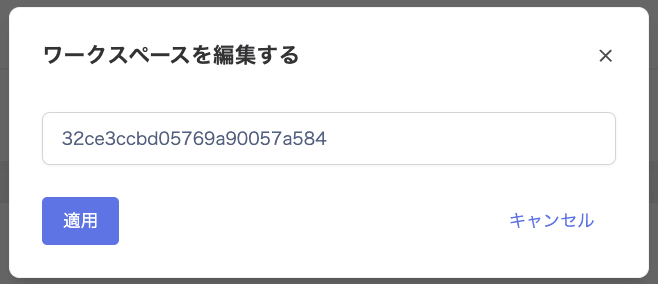
On the Edit Workspace screen, update the workspace name and click Apply.
Customizing workspace details
Click the workspace name of a connected service to add detailed information. This includes administrators, usage information, and procurement information. For more details, see Service management and data export for IT audits.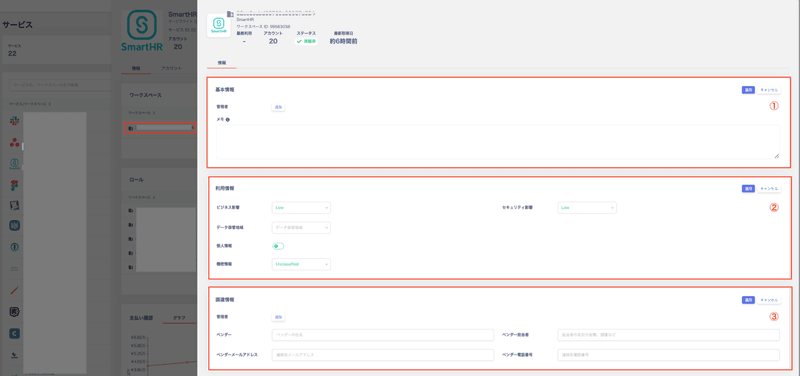
Service basic information
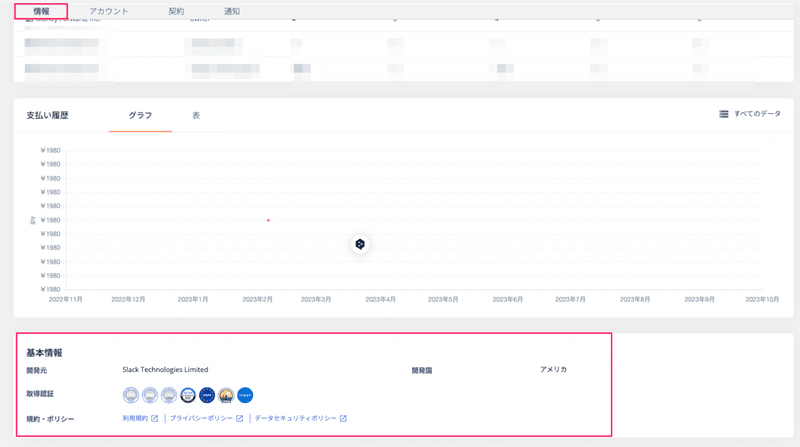
View the basic information of a SaaS from Services > Information > Basic Information. This section shows external authentication methods in use and links to terms of service. It also includes other information provided by the vendor.