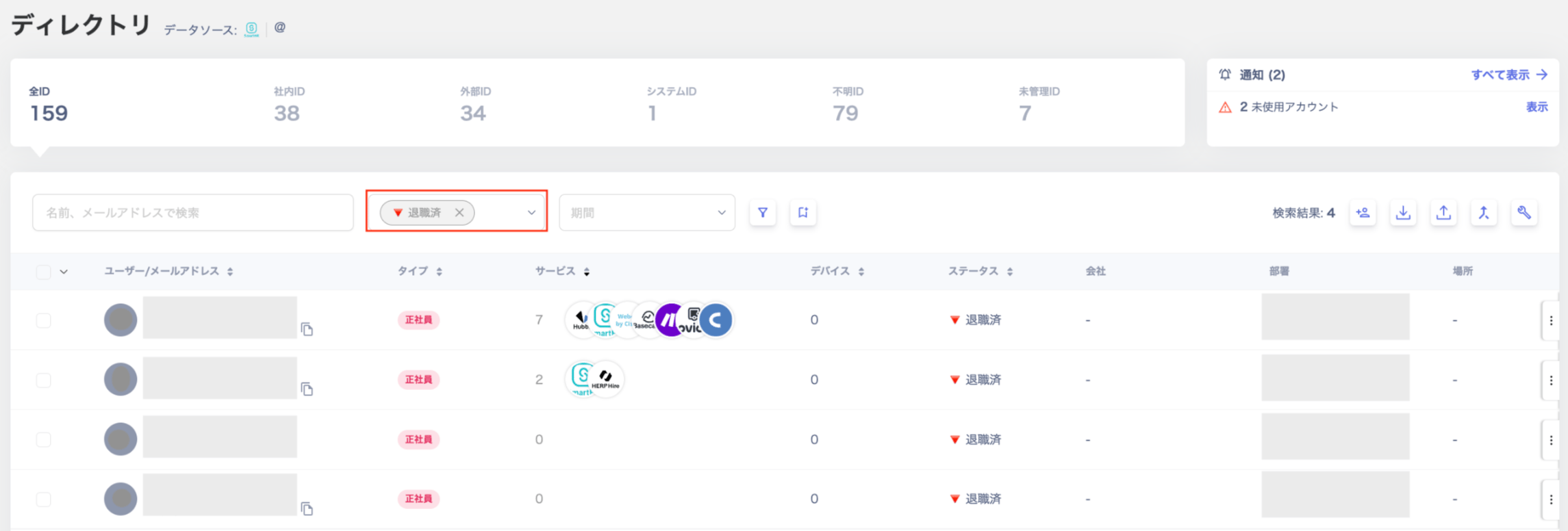
In the Directory, select “Retired” from the “Status” filter.After filtering by “Retired”, check for accounts that still show services in the “Services” column. These may have been missed during offboarding.
Some services do not support account deletion, so accounts may remain in a deactivated state. Employees on leave may also appear with a retired flag. If something looks incorrect, contact us via chat with a description of the issue.
From here, the work is simply repeating the integration process. Invite cloud service administrators and have them connect their services. Use the steps below to invite additional users.6. Invite users