

- OAuth-based connection
- API key-based connection
- ID/Password-based connection
- Syncing SSO app access permissions registered in Entra ID
OAuth-based connection
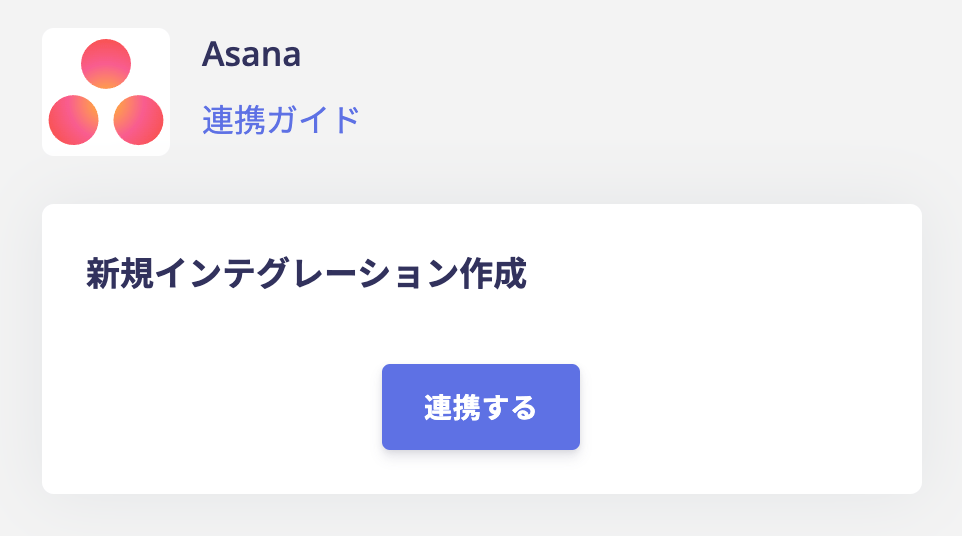
This method obtains credentials (identity verification information) via OAuth. You connect by pressing Connect — no additional configuration required. When you press Connect, you are redirected to the target service. On the screen that reads “Grant the following permissions”, select Allow to complete the connection. Before pressing Allow, confirm the following:- The permission scope being requested
- That this service is requesting authorization (check the logo and service name)
API key-based connection
This method connects by registering an API key — no other setup required. Generate an API key using each service’s own procedure, then register it with this service to complete the connection.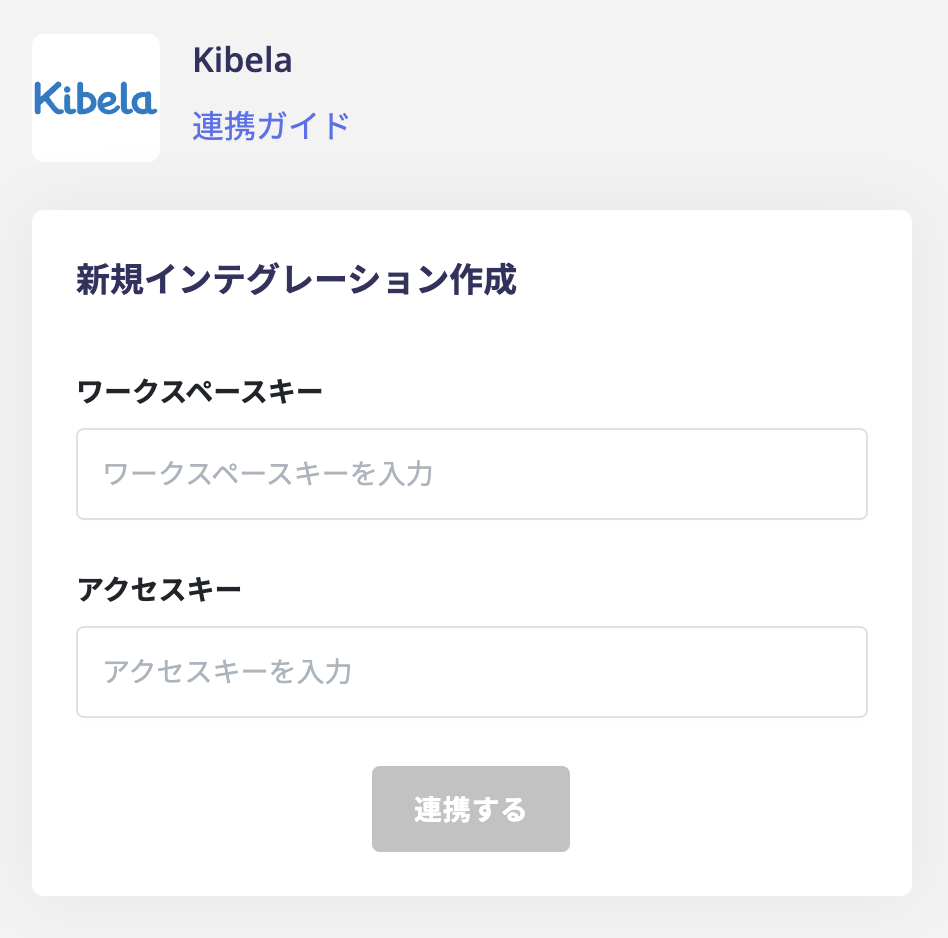
ID/Password-based connection
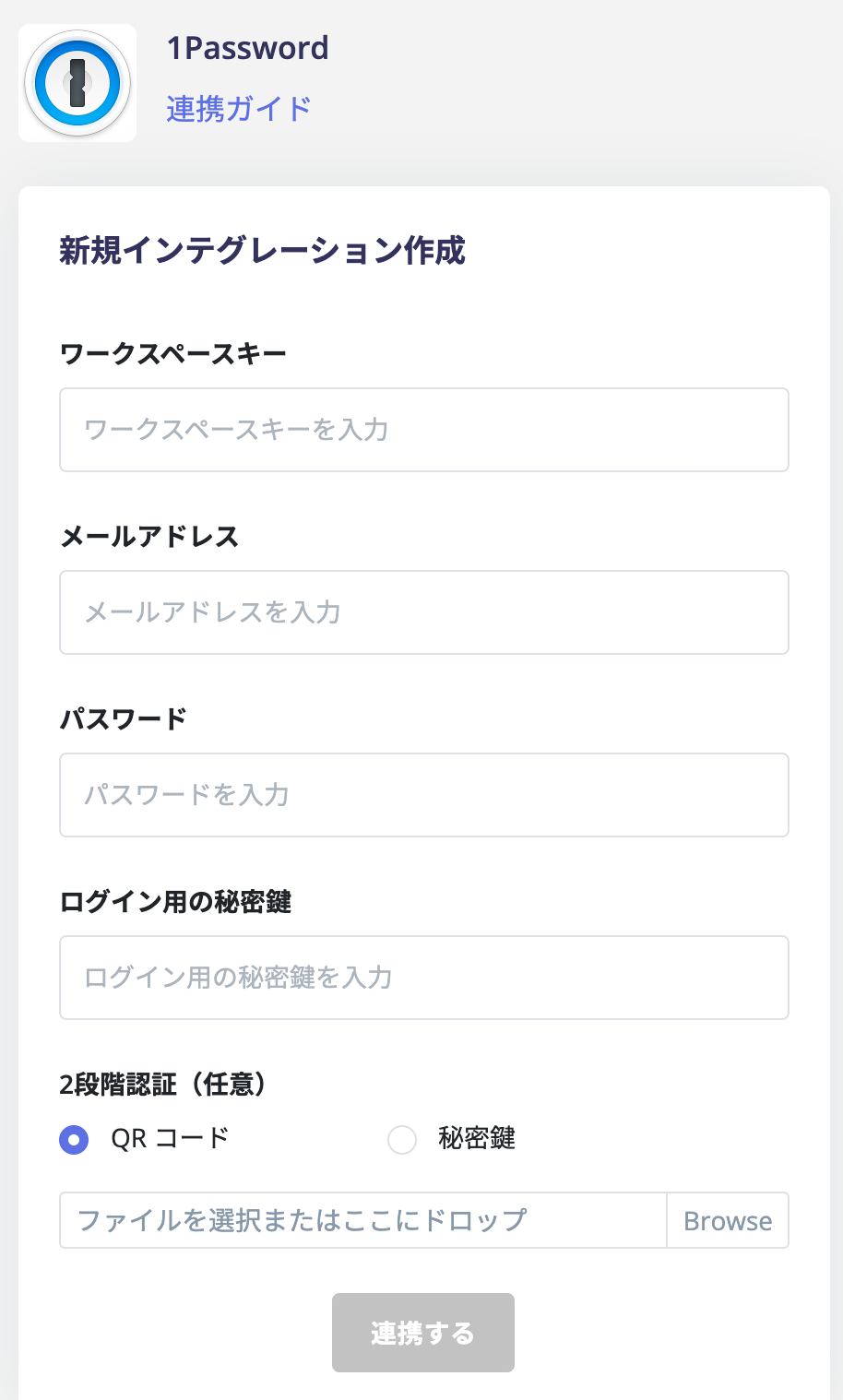
Services that do not support an API connect using an ID and password.Connecting with an employee’s ID/Password
Register the login ID and password of an employee with this service to complete the connection. This is typically an account with SaaS admin privileges. You can also optionally register two-factor authentication credentials.This method is not available in the following cases:
- Login via another service (such as Google Login) or Single Sign-On (SSO) is enforced
- Storing employee account credentials is not acceptable from a security standpoint
Syncing SSO app access permissions registered in Entra ID
This feature uses Microsoft Entra ID (formerly Azure AD) as an identity provider (IdP). It syncs the application information registered there. Linking synced apps to services lets you manage SaaS usage from a single place. For details, see Identity Provider Integration (Entra ID).Currently, only Microsoft Entra ID (formerly Azure AD) is supported as an identity provider (IdP).
Unsupported integration methods
Integration is not supported for cloud services that match any of the following:
- Login via Single Sign-On (SSO) is enforced
- Login via an external identity provider (such as Google Login) is enforced
- The above applies and the integration method with this service is ID/Password
- The SaaS allows admin accounts to bypass SSO and log in directly with an ID and password
- The SaaS uses an external identity provider but also allows direct login with an ID and password