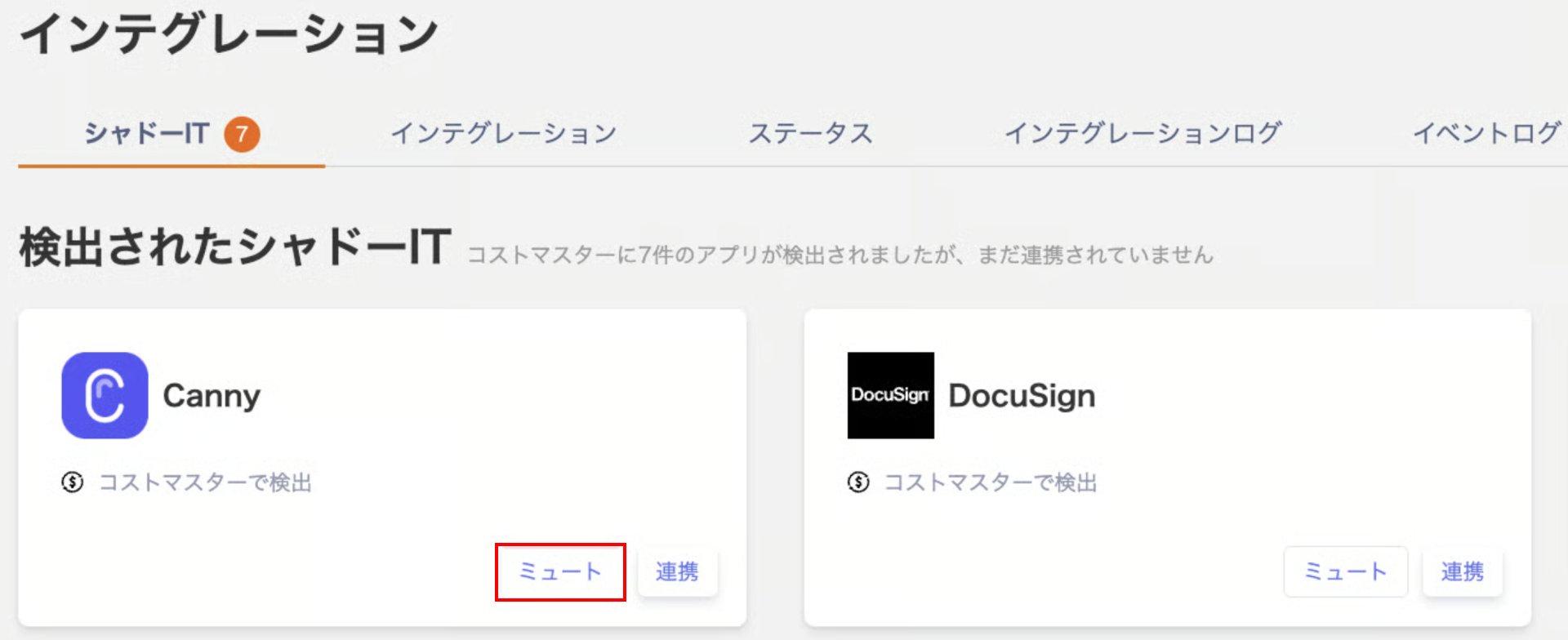


Organize the services that need review with Shadow IT mute
Mute services that are out of scope for integration or that you cannot decide on right away. Muted services are excluded from the Shadow IT detection count. They stay in the list, so you can record why you decided and still find the services that need action.- Mute with a reason and a duration. Select a reason for muting, and set the duration to 6 months, 1 year, a specified end date, or no end date.
- Record the background of your decision. Leave the background and handover notes in the memo. The card of a muted service shows the reason, the person who muted it, the date and time, and the mute period.
- Edit the settings or unmute. After muting, you can still change the reason, duration, and memo. You can unmute a service at any time.
Muted services stay in the list, but they are no longer counted in the Shadow IT detection count. If you unmute a service, it is counted again.
How to use
Open Integrations > Shadow IT, and click Mute on the target service under “Detected Shadow IT”. For details, see Mute Shadow IT services.