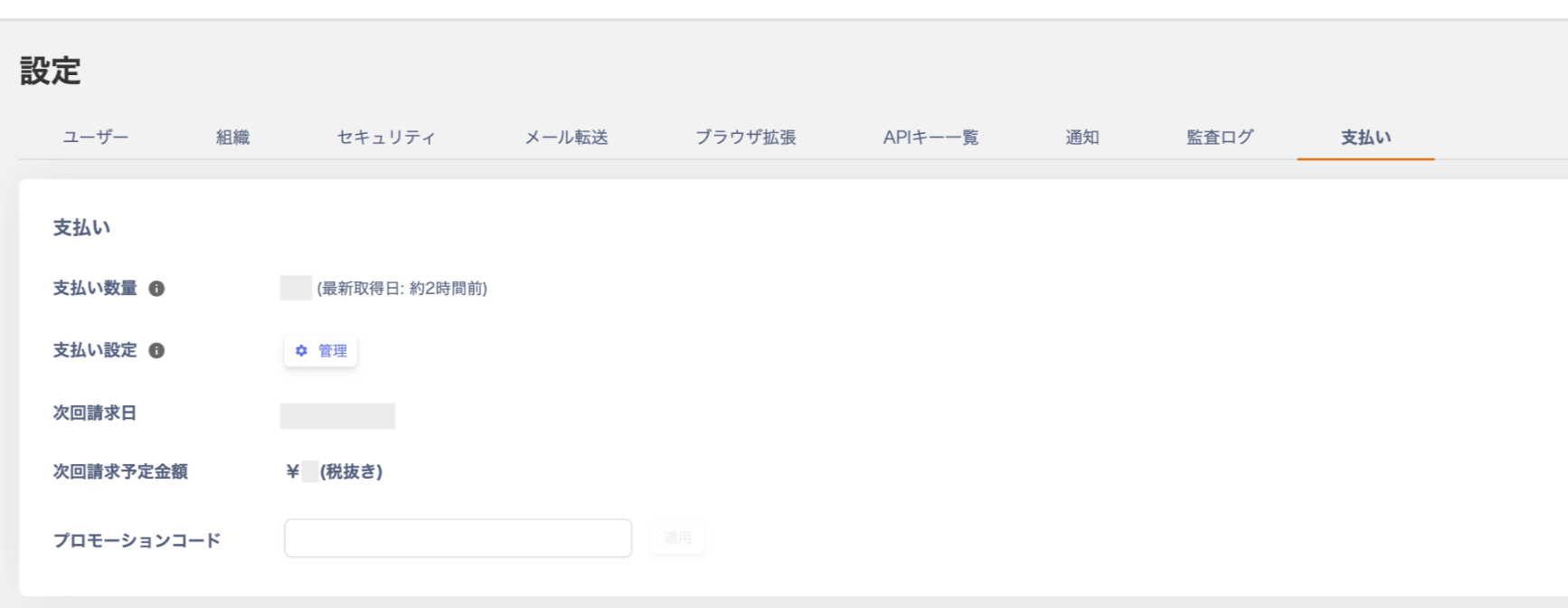
Learn where to find your billable quantity, how Admina counts IDs with both Internal ID type and Active status, free use for 50 or fewer IDs, and how ID count changes during a billing period affect your invoice.
How the ID count (billable quantity) is calculated
Billing is based on the ID count shown in the Directory menu.Specifically, IDs with both "Internal ID"and"Active" status are counted as billable.The tooltip for the billable quantity says “It refers to the employee master”. This means Admina counts IDs in the Directory. It does not count service accounts in connected services.
Some IDs get the “Internal ID” type and “Active” status without employee master sync. These IDs also count. Examples are IDs you create manually or import from CSV.
IDs that have no service accounts also count.
Archived IDs and IDs merged into another ID do not count.
To compare with your billable quantity, check the number of IDs in the Directory. Filter by the ID type “Internal ID” and the status “Active”.※ If the number of “Internal ID + Active” IDs is 50 or fewer, you can use the service for free.
If the ID count increases or decreases during a billing period, your next billing date stays the same. No additional or prorated charge occurs at that time. The new ID count is reflected in the amount of your next invoice.To check your billing date, see “How to check your billing date” in Check payment settings.