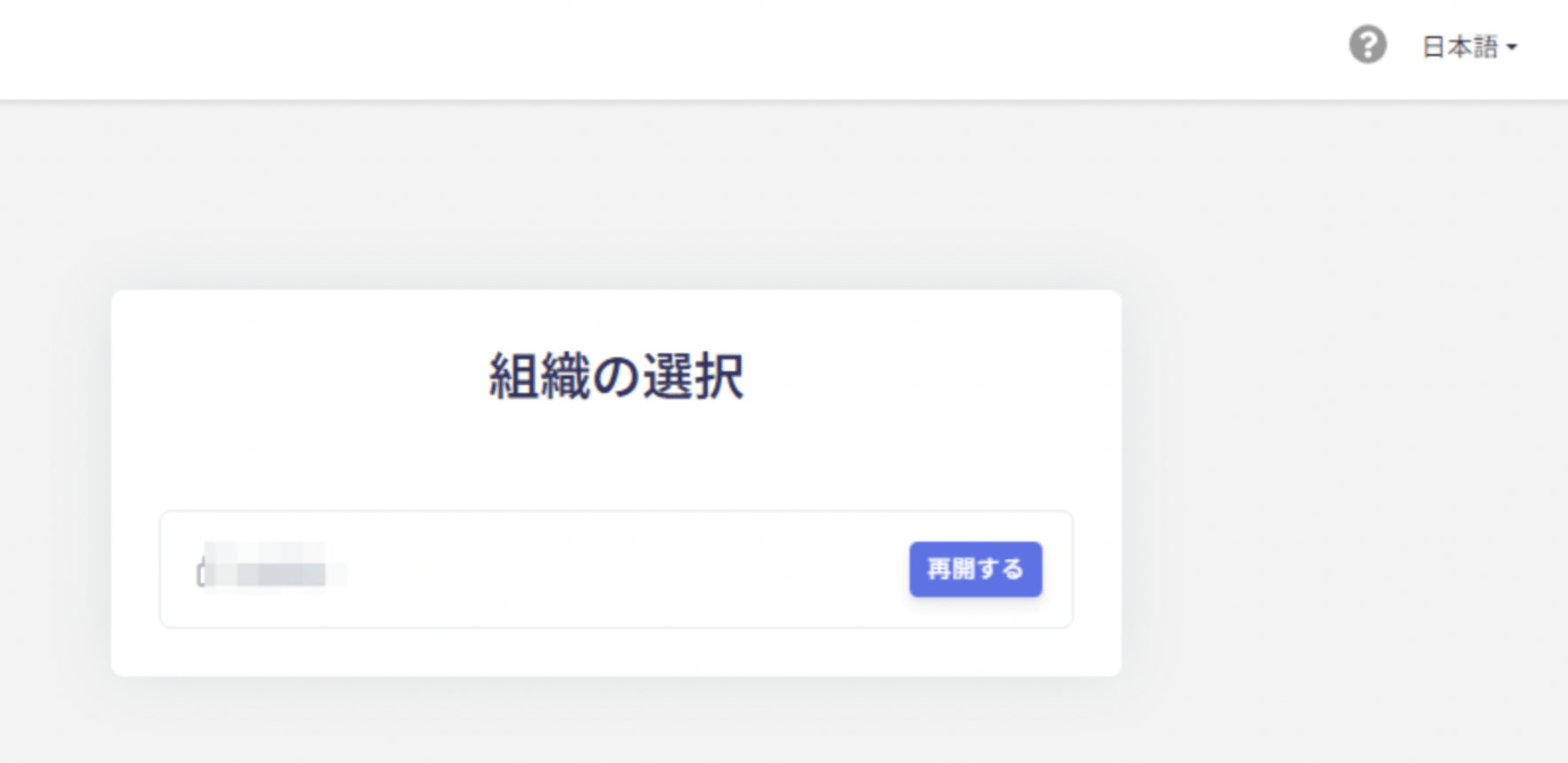
After starting your trial, you can use this service free for 14 days. This page explains how to use the trial and how to extend it after the trial period ends.
Continuing to Use This Service After the Trial Ends
Customers with 50 IDs or fewer can continue using this service for free after the trial ends. To do so, register a credit card.While you use the service for free, all features of the IT Management plan are available. For details, see How pricing is calculated.For billing details for 50 or more IDs, see How pricing is calculated.
After the trial ends, check the number of billable IDs and your billing date. Confirm that the ID count is appropriate before the billing date.Billing date: Go to Settings > Payments > Payment Settings > Manage > Current Subscription to check your billing date. (How to check your billing date)Payment quantity: Before the billing date, go to Settings > Payments > Payment Quantity to review the quantity. (Payment management screen, How pricing is calculated)Billable IDs: IDs in the directory with the type Internal IDand the status Active are subject to billing. (50 IDs or fewer are free.)To change an ID type or status, see ID Type and User Information (Status) before making changes.
The following features are also available during your trial. To request a trial, contact us via chat.Use the chat [Ask a support representative directly] option to reach us. If you are using AI chat instead, type “Connect me to a representative” to get in touch.