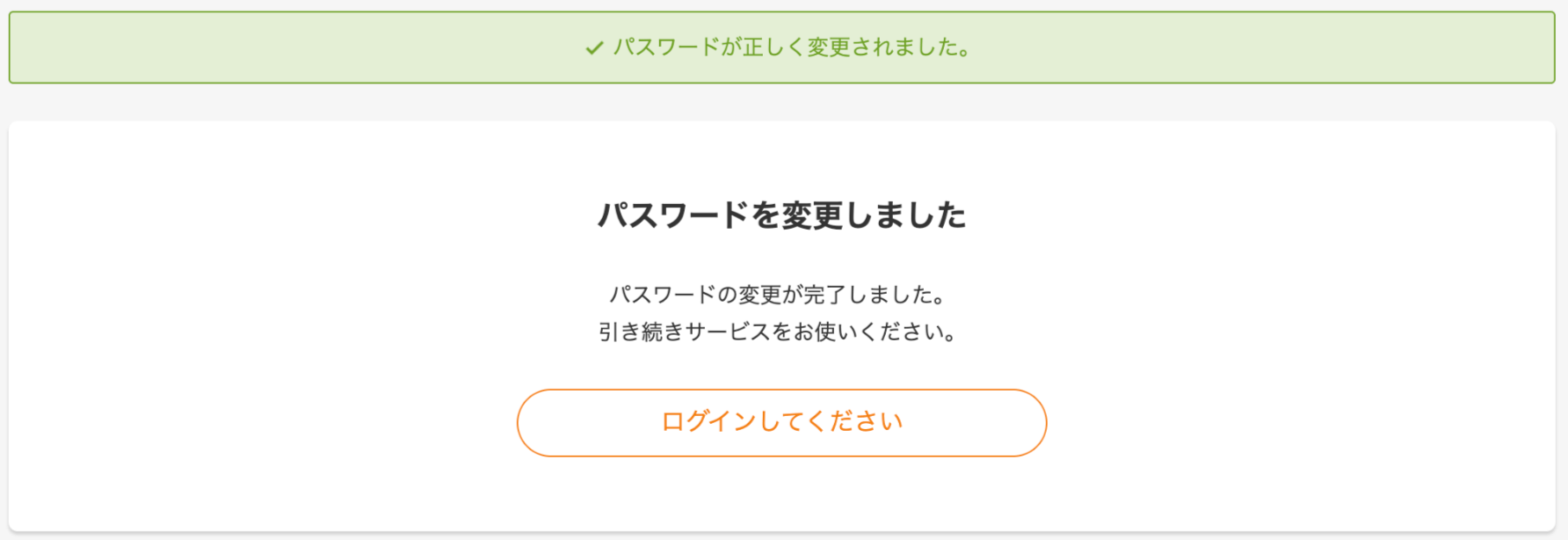
Change your MoneyForward ID login password
On the MoneyForward ID page, click Change/Disable Password. For the steps after clicking Change/Disable Password, see How to change your password.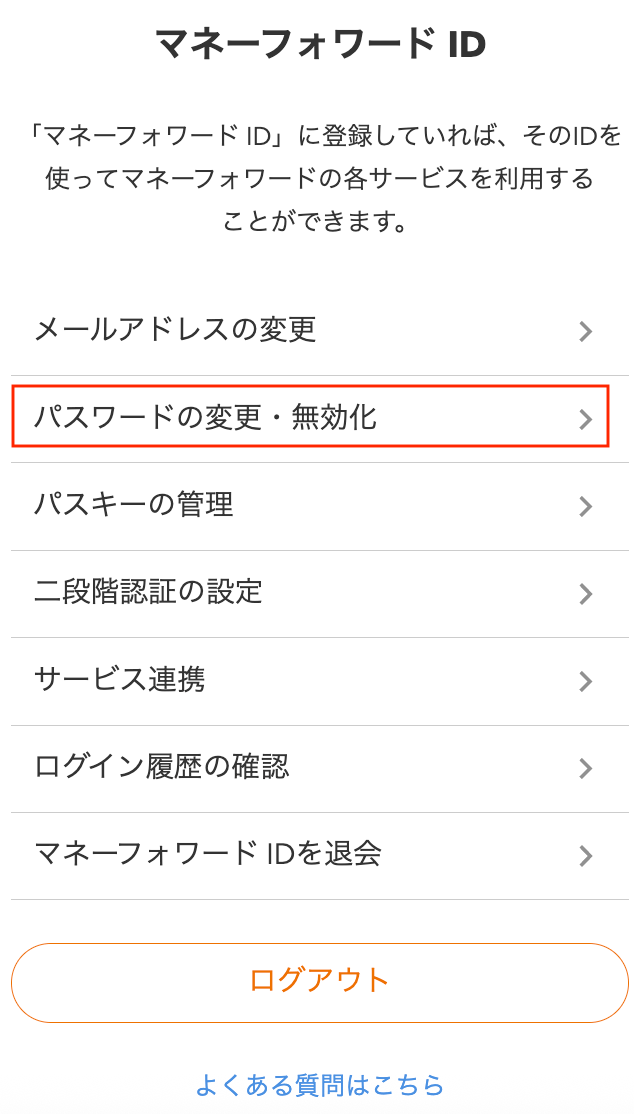
Change your MoneyForward ID email address
On the MoneyForward ID page, click Change Email Address. For the steps after clicking Change Email Address, see How to change your email address.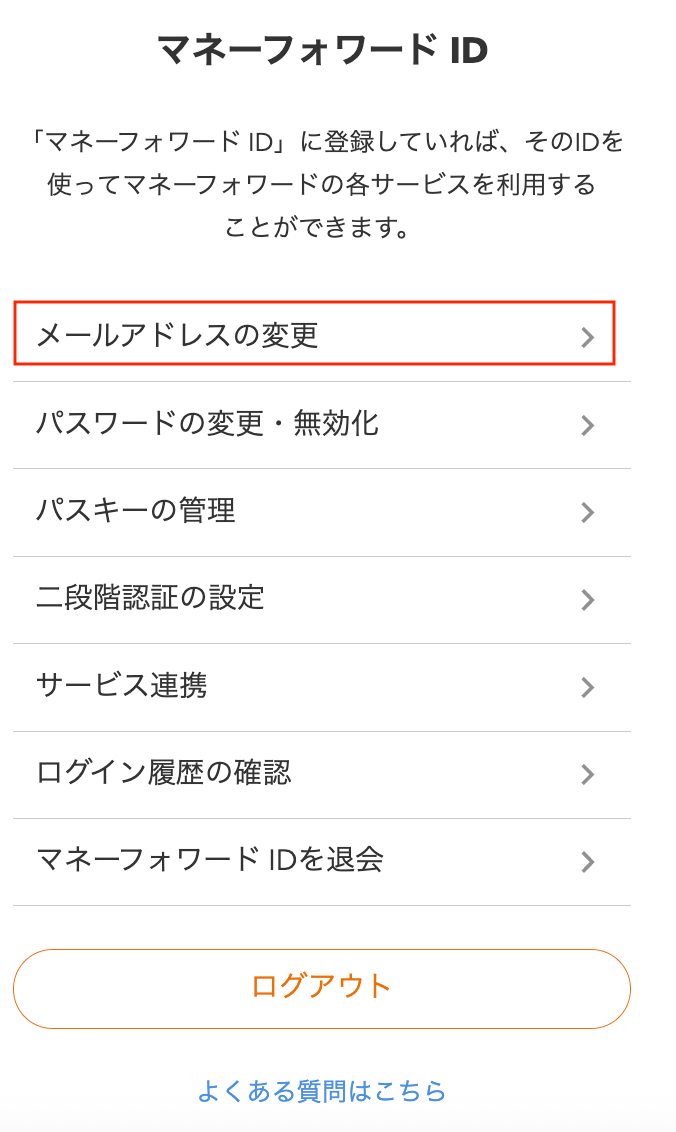
Reset your MoneyForward ID login password
If you have forgotten your MoneyForward ID login password, you can reset it. For reset instructions, see How to reset your password.-
On the login screen, click Forgot your password? at the bottom.
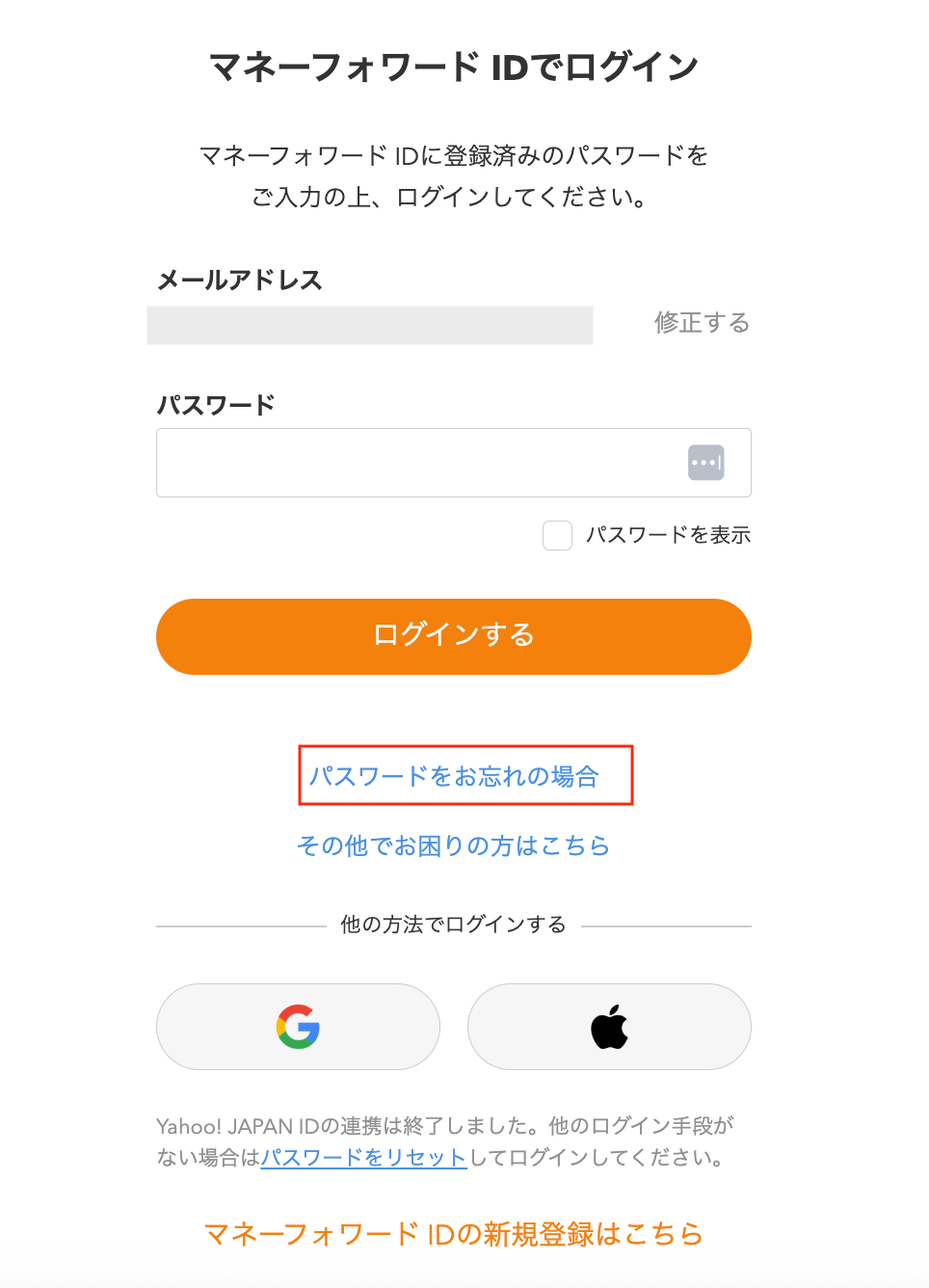
-
Enter your email address and click Send.
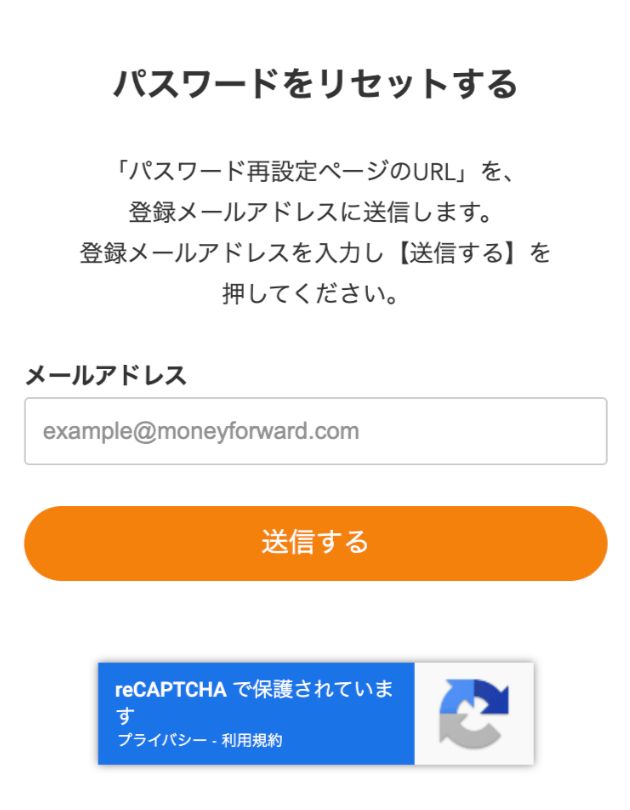
-
You will receive a reset email with the following details.
From: do_not_reply@moneyforward.com
Subject: MoneyForward ID Password Reset Instructions
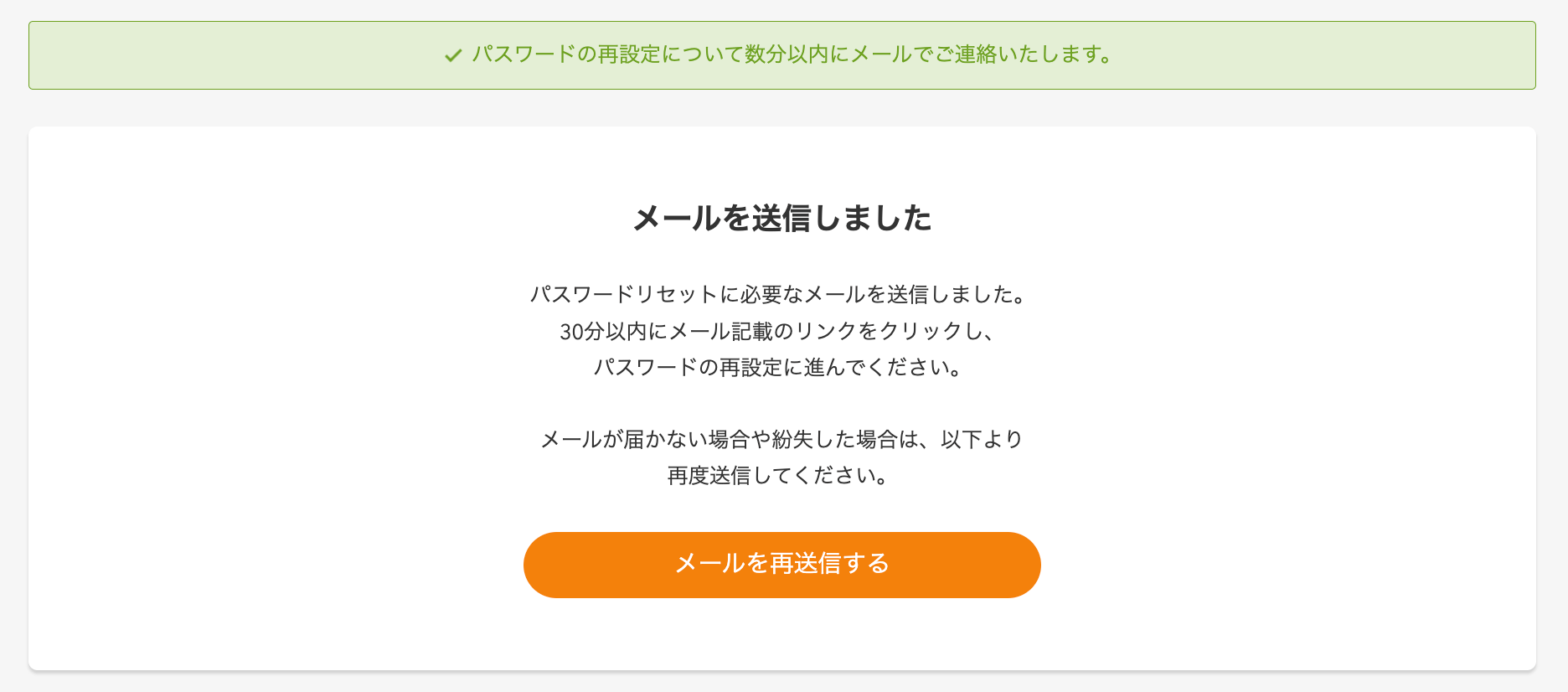
-
Click the URL in the email you received.
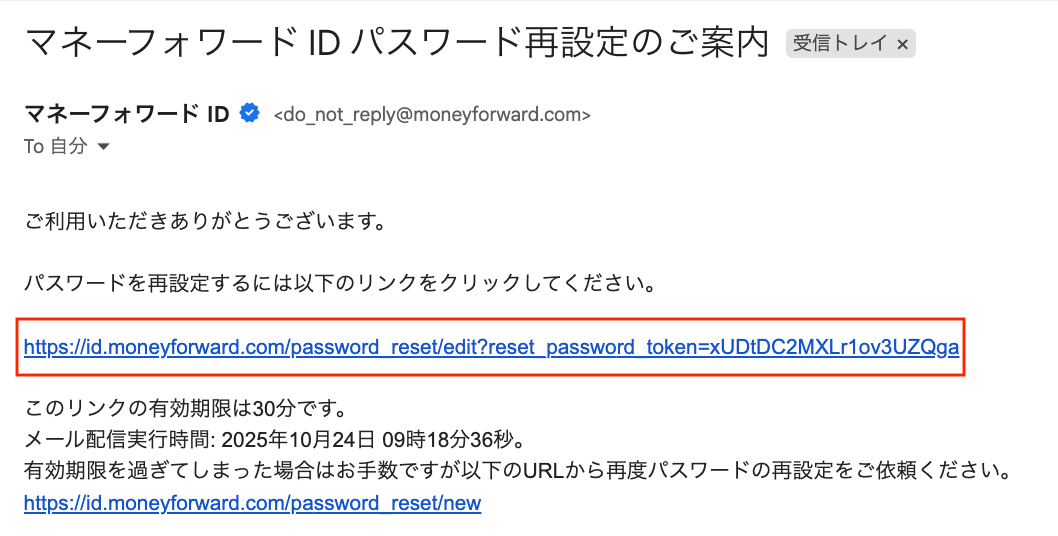
-
Enter your new password and click Send.
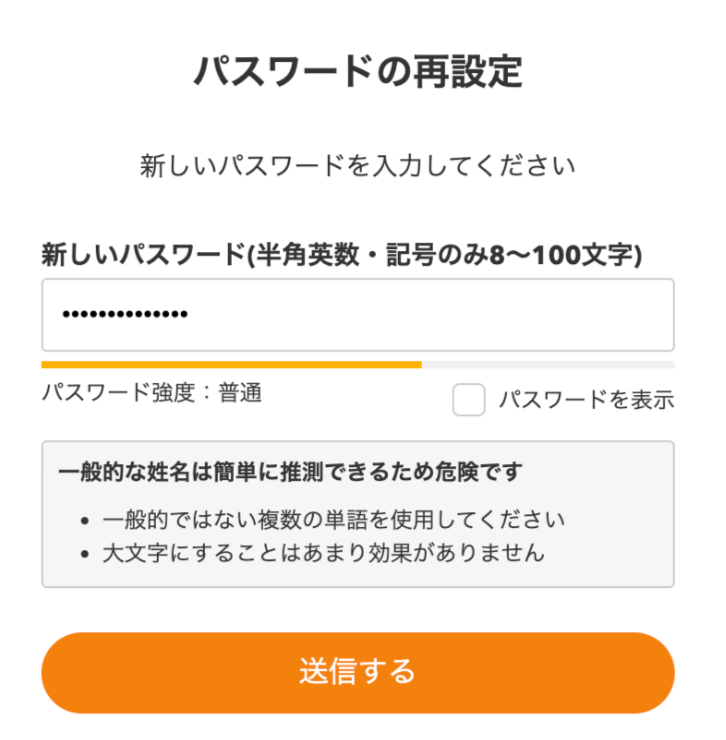
-
Your password change is complete.