

Session lifecycle
Close triggers
Closing a session manually
From the web admin panel
1
Open the ticket
Select the session from the Tickets screen and open the detail panel.
2
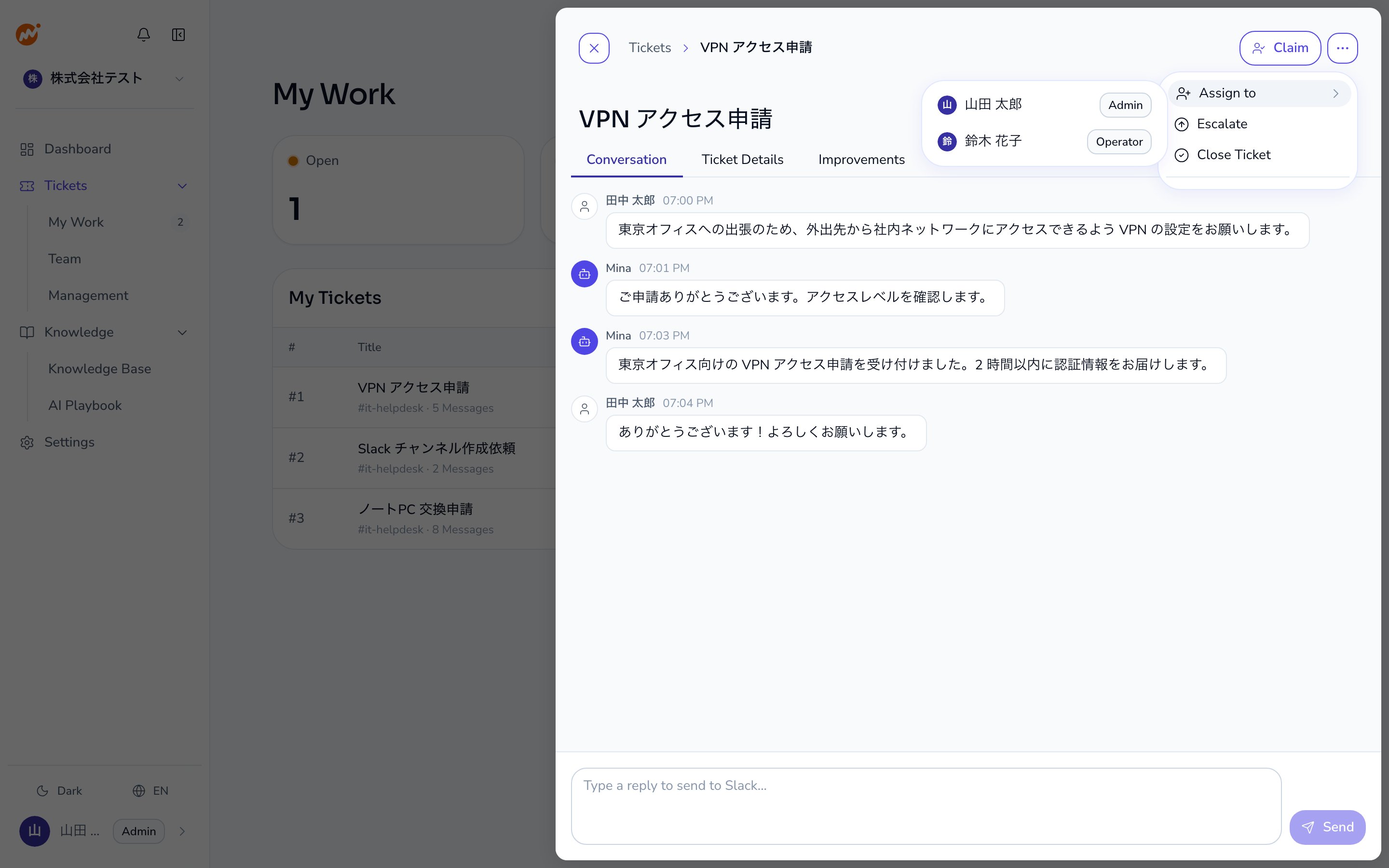
Select the Close Ticket action
Choose Close Ticket from the ”…” menu in the detail panel or ticket row.
3
Confirm in the dialog
A confirmation dialog appears. Review the details and click Confirm.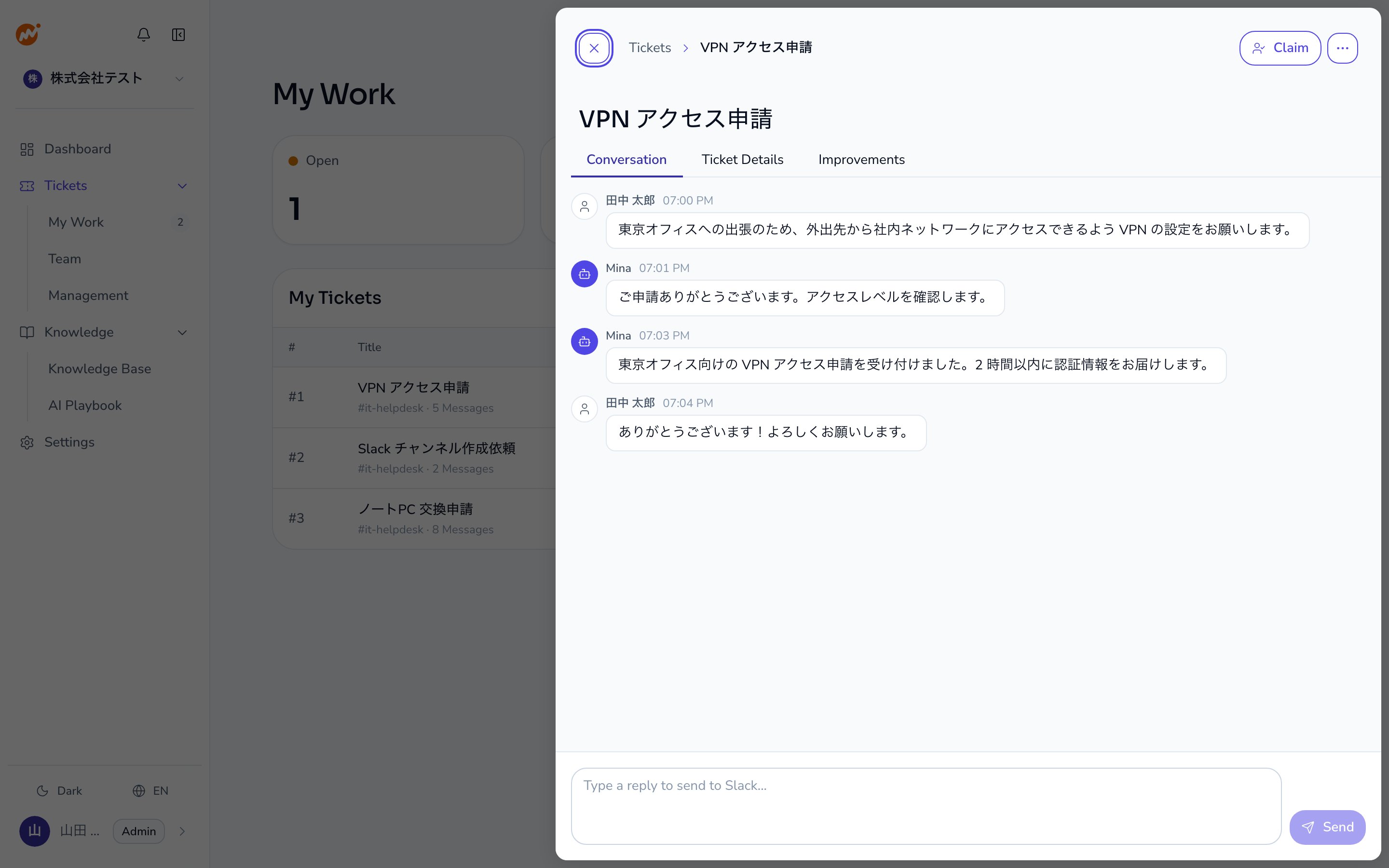
From the channel (requester)
The requester can close the session by sending the!close command in the thread.
Inactivity timeout
Sessions with no messages for a configured period are closed automatically.- When the reminder duration elapses (e.g., 20 hours), a warning message is posted in the thread
- When the auto-close duration elapses (e.g., 24 hours total), the session is closed automatically
- If a message is received after the warning, the timer resets
The timeout durations are configured by the Admin in Settings.
Requesting an extension
To extend the deadline before auto-close, ask for more time in the thread. For example, send “I need more time.” The AI interprets the request and extends the deadline. Operators can also set an extension duration directly from the web admin panel.Behavior after closing
After a session is closed:- Auto-reply in the closed thread: “This session has been closed. Please start a new thread for additional questions.”
- A new session cannot be started from the same closed thread.
Satisfaction rating
The bot asks the requester to rate their satisfaction after the close notice. It does this when the!close command or the inactivity timeout closes the session. It also does this when the requester accepts the AI’s resolution suggestion. Closing a session from the web admin screen does not post it.
- In Slack, Microsoft Teams, and Google Chat, the requester rates the session with five star buttons.
- LINE WORKS cannot show buttons, so the message asks the requester to rate with
!feedback <1-5>. - The bot does not post the message for a session that already has a rating.
- Only the person who raised the inquiry can rate it.
!feedback, see Subcommand reference.
Internal notes
Operators and admins can add internal notes to any session that are not visible to requesters. Use notes for team communication and work history.Note characteristics
- Only Operators and Admins can add and view notes
- Notes are not visible to requesters or in any channel
- Each note records the author name and timestamp
- Notes are color-coded by author for easy scanning
- Notes cannot be edited. Only the author can delete their own note
Note deletion behavior
When a note is deleted, the content is removed but a record remains:“Note deleted”This preserves the audit trail that a note existed, without exposing the original content.
Billing classification
The assignee at the time the session is closed determines billing.
If a session was closed with the wrong assignee, contact Admina support.