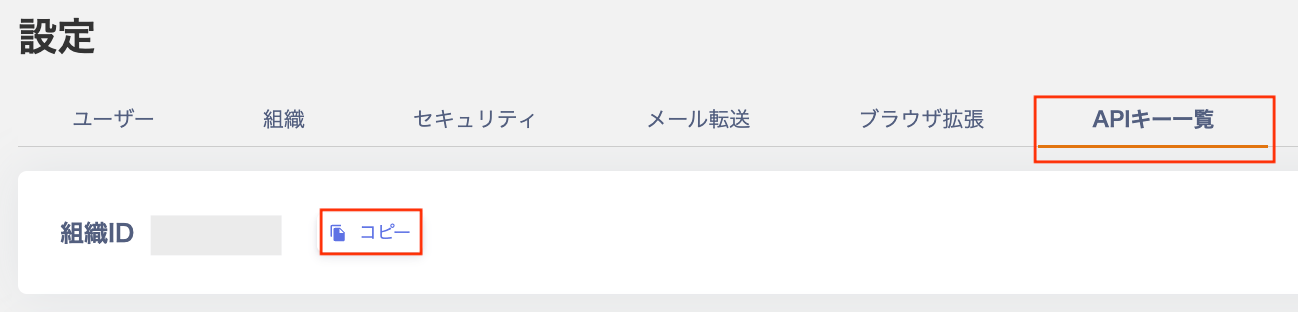
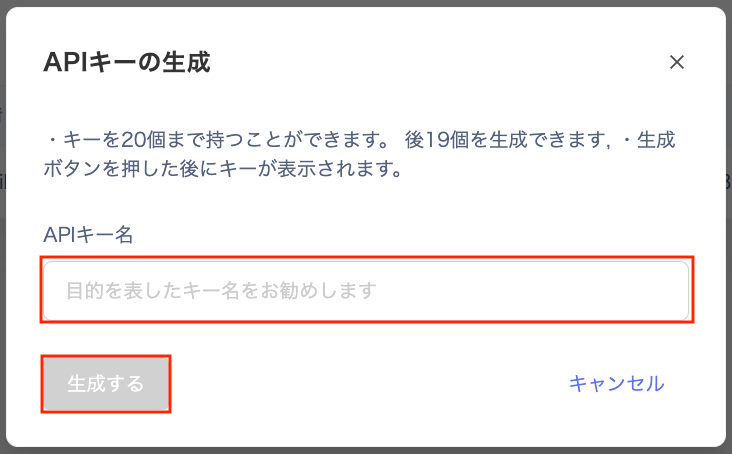
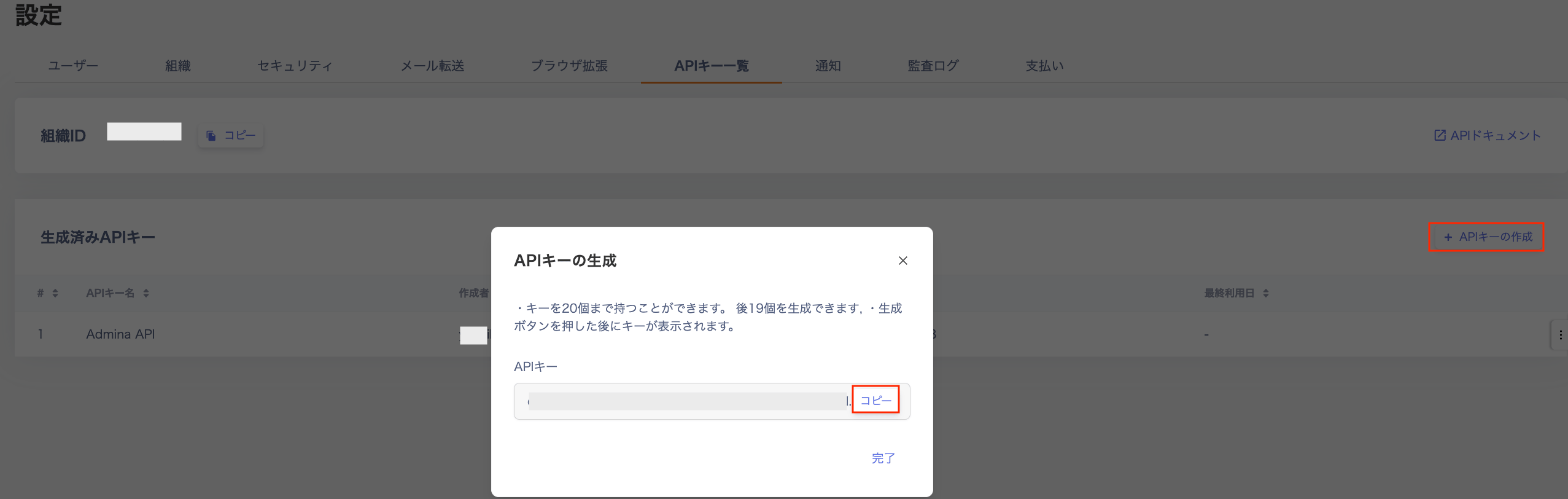
We provide a public API so you can freely use the data you collect.
For details on the available Public API endpoints, see the documentation.You can also open it from Settings > API Key List by clicking “API Documentation”.
Q. Are there rules for the “Field ID Name” in API custom fields?
A. Custom field names may only use lowercase alphanumeric characters and _ (underscore).For details on configuring custom fields, see the Device and Directory help pages.
Q. The timestamps in data retrieved via the API do not match what is shown in the admin panel. Why?
A. The Public API returns all timestamps in UTC (Coordinated Universal Time). The admin panel displays times in your local timezone (e.g. Japan Standard Time / JST). The API uses UTC to ensure reliable integration between systems.
Q. How do I convert API timestamps to Japan Standard Time (JST)?
A. Convert the timestamp from UTC to your local timezone on your end. All date strings sent and received by the API are interpreted as UTC. For example, Japan Standard Time (JST) is 9 hours ahead of UTC, so 00:00:00Z in the API corresponds to 09:00:00 in JST.
Q. How should I specify the timezone when sending data (POST/PATCH) via the API?
A. Always send timestamps in UTC. The Public API interprets all incoming date strings as UTC and stores them as such. If you send a local time without converting it first, the data may be stored with an unintended timestamp. Convert to UTC before sending.