

Settings
How to change settings
1
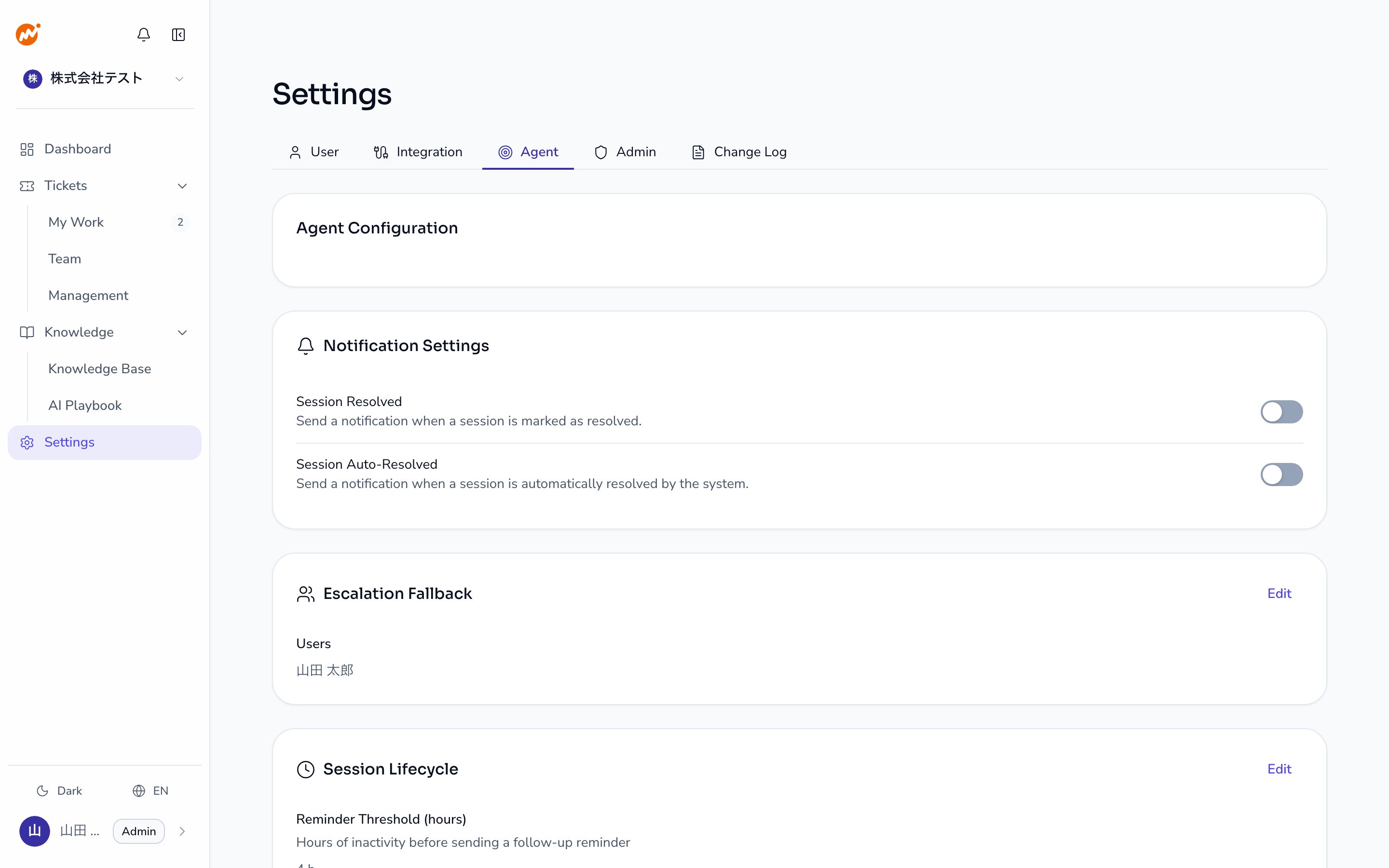
Open the Agent tab
Open Settings > Agent in the admin console.
2
Start editing the session lifecycle
Click the Edit button in the upper right of the Session lifecycle section.
3
Update the values
Change the Reminder threshold (hours), Auto-close threshold (hours), and Auto-close enabled toggle as needed.
4
Save
Click Save. Changes take effect immediately.
Session lifecycle flow
When auto-close may not be appropriate
Consider increasing the auto-close threshold or disabling auto-close in the following situations:- Inquiries frequently require multiple days to resolve
- Inquiries arrive during employee vacations or extended absences
- Your SLA (response time target) exceeds 72 hours
Disabling auto-close means unresolved sessions remain open indefinitely. Regular session reviews are recommended in this case.
Escalation settings
This tab also configures who gets notified when an escalated session has no operator assigned. Click the Edit button in the Escalation settings section and specify the users to notify. Those users receive an in-app notification and a DM.Where the DM is sent
The DM is sent only on the chat service and workspace where the escalated session originated. Connecting multiple chat services does not send the DM on all of them. For example, when an inquiry received in Slack is escalated, the notified users only receive a Slack DM. If multiple workspaces of the same chat service are connected, only the workspace where the session originated is used. To receive the DM, each user specified in Escalation settings must have linked their account for that chat service. Accounts are linked from Linked accounts in user settings.Without a linked account, the DM is not sent, but the in-app notification still arrives. When a DM does not arrive, check the linked accounts of the user first.
Related pages
- Session notification settings — Enable or disable session resolved and session auto-resolved notifications
- Manage AI Helpdesk team members — Add operators and manage roles