Select an ID type to filter the list: All IDs / Internal IDs / External IDs / System IDs / Unknown IDs / Unmanaged IDs. To clear the filter, select All IDs.
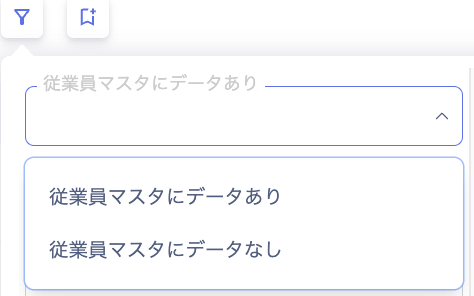
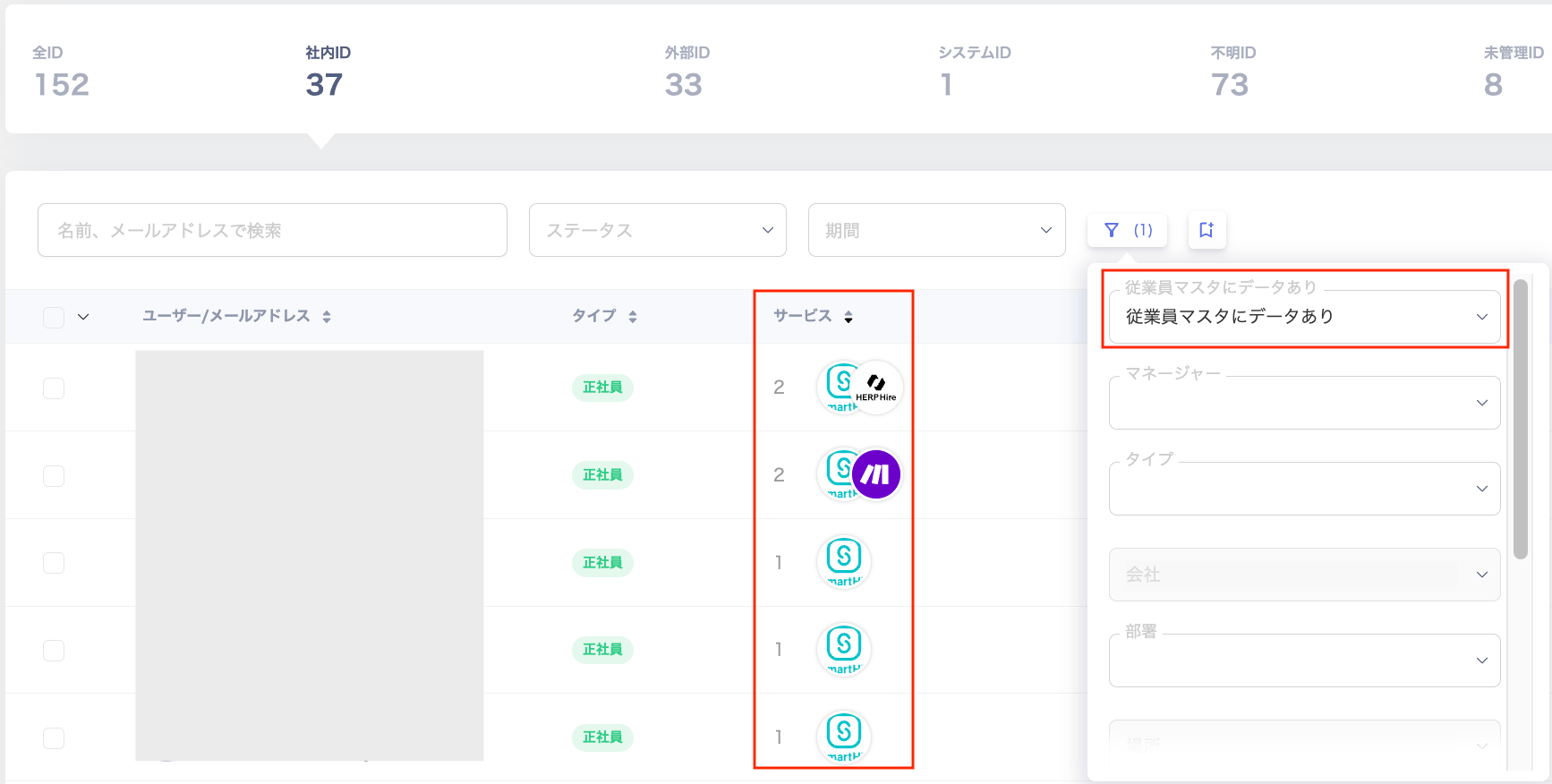
Filter by Has data in Employee Master. This filter is available when an employee master is configured under Settings > Organization > Employee Master Settings.
When you filter by Has data in Employee Master, the Services column shows the configured services.
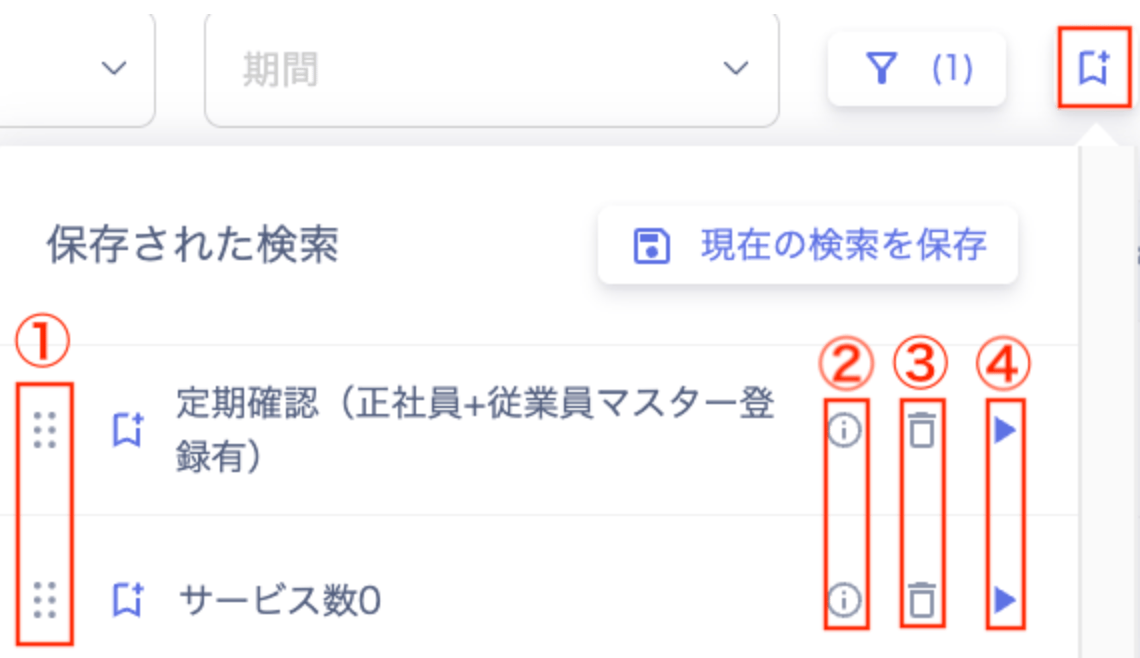
Save your search conditions and reuse them to filter the list. This feature works the same way on the Directory, Device, and Service screens (the Accounts and Files tabs).
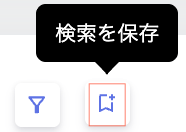
After searching or filtering with the conditions you want to save, click [Save search].
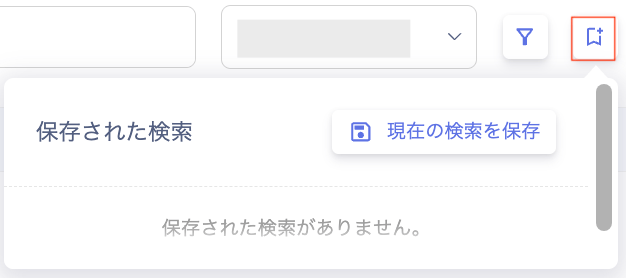
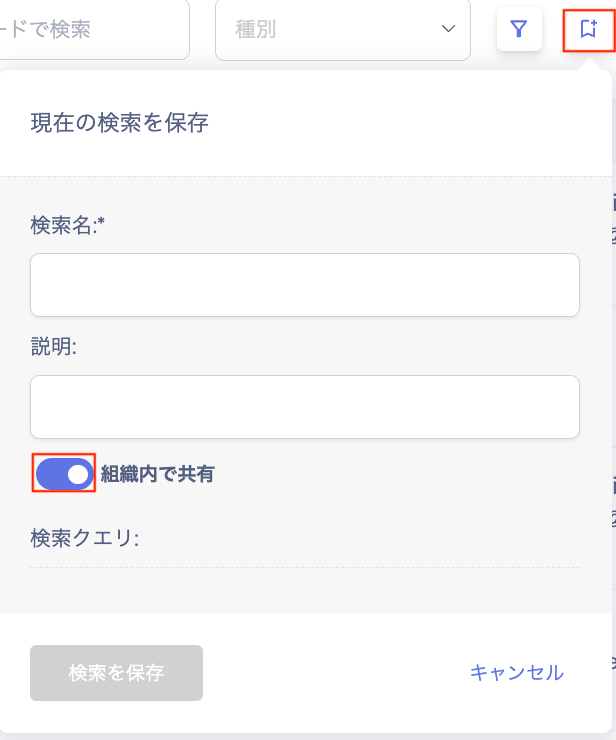
Click [Save current search].
On the “Save current search” screen, enter a “Search name”, then click [Save search].
Item
Description
Search name
Enter a name for the search.
Description
Enter a description of the search conditions.
Share within organization
Set the visibility: Share within organization (default) or Save for myself only (shown with a lock icon). Every saved search still appears in the “Share within organization” list. Who can view and manage each search: Member role: shared searches, plus their own private searches Admin role: all searches, including private ones (can change, delete, or change visibility)