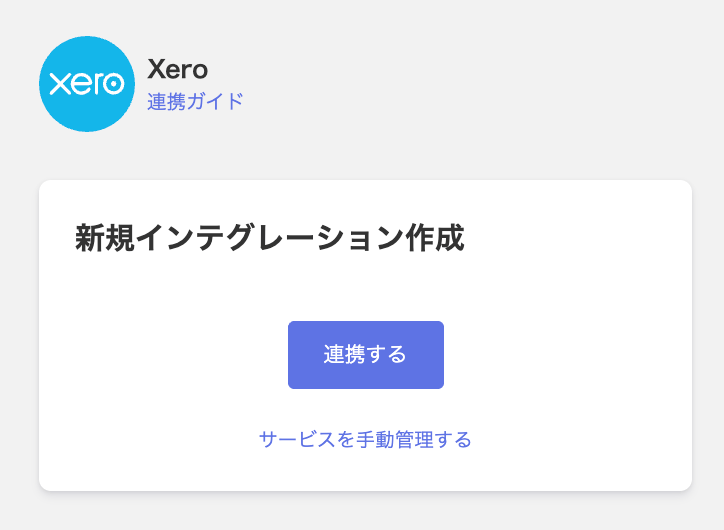
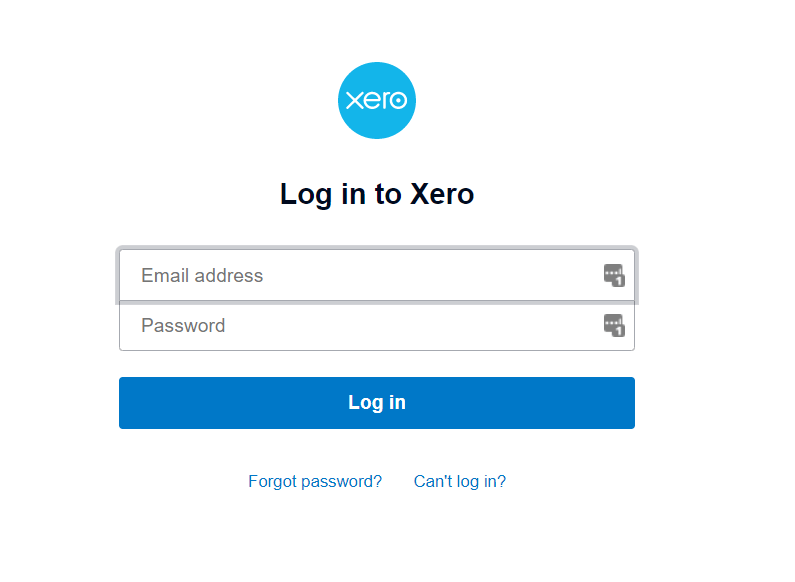
You will be redirected to the Xero login screen. Enter your email address, password, and other required credentials to log in.
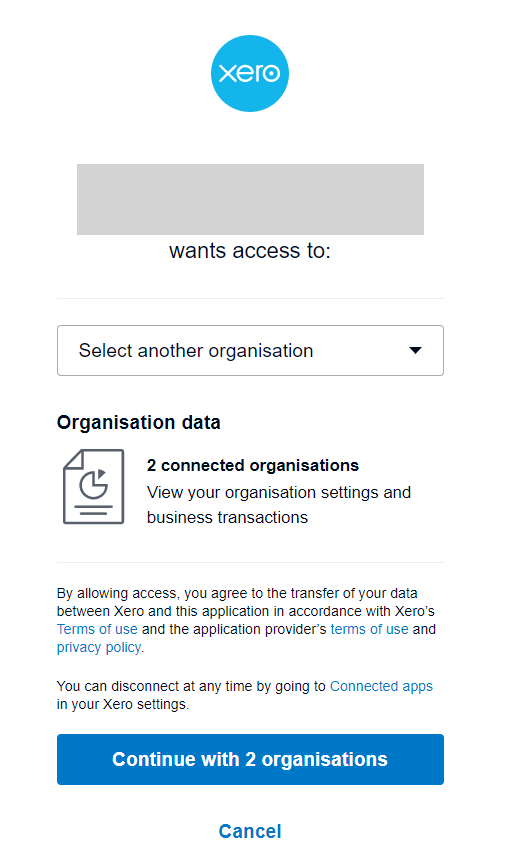
An authorization screen will appear. Select the workspace you want to connect and click Continue with [organization name] organisations.
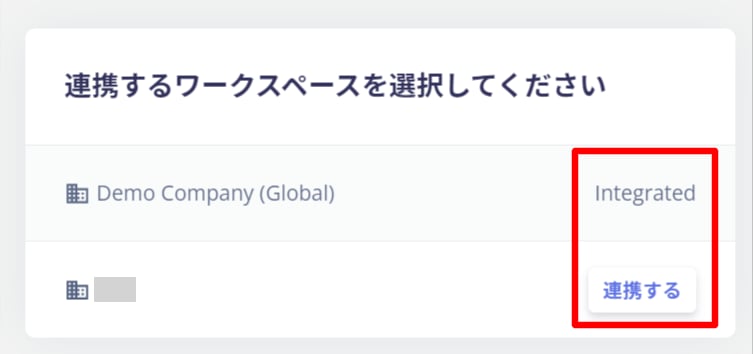
If you have multiple workspaces, a workspace selection screen will also appear. Select the workspace you want to connect.
Once the integration with Xero is successful, the registered user information will appear in the account list. If the process does not complete successfully, go to the Status tab on the integration screen and click Edit. Try again. If the issue persists, please contact us via chat.