How to integrate workhub with Admina using an ID and password. Admina retrieves data such as user names, email addresses, and roles and supports account creation and deletion.
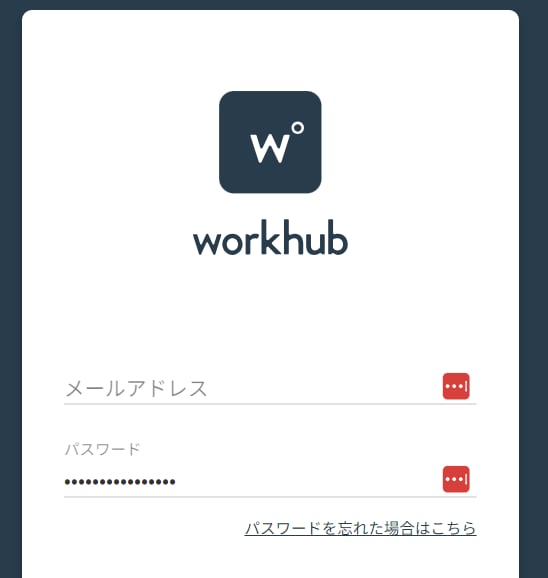
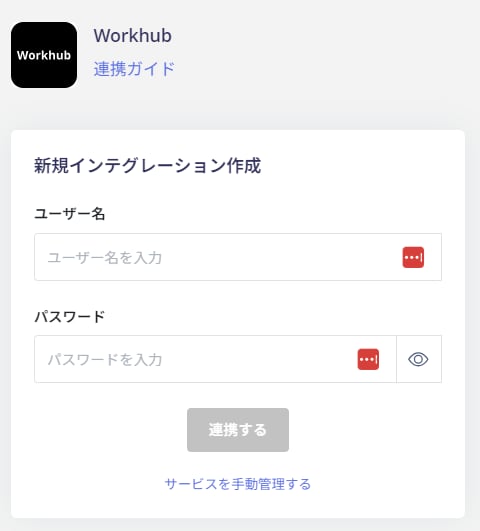
Enter the username (email address) and password of an account with workhub administrator privileges, then click Connect.
Once the integration with workhub is successful, registered user information will appear in the account list. If the integration does not complete successfully. Click Edit on the status tab of the integrations screen and try connecting again. If the issue persists, please contact us via chat.