Integration Specifications
User Management is available from the Premium license. For details, see TeamViewer API documentation.
Prerequisites
How to Log In to TeamViewer
Go to the login page, enter your email address and password, and log in.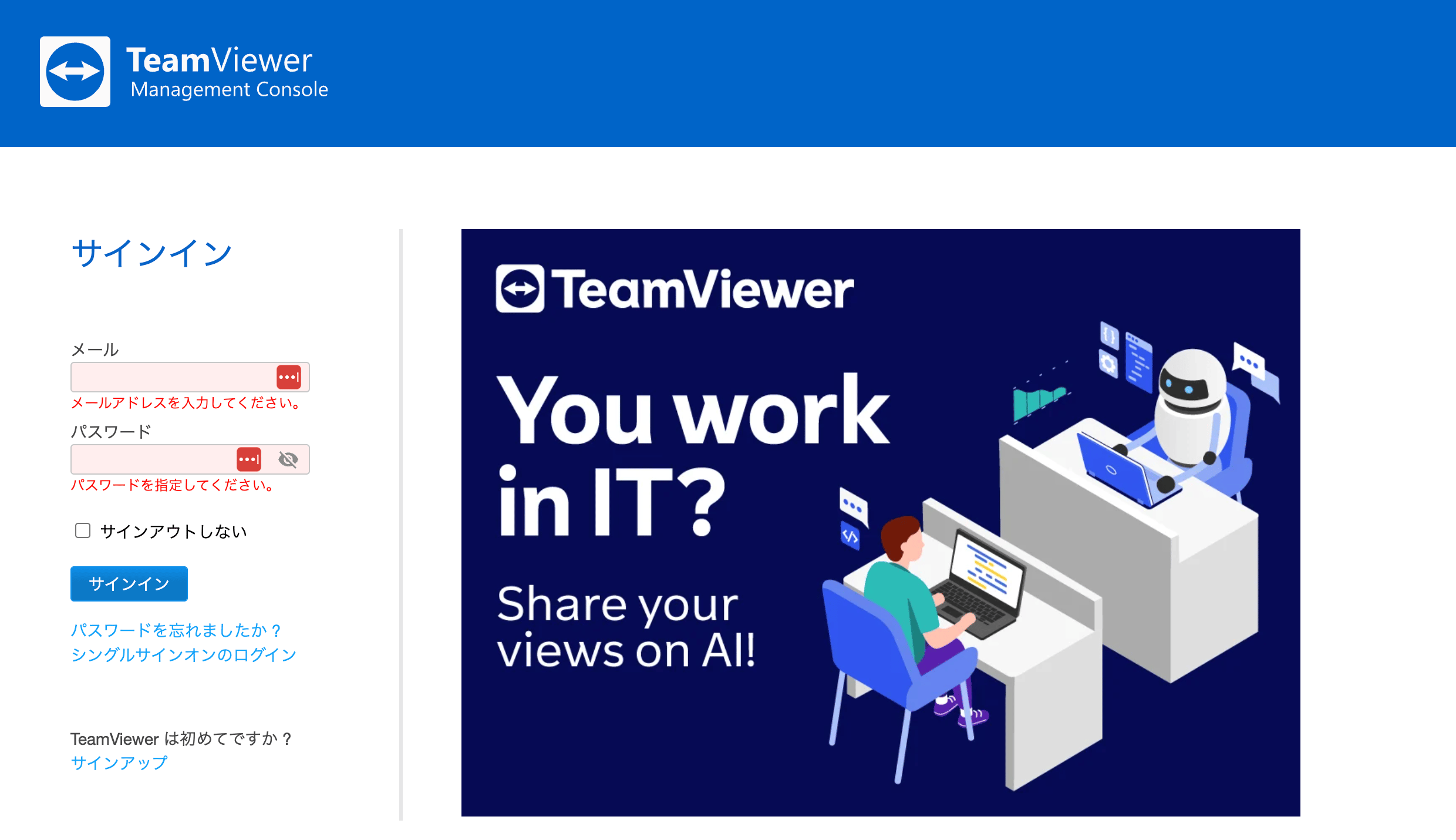
How to Create an OAuth App
Create an application to integrate.-
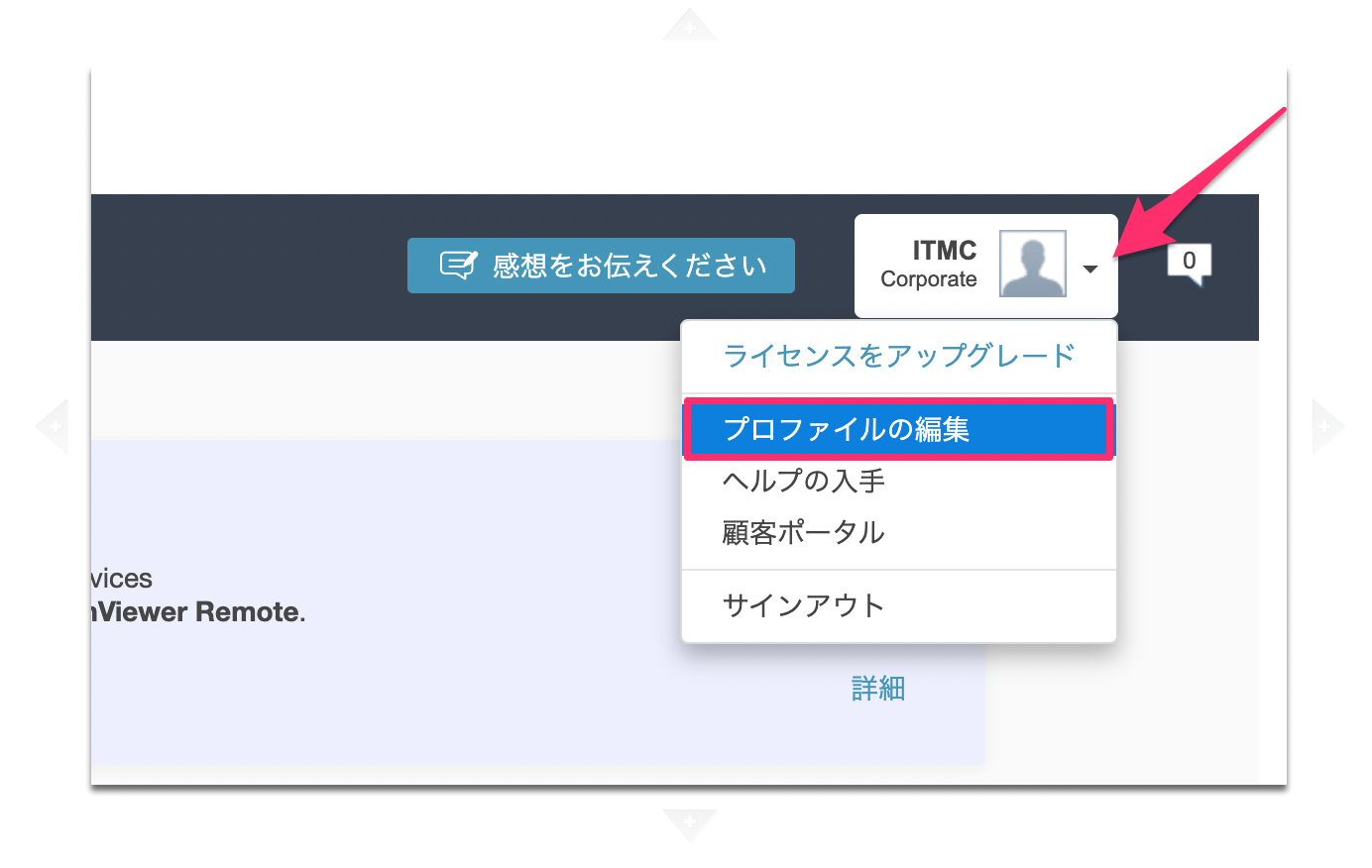
Click [Edit Profile] from the icon in the upper right.
-
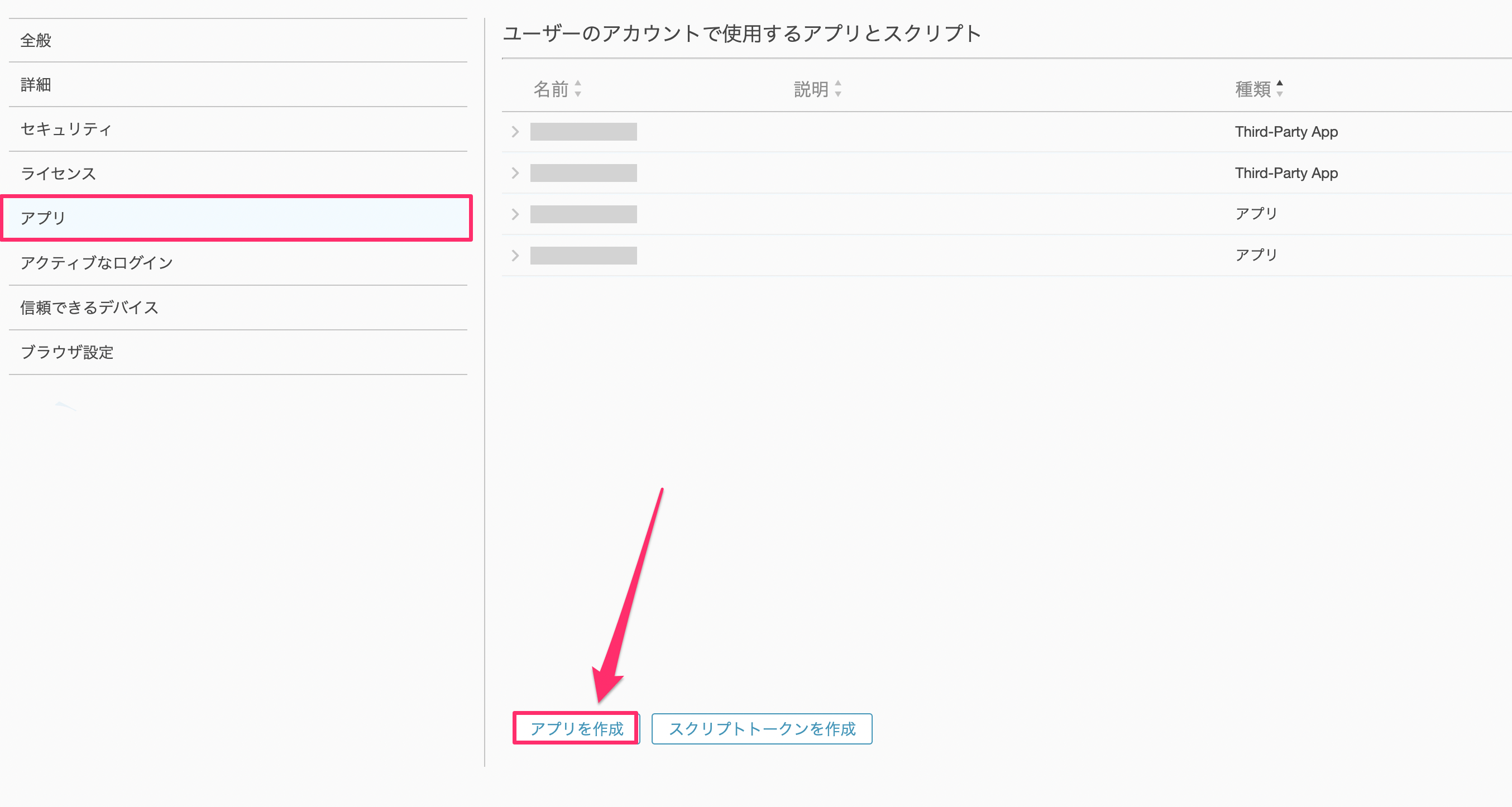
Click Apps > Create app.
-
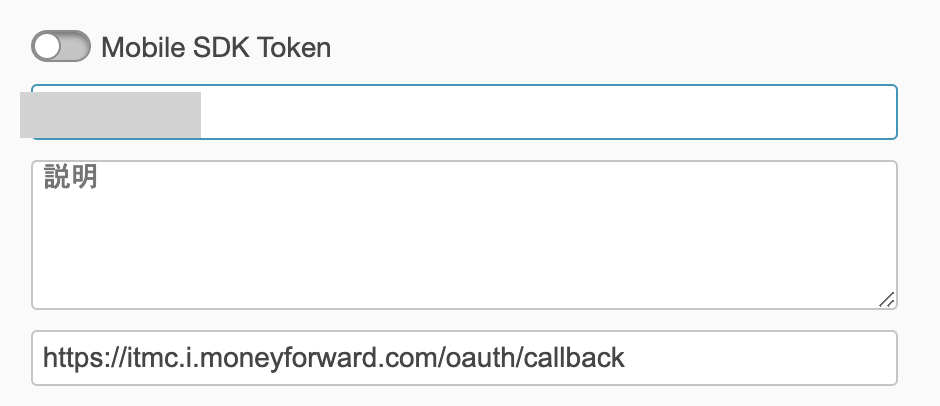
Configure each parameter as follows:
- Name: Enter an application name (e.g., this service)
- Redirect URL: Enter the following value:
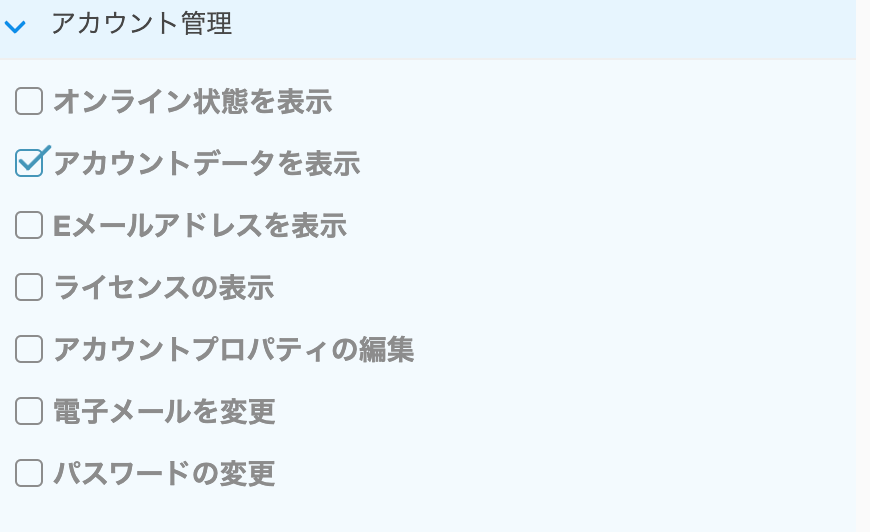
https://itmc.i.moneyforward.com/oauth/callback - Account management > Check
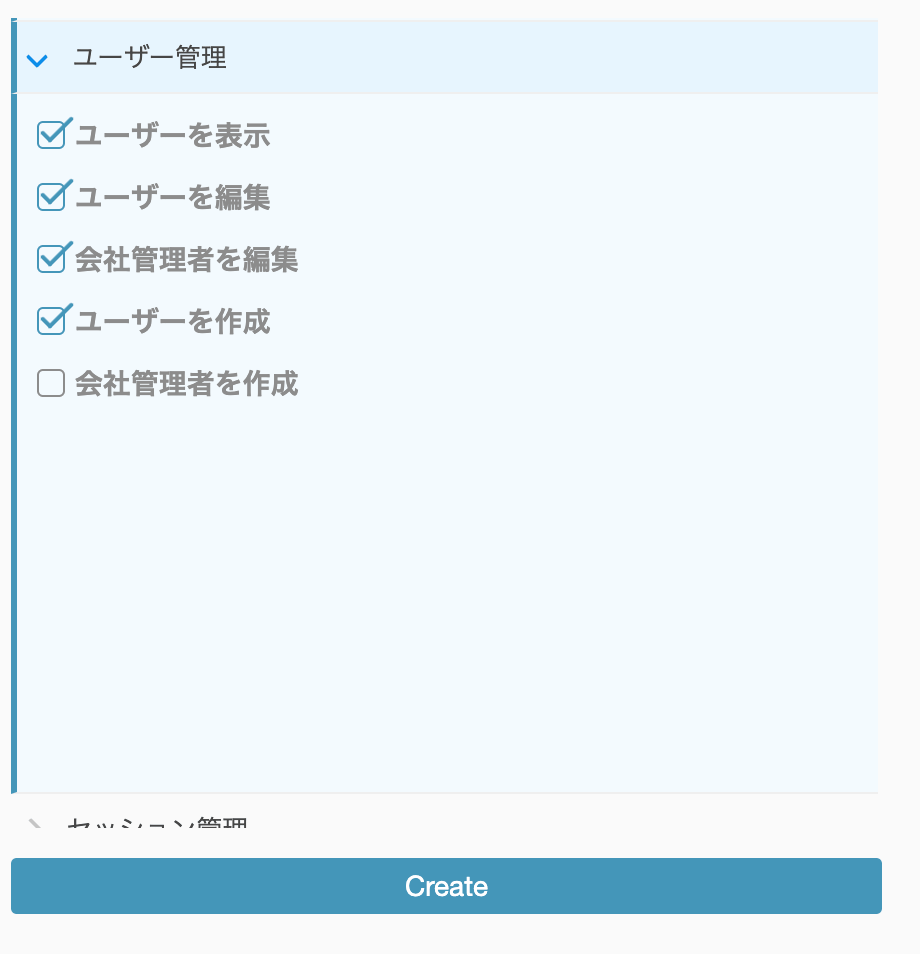
View account data - User management > Check the following:
View users,Edit users,Edit company admins,Create users
-
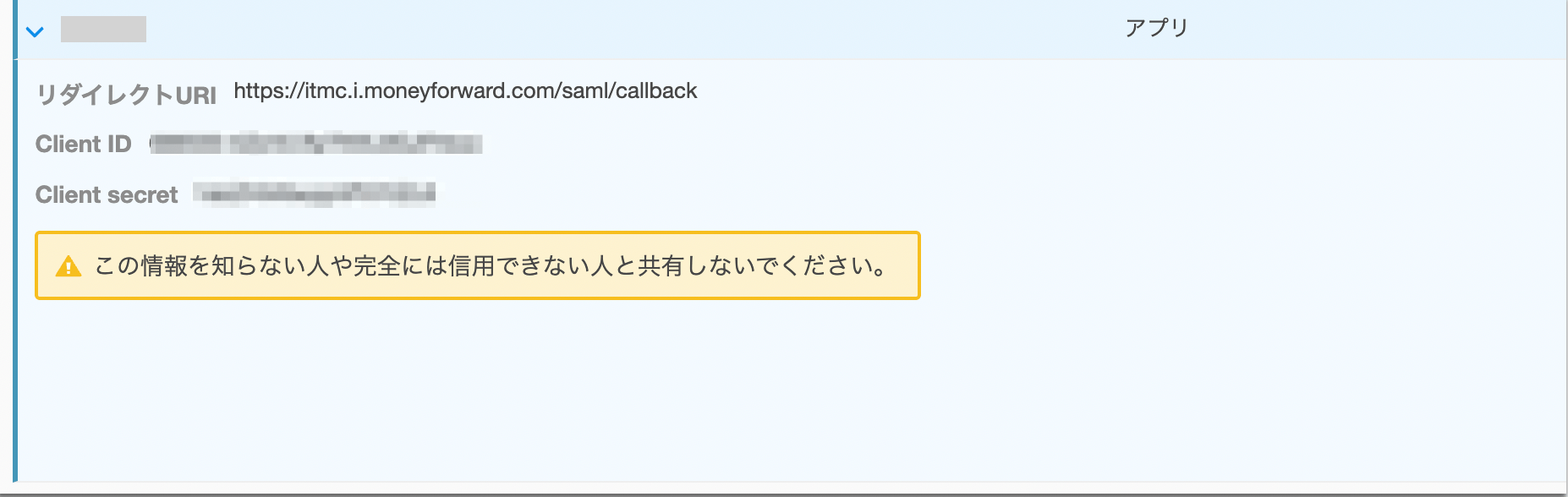
Click Create. Click the created application and copy the Client ID and Client secret.
Integration Setup
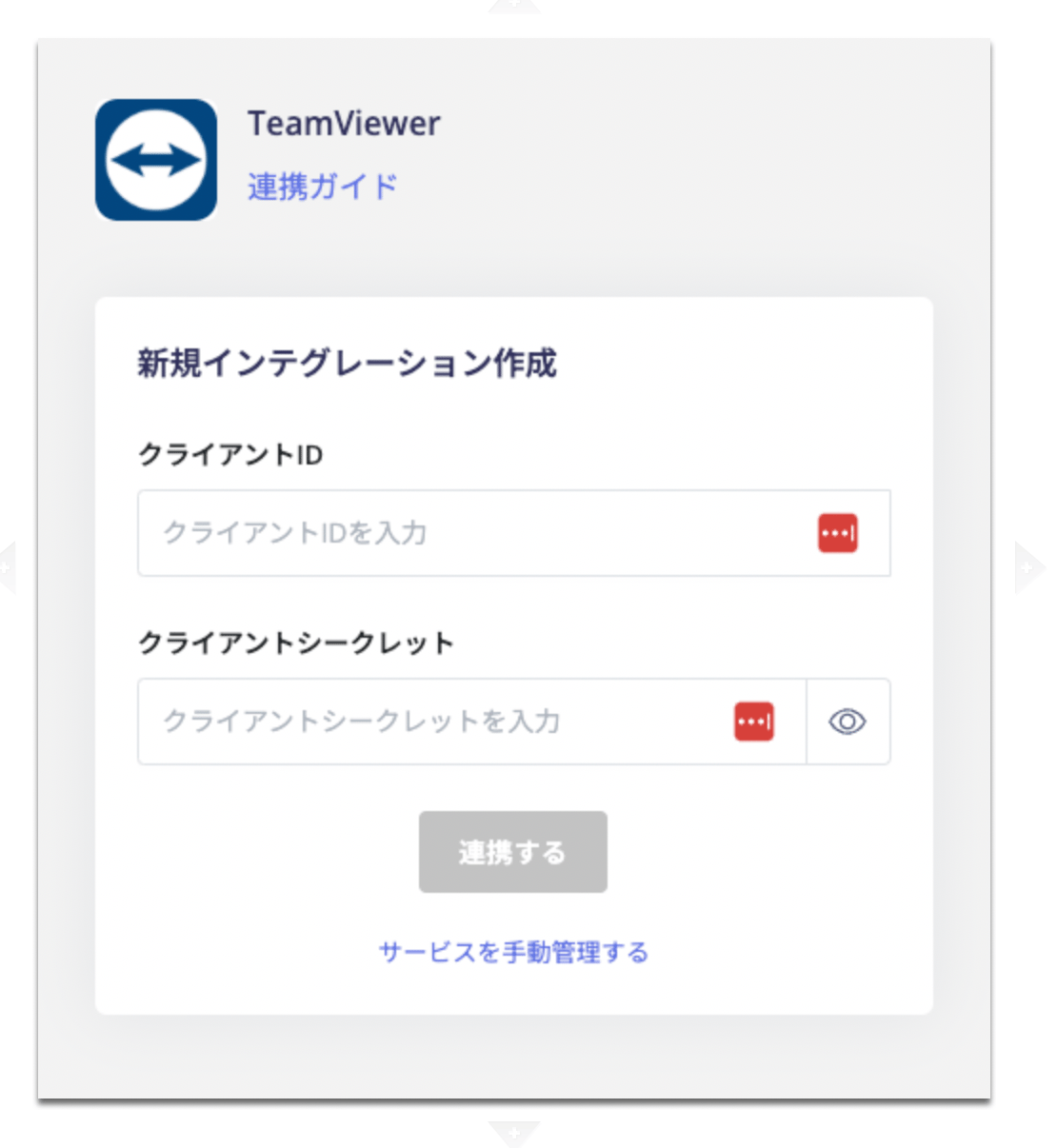
- In the integration screen, search for TeamViewer.
-
Enter the Client ID and Client secret obtained in the previous steps, then click Connect.
-
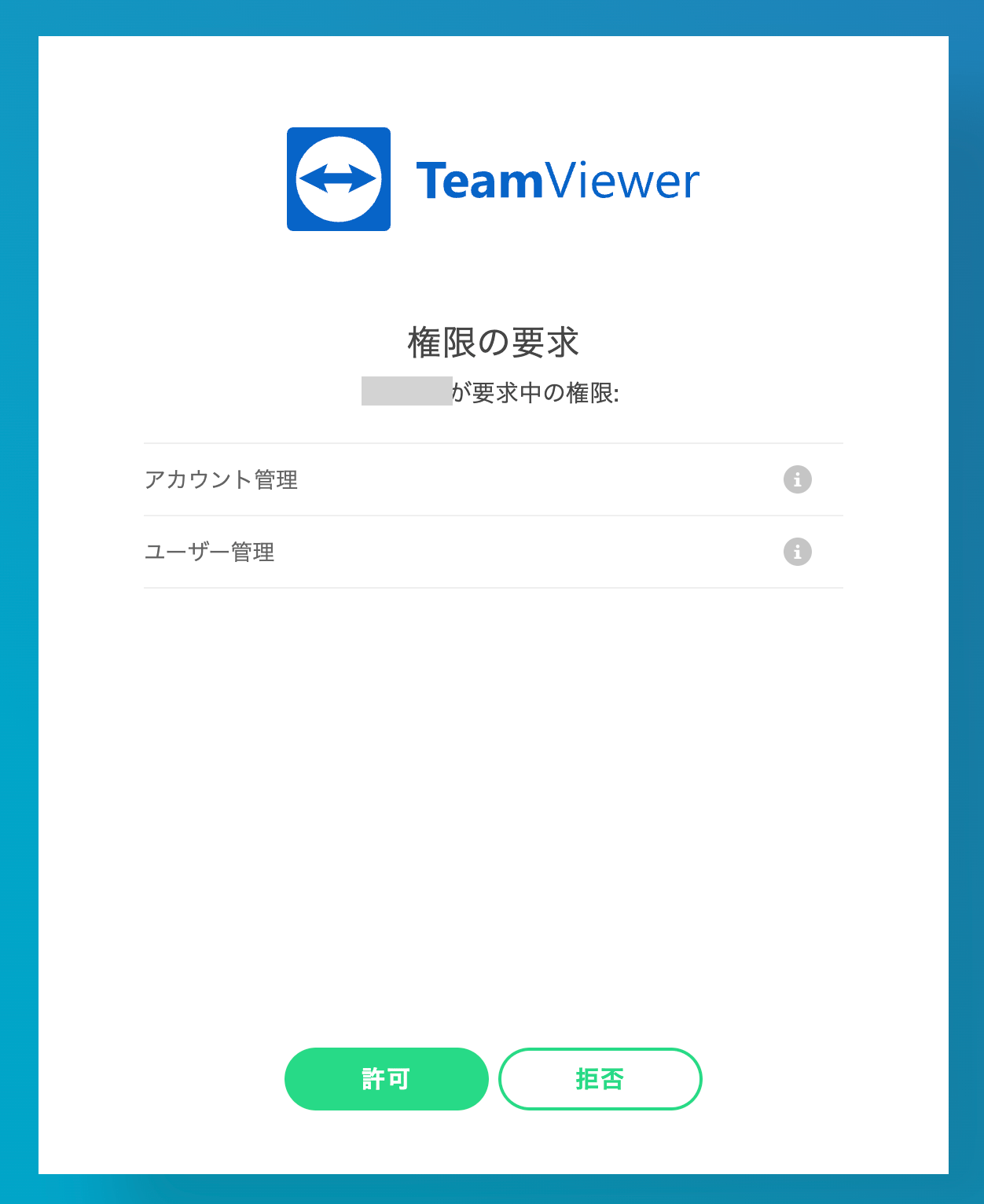
You will be prompted to sign in with TeamViewer — log in and click Allow when asked to grant permissions.