

Integration Specifications
For information on account acquisition for Atlassian services, please refer to Account Acquisition for Atlassian Services.
Prerequisites
How to Log In to Trello
Go to the Trello login page, enter your preferred login method or email address and password, and log in.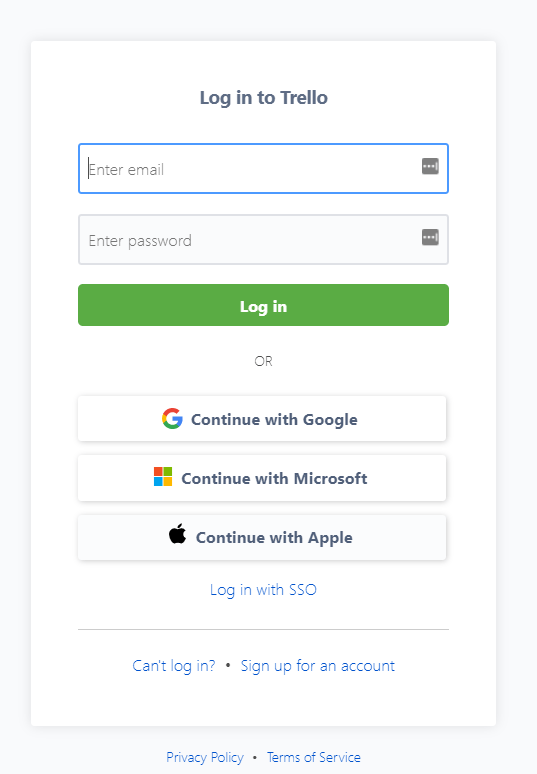
How to Obtain the Workspace Key
After logging in to Trello, click the workspace you want to integrate from Workspaces in the upper right corner. The portion of the Workspaces page URL is the workspace key. Save it.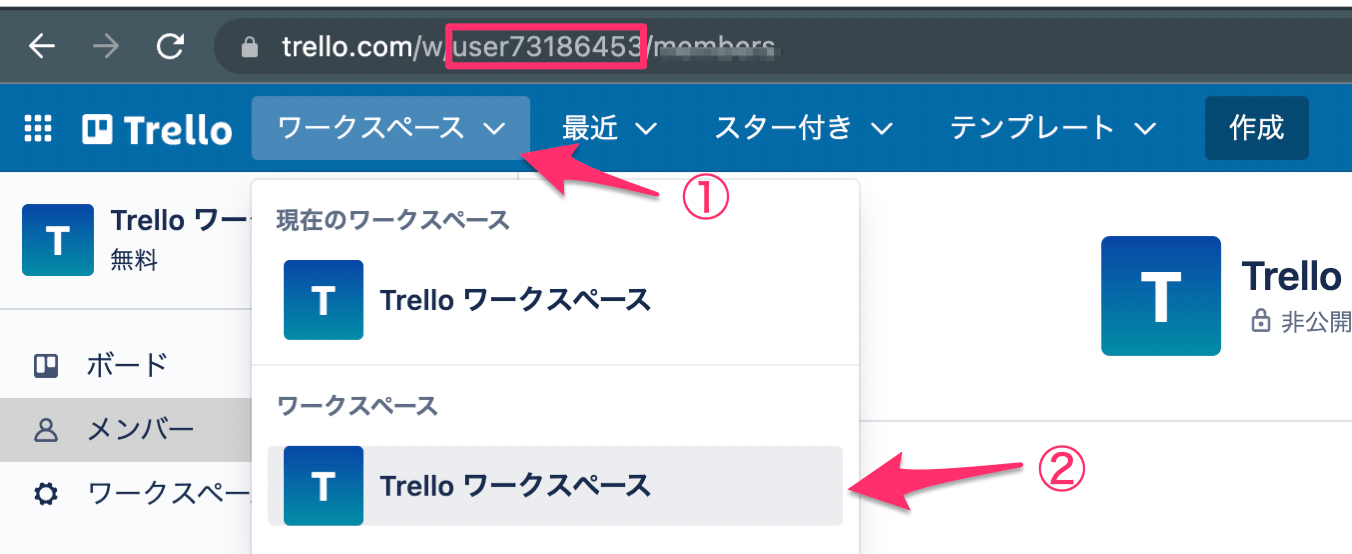
Integration Setup
- in the integration screen, search for Trello.
-
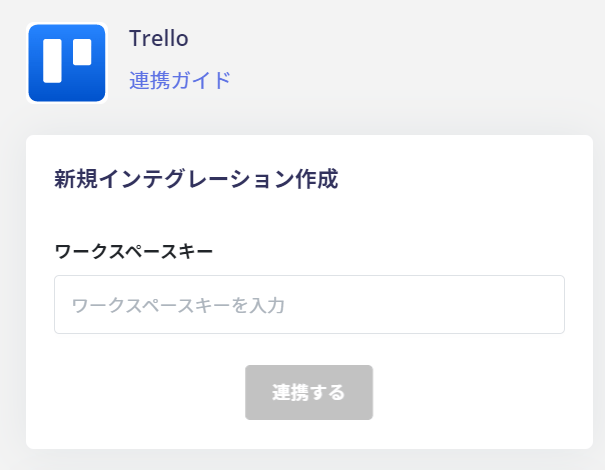
Enter the workspace key obtained in the previous steps and click Connect.
-
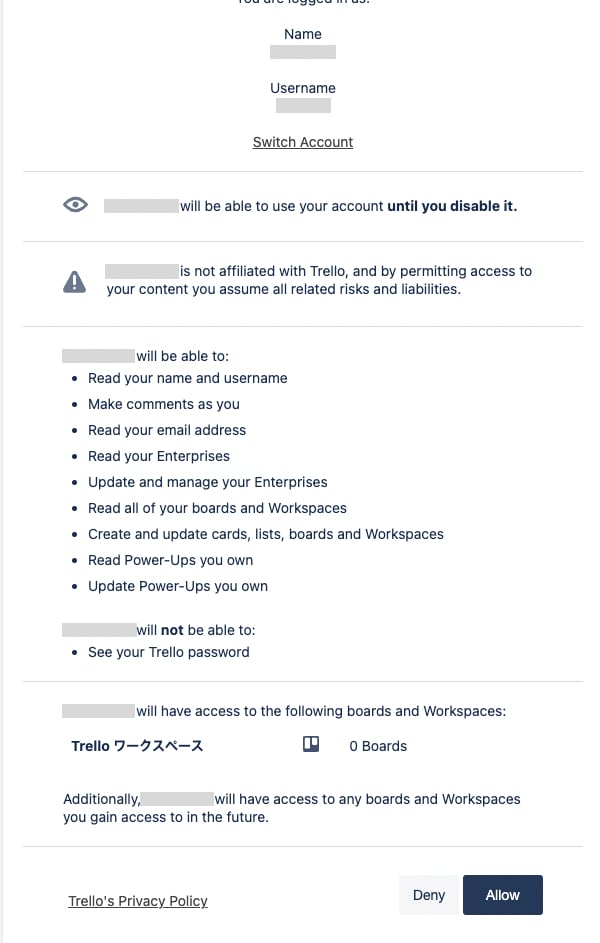
Log in to Trello with your administrator account. An authorization screen will appear. Click [Allow].
- Once the integration with Trello is successful, the registered user information will appear in the account list.