

Integration Specifications
In Money Forward Cloud Human Resources Management, an employee can have a user for logging in. The integration first uses the email address of that user. If that user has no email address, the integration uses the email address in the employee’s basic information.
Prerequisites
Granting App Integration Permissions
Log in to the App Portal as a system administrator. Grant the integrating user App Integration permissions forBusiness Information and Cloud HR Management.
App Integration permissions differ from the roles inside Money Forward Cloud Human Resources Management. If you grant only a role, such as full administrator, the integration still shows a permission error.
Setting up the integration
- On the integration screen, search for Money Forward Cloud HR Management.
-
Click Connect.
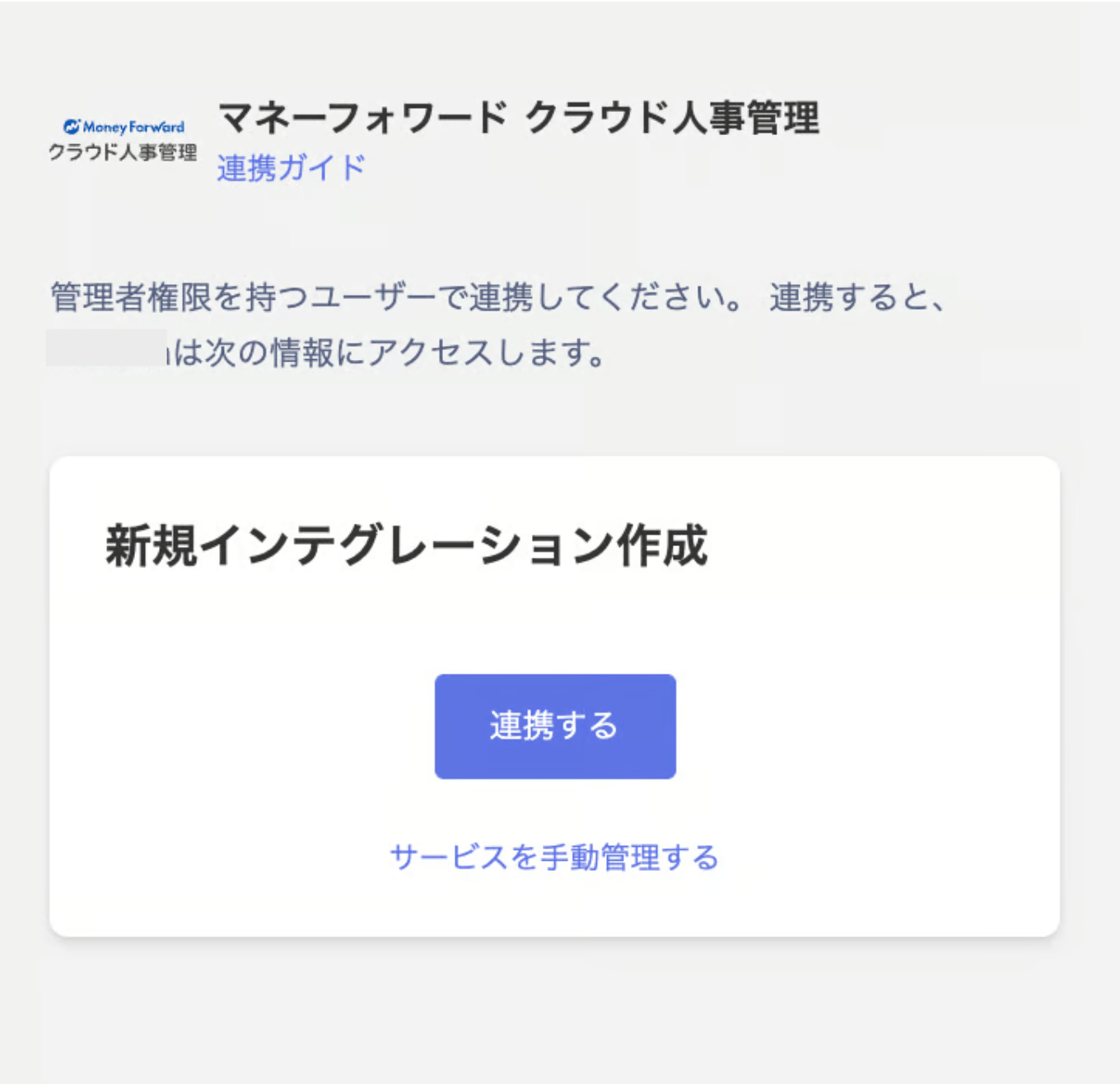
-
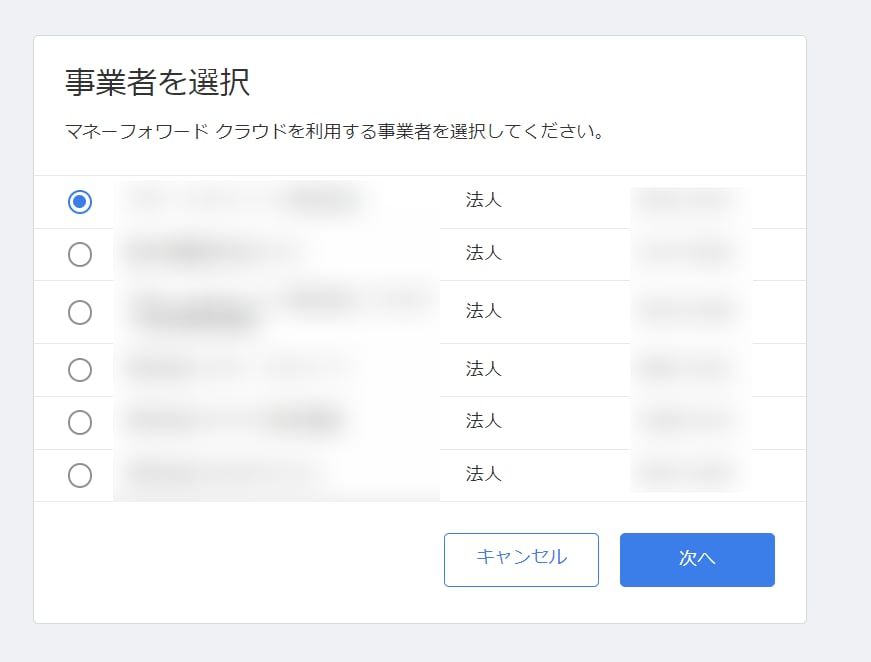
You will be redirected to the Money Forward Cloud Human Resources Management login. Log in as the user you granted the permissions to, select the business you want to link with, and click Next.
- If the integration is successful, registered user information will be displayed in the account list. If it doesn’t complete successfully, edit it from the Status tab on the Integration screen and try again. If the issue is not resolved, please contact us via chat.