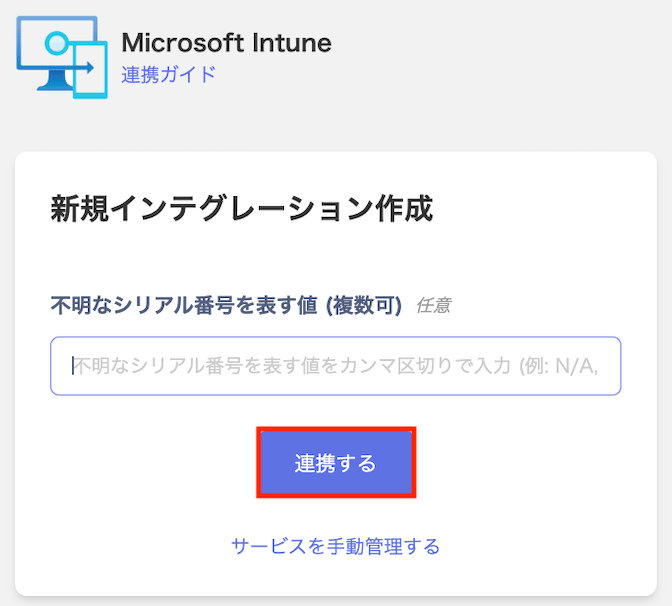
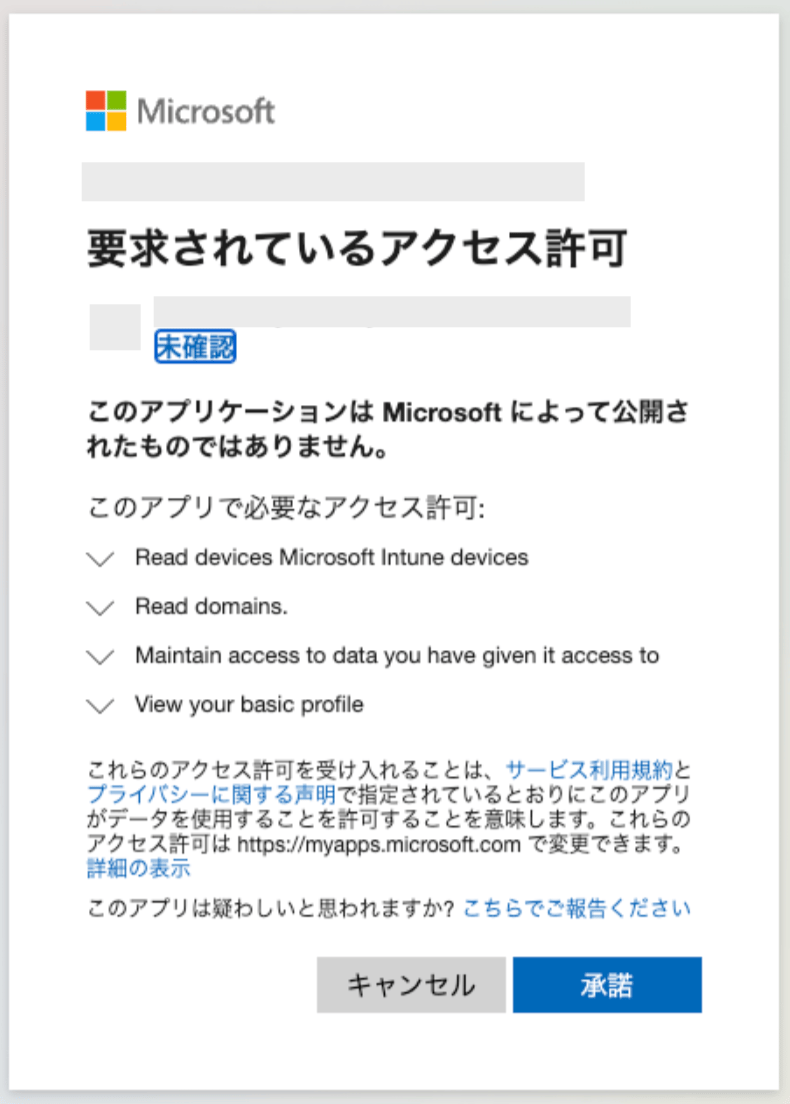
How to integrate Microsoft Intune with Admina using OAuth. Admina retrieves data such as user names, email addresses, and roles and supports MDM integration.
Global administrator privileges are required for this integration.
Account information is not synchronized. To use this integration, the device management feature is required. For MDM integration, please refer to Sync devices with MDM-compatible SaaS.
If you are using the device management feature, you can synchronize devices with Microsoft Intune. For details, see Sync devices with MDM-compatible SaaS.
Generates a unique model name as (manufacturer_model number)
Last used
(1) MDM-based
Last check-in time
Asset number
(2) This-service-based
Intune device ID
Generates a unique asset number as <mdmname>_<hostname>. A prefix is added if duplicated. *This field is this-service-based but does not support bulk CSV changes (can only be changed via UI).
OS
(1) MDM-based
Operating system
Version
(1) MDM-based
Operating system version
HDD/SSD
(1) MDM-based
Total storage capacity
Memory
(1) MDM-based
Total physical memory
CPU
(1) MDM-based
Processor architecture
Email address
(2) This-service-based
Primary user
Status
(2) This-service-based
—
Set to “In Use” if a primary user is registered on the MDM side; otherwise set to “In Stock”.
Type
(2) This-service-based
By platform
Windows/Linux/macOS/ChromeOS → PC (Laptop); iOS/iPadOS/Android → Phone.
Compliance
(1) MDM-based
Compliance status
Keyboard layout
Not available
Not available
(This field cannot be retrieved from Intune. Any registered data is kept as is.)
Recommendations When Integrating Both Intune and Jamf
We recommend connecting Jamf first, then connecting Intune afterwards.This is because more synchronized fields can be made visible on this service.Jamf supports 25 synchronizable fields, while Intune supports 16 fields. If you connect Intune for MDM integration first, devices registered in Jamf may also be managed in Intune. In that case, the Intune-side data for those Jamf-registered devices will be synchronized. As a result, the 25 fields that would normally be visible on this service become limited to 16.Therefore, if you use Apple products and Jamf, we recommend connecting via Jamf first.
Q. What if I have already connected MDM integration with Intune first?A. Stop the Intune sync and delete the Intune-side Jamf-registered device data that was synchronized on this service. Then start MDM integration with Jamf, and finally reconnect MDM integration with Intune.Q. I have MDM integration with Microsoft Intune, but can I edit the Keyboard/SIM Number fields?A. Keyboard/SIM Number can now be entered.