How to integrate Kintone (Japan) with Admina using an ID and password or an API key. Admina retrieves data such as user names, email addresses, and roles and supports account creation, deactivation, and deletion.
If You Are Using SAML Authentication (Single Sign-On)
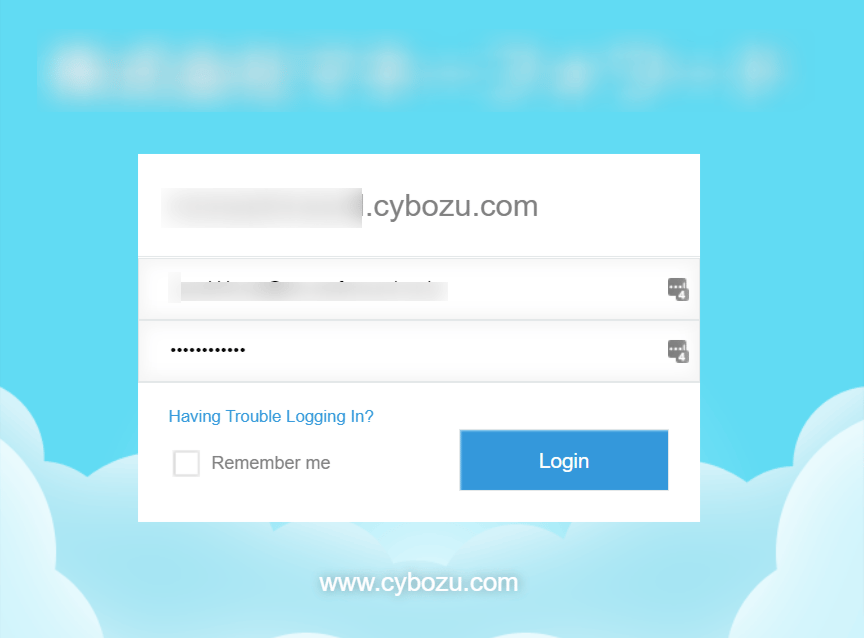
The integration accesses the Kintone API with an API key or a username and password. Because it does not go through SAML authentication, you can integrate even when SAML authentication is enabled.To use the “ID/Password” tab, enter the email address and password of a common administrator. Even with “Require SAML authentication” enabled, cybozu.com common administrators can log in with a password. For details, see Cybozu’s URL to bypass SAML authentication (external site).
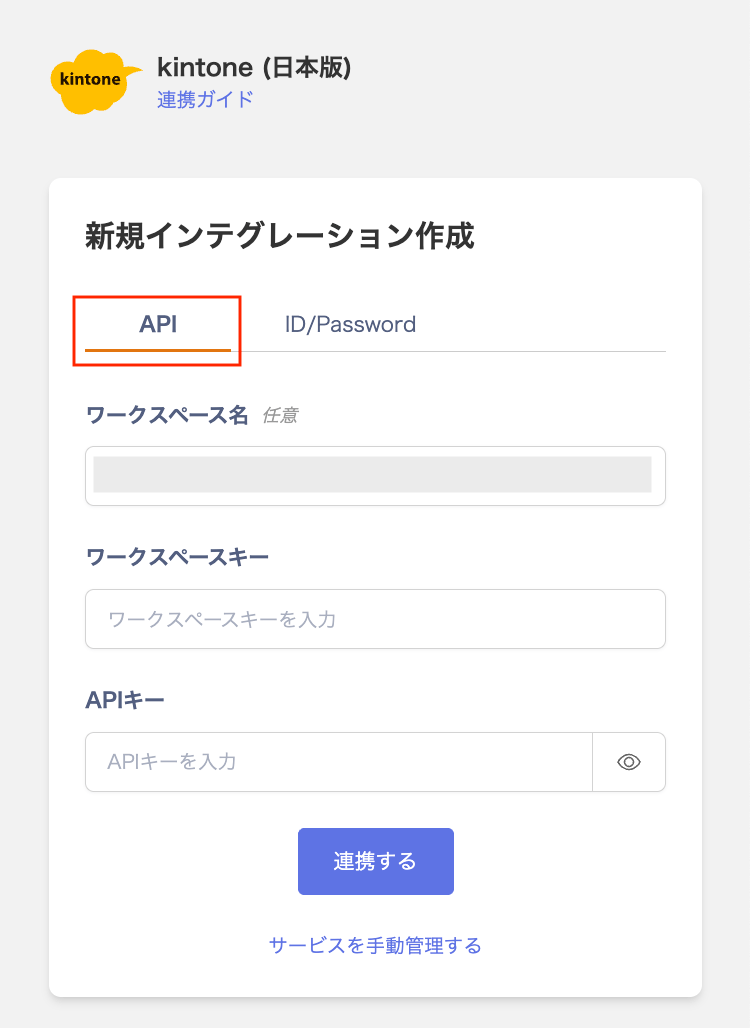
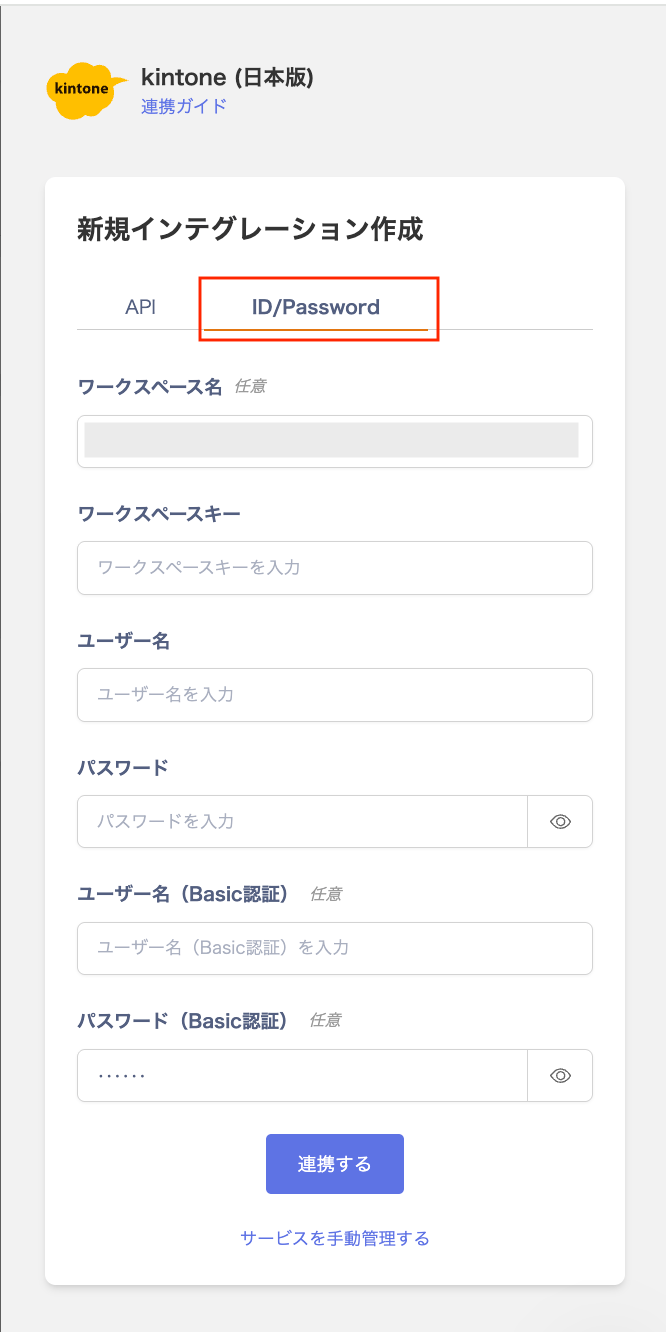
There are two integration methods: the “API” tab and the “ID/Password” tab.To integrate using the “API” tab, refer to Generate an API token (external site) for setup instructions.
In the integration screen, search for kintone (Japan).
There are two integration methods: the “API” tab and the “ID/Password” tab. Follow the steps for your chosen method.To integrate using the “API” tab: Enter the following and click [Connect].
Username: Enter the common administrator’s email address.
Password: Enter the common administrator’s password.
Username (Basic Auth): If Basic authentication is configured, enter the Basic authentication login name.
Password (Basic Auth): If Basic authentication is configured, enter the Basic authentication password.
Once the Kintone integration is successful, the registered user information will appear in the account list.
If the process does not complete successfully. Click Edit from the Status tab on the integration screen and try connecting again.If the issue persists, please contact us via chat.