How to integrate MoneyForward Cloud Accounts Payable with Admina using OAuth. Admina retrieves user names, roles, and statuses and supports account creation and deletion, as well as cost management.
In the integration screen, search for MoneyForward Cloud Accounts Payable.
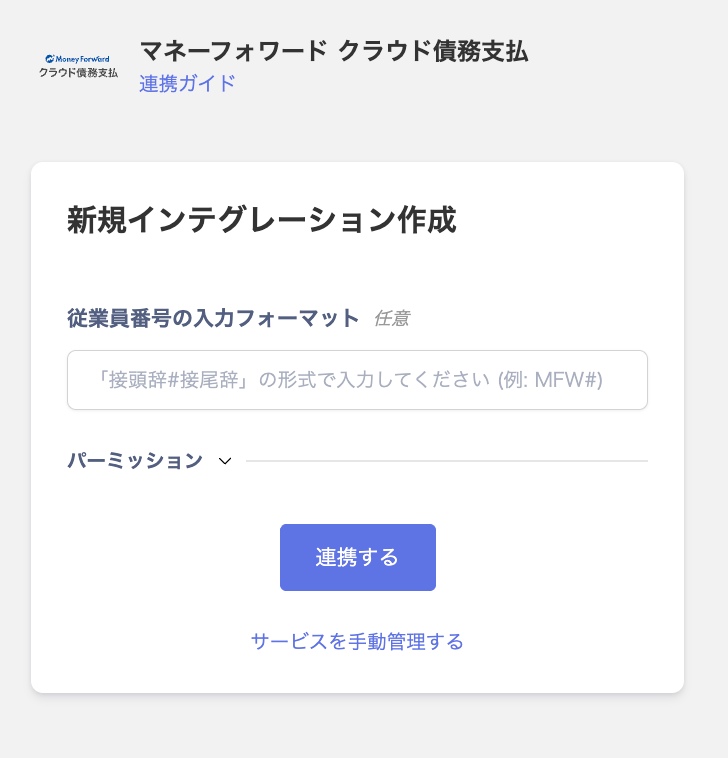
Click Connect. The Employee Number Input Format field is optional, and permission is selected from the dropdown.
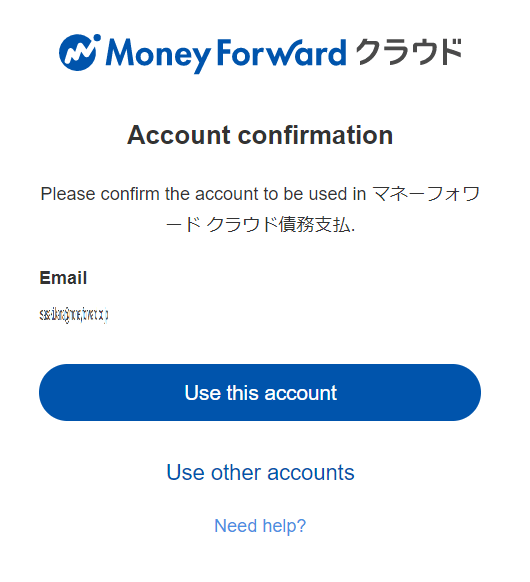
You will be redirected to the login screen. Log in with your MoneyForward ID or your preferred login method.
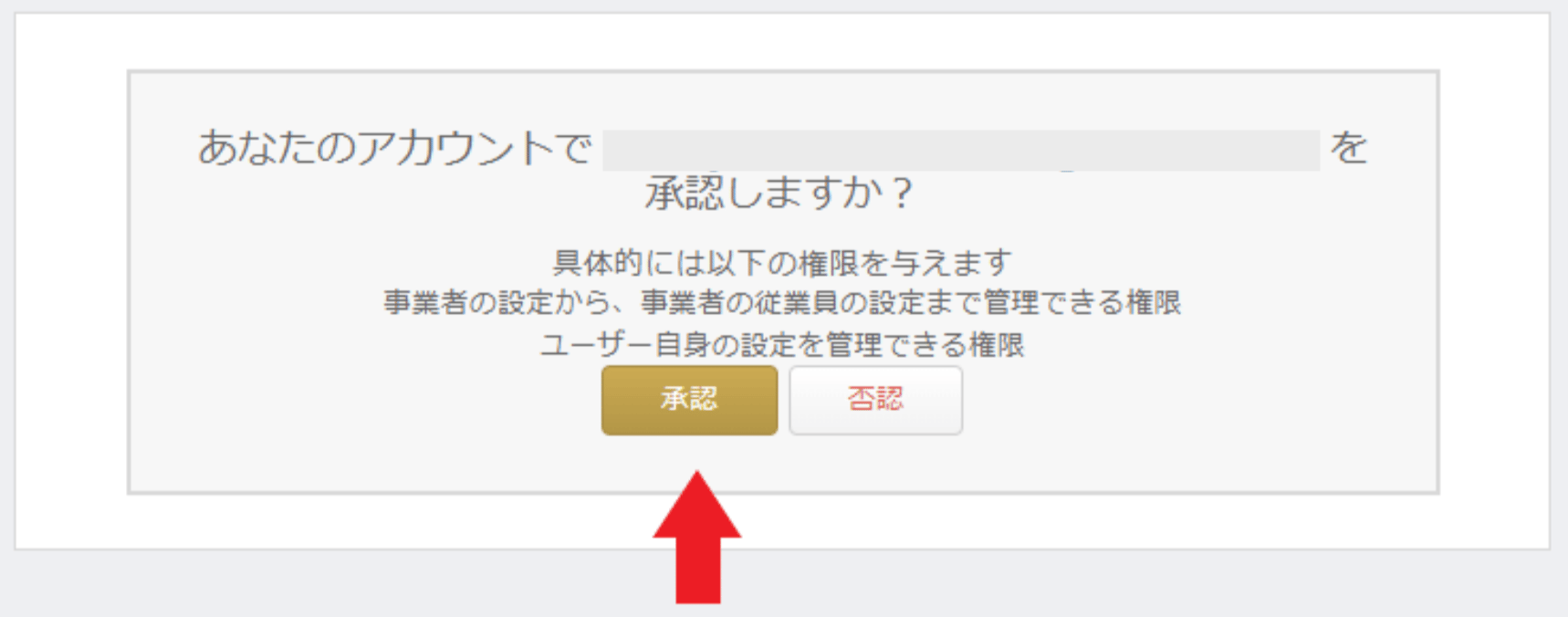
After logging in, an authorization screen will appear. Click Approve.
If the integration is successful, registered user information will be displayed in the account list. If it does not complete successfully, go to the Status tab on the integration screen, click Edit, and try again. If the issue persists, please contact us via chat.
Manual SaaS Account Linking When Email Address Cannot Be Retrieved
Because this service does not allow retrieval of email addresses, the user type will be determined as “Unknown.”If needed, manually link (de-duplicate/merge) accounts with other accounts.Manually merge SaaS accounts