

Integration Specifications
- API access registration for LANSCOPE Endpoint Manager Cloud Edition is required in advance to obtain the access key used for the integration.
- This page describes the integration procedure for device data. For account integration, see LANSCOPE Endpoint Manager.
- A device management contract is required to use this feature. If you would like to trial the device management feature, please contact us via chat.
Prerequisites (LANSCOPE Endpoint Manager)
Go to the LANSCOPE Endpoint Manager login page and enter your account credentials to log in.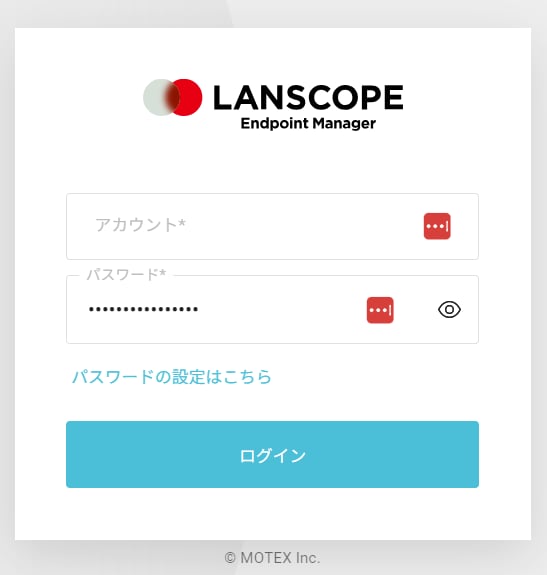
How to Obtain Your Workspace Key
After logging in to LANSCOPE Endpoint Manager (Device), check the URL — part of the URL is your workspace key. Save it for later.How to Obtain Your Access Key
API access registration for LANSCOPE Endpoint Manager Cloud Edition is required to obtain the access key. Log in to LANSCOPE Endpoint Manager Data Integration Settings and open API Token Settings. The API token is your access key — create one or copy the existing one.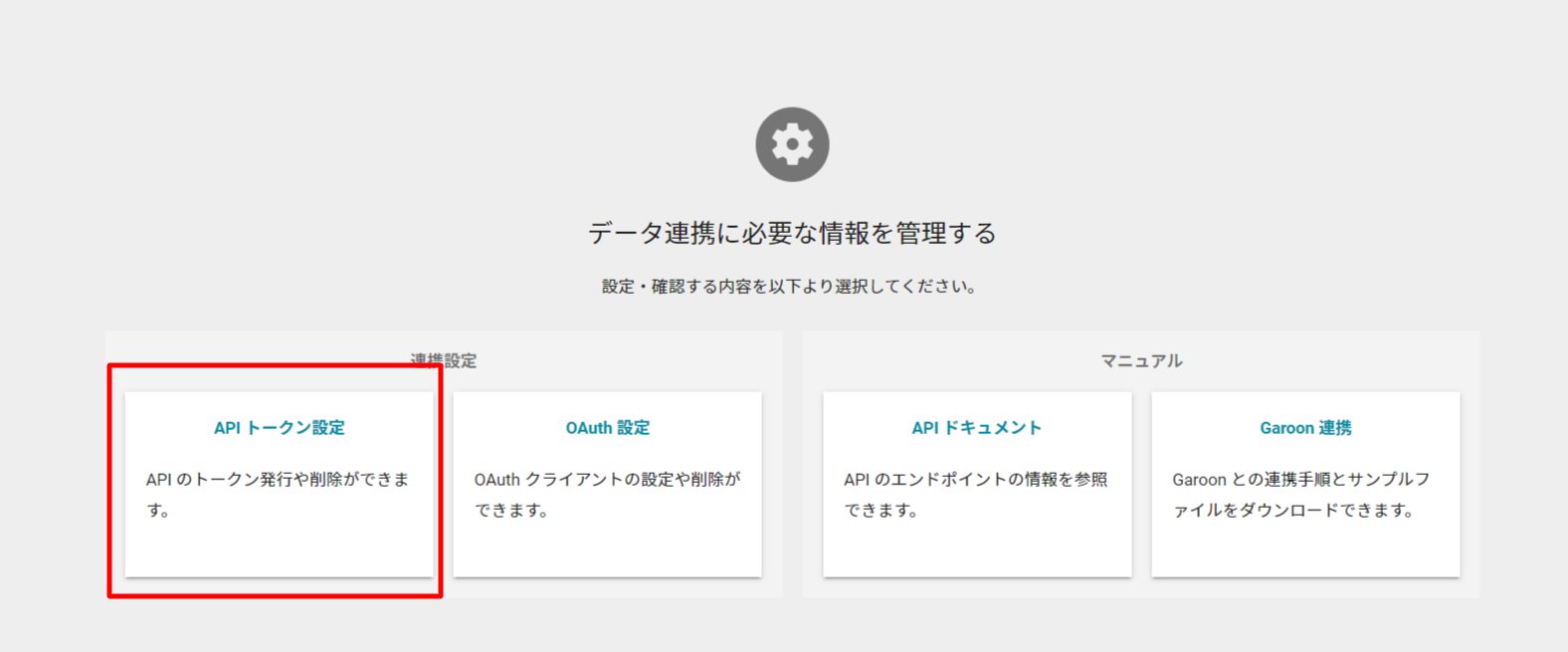
Integration Setup
- In the integrations screen, search for LANSCOPE Endpoint Manager (Device).
-
Enter the workspace key and access key obtained in the previous steps, then click Connect. The workspace name is optional.
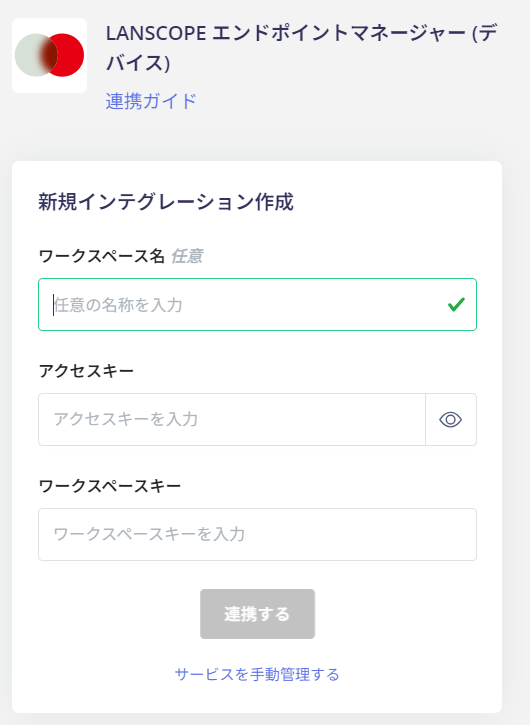
- The integration with LANSCOPE Endpoint Manager is now complete. If it does not complete successfully, click Edit from the Status tab on the integrations screen and try again. If the issue persists, please contact us via chat.
Owner information (email address, etc.) cannot be retrieved.
MDM Integration
If you are using the device management feature, you can synchronize devices with LANSCOPE Endpoint Manager. For details, see Sync devices with MDM-compatible SaaS.Supported LANSCOPE services for synchronization
- LANSCOPE Endpoint Manager Cloud Edition
If you also integrate other MDMs such as Microsoft IntuneA device with the same serial number may be registered in more than one MDM. In that case, this service uses the data from the MDM that synced the device first. Data from MDMs that sync the device later does not overwrite it.