

Integration Specifications
All plans are supported for the integration, but CRM Hub Enterprise plan is required to retrieve Roles.
Integration Setup
- In the integrations screen, search for HubSpot.
-
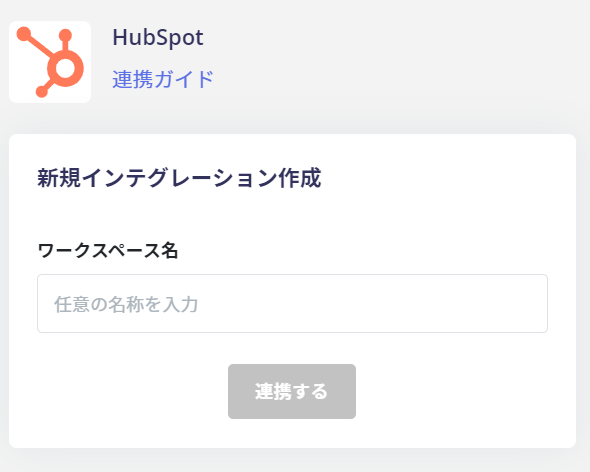
Enter any name (e.g., your company name) in the Workspace key field and click [Connect].
-
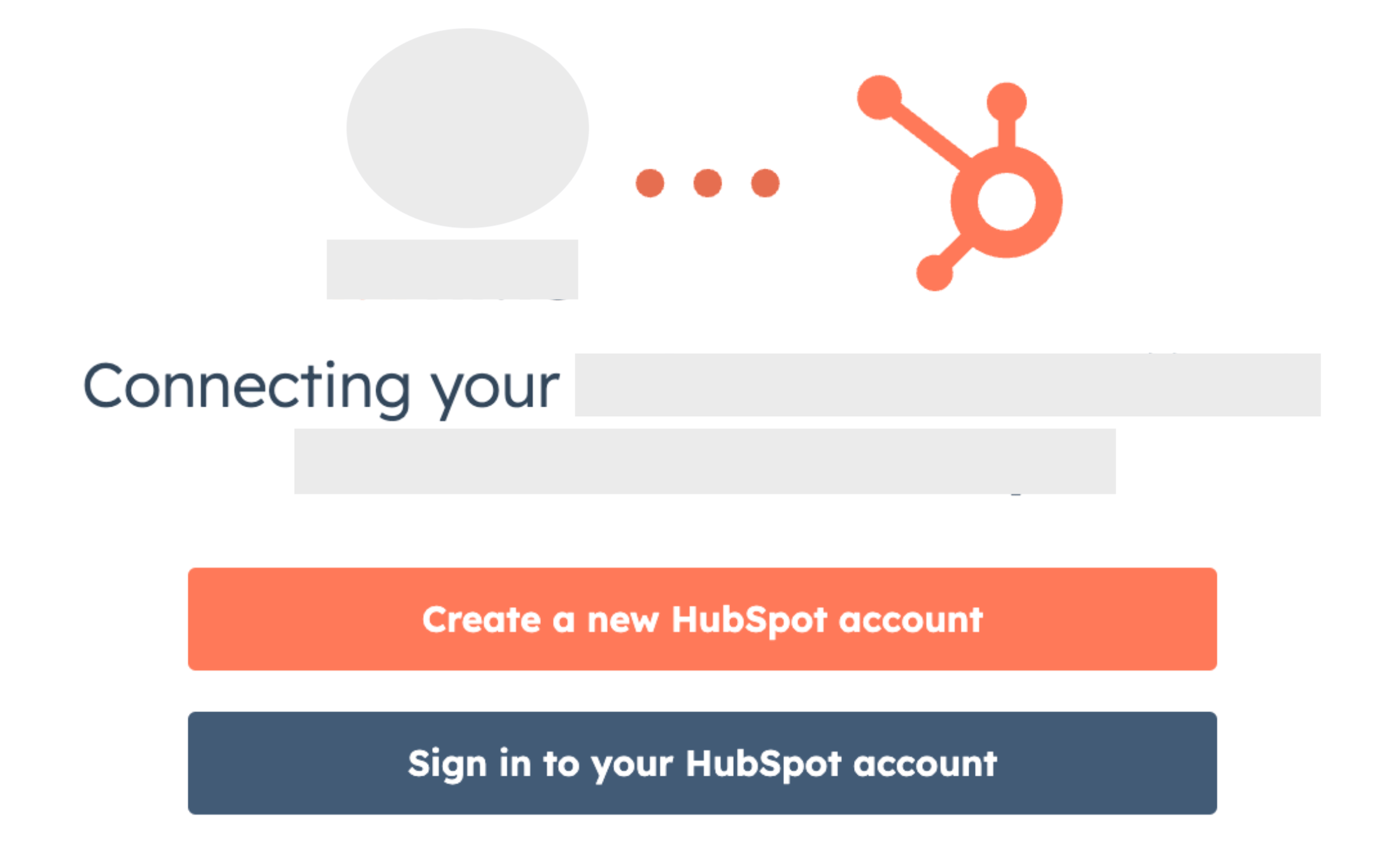
The “OAuth Bridge” screen will appear. Click [Sign in to your HubSpot account].
-
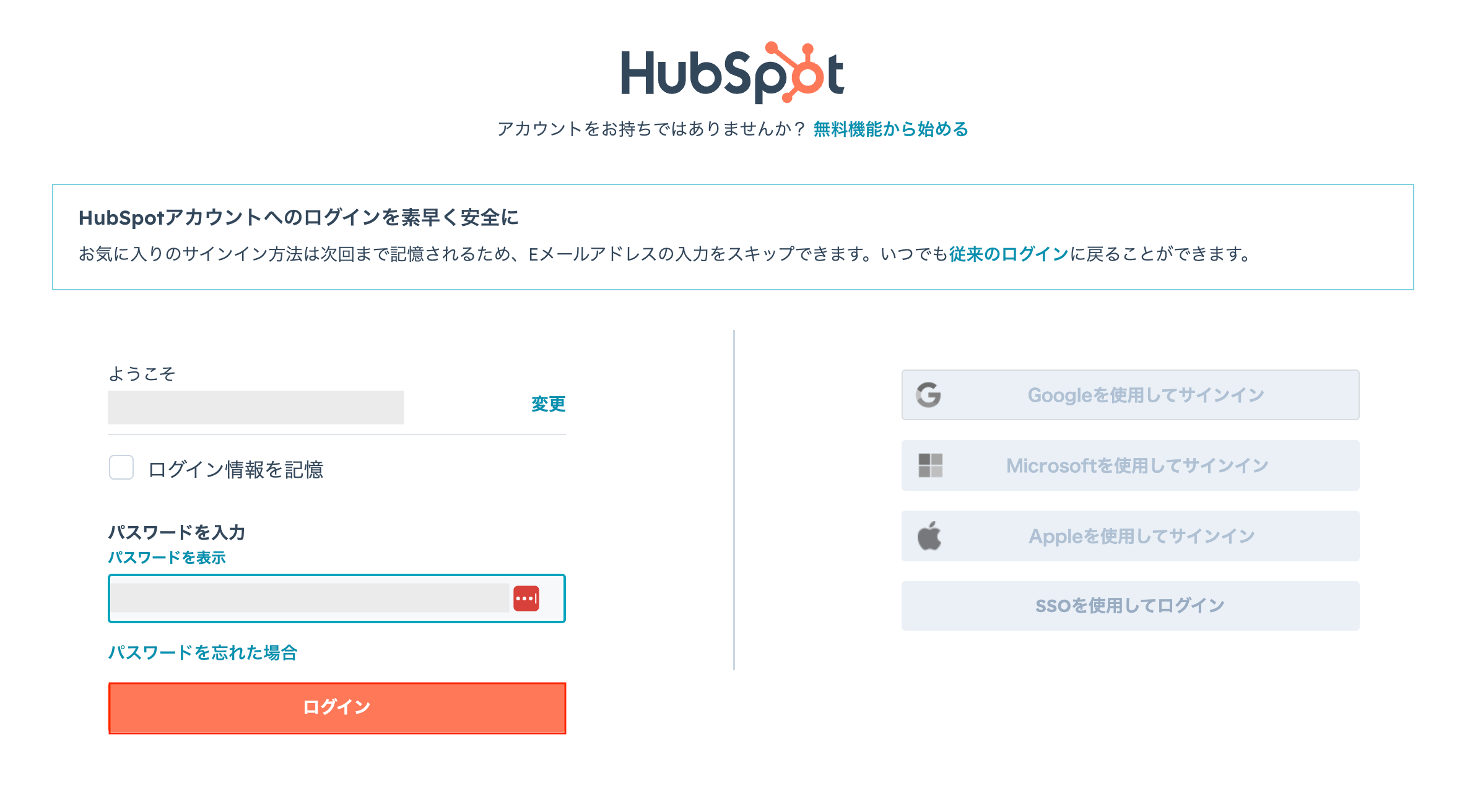
The HubSpot login screen will appear. Enter your email address and password, then click [Log in].
-
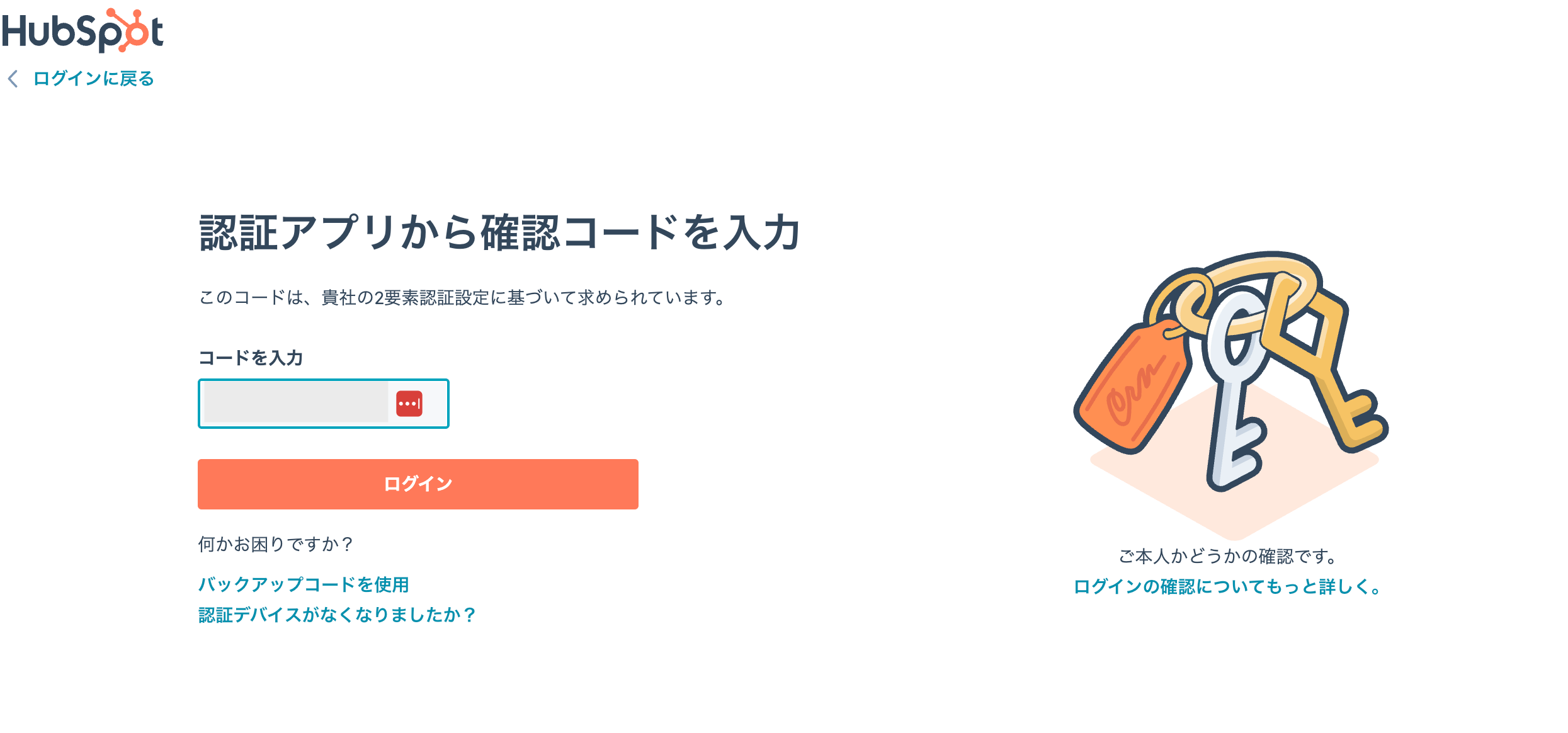
The “Enter authentication code from authenticator app” screen will appear. Enter the code and click [Log in].
-
If you have multiple accounts on HubSpot, select the account to connect.
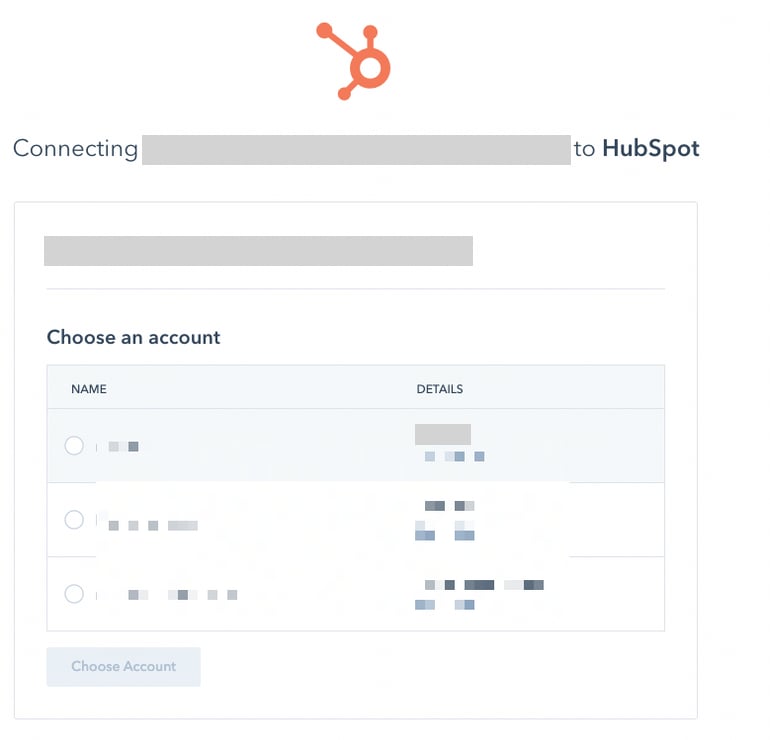
- Once the integration with HubSpot is successful, the registered user information will appear in the account list.