

Integration Specifications
This service supports basic account information retrieval and aggregation only.An account with administrator privileges is required for the integration.
Data Retrieved from GitLab
From GitLab, you can retrieve information about members belonging to groups. If no groups exist, the following error will occur during integration:errors.ids.oauth_no_workspace
Groups can be used in two ways:
- Granting group-level access permissions to personal repositories (similar to a Group concept)
- Having repositories owned by a group (similar to an Organization concept)
Integration Setup
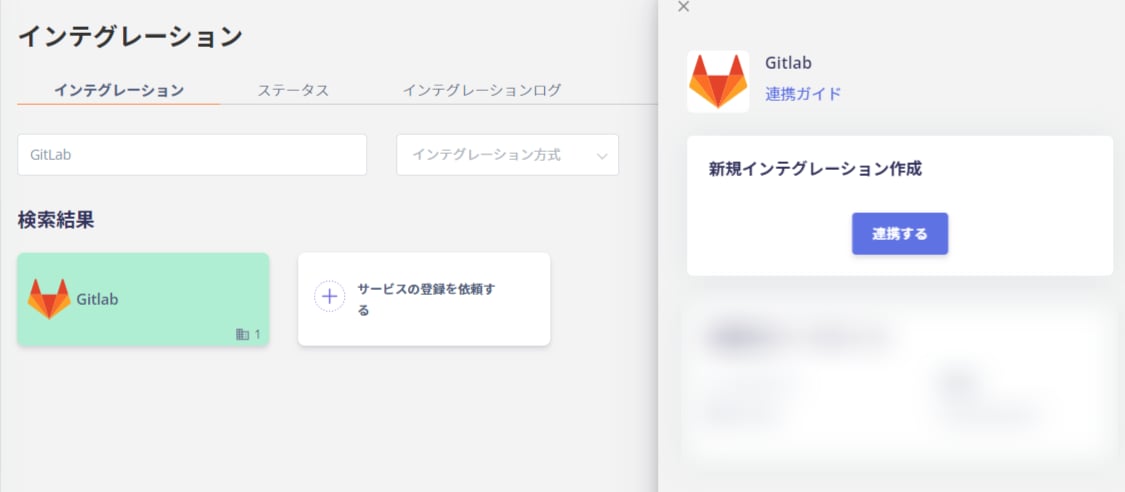
- In the integration screen, search for Gitlab.
-
Click Connect.
-
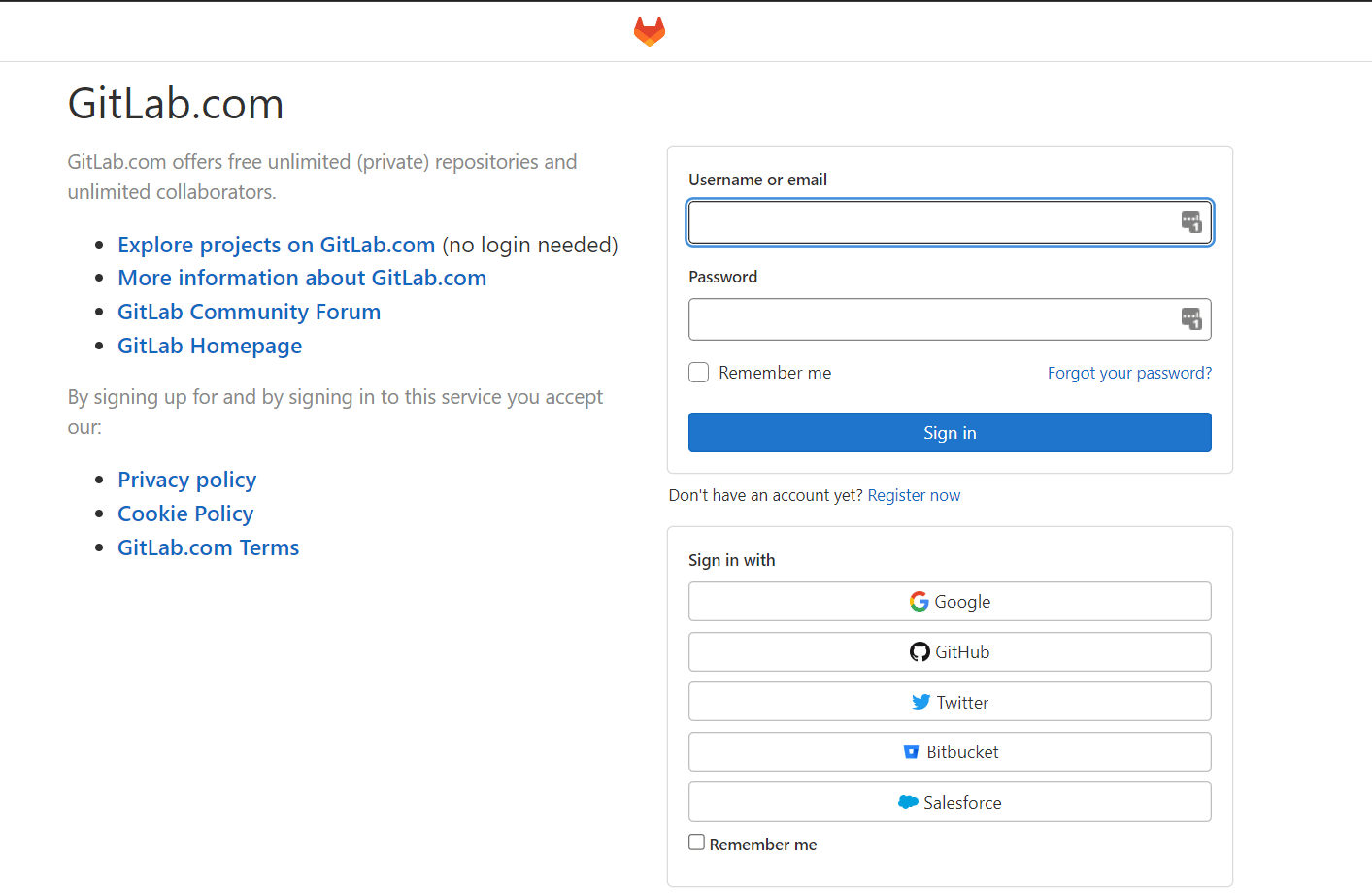
You will be redirected to the GitLab login page. Enter your login credentials or username/email address and password to log in.
-
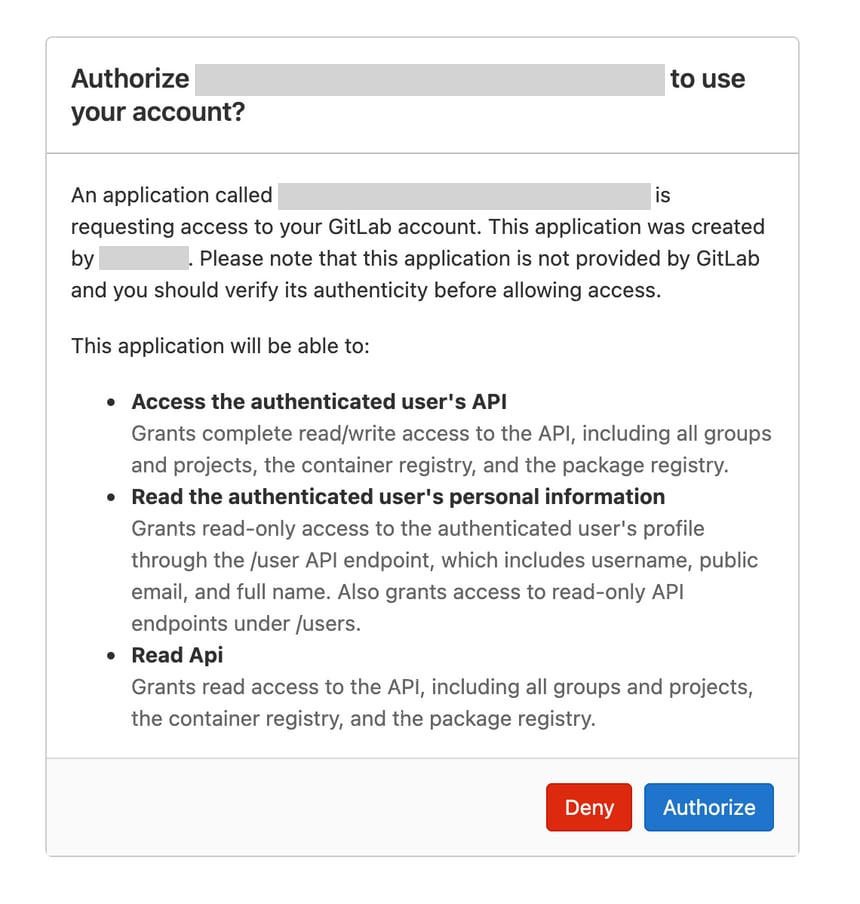
After logging in to GitLab, an authorization screen will appear. Click Authorize.
- Once the GitLab integration is successful, registered user information will appear in the account list. If the setup does not complete successfully. Go to the Status tab on the integration screen, click Edit, and try connecting again. If the issue persists, please contact us via chat.