

Integration Specifications
The CLOMO integration supports creating and deleting service accounts. It does not support MDM integration for synchronizing devices. To see which services support MDM integration, select “MDM integration” from All capabilities at the top of List of supported SaaS.The CLOMO integration does not support accounts that have two-factor authentication enabled. Decide how to handle the account used for the integration according to your organization’s security policy.
Integration Setup
- In the integration screen, search for CLOMO.
-
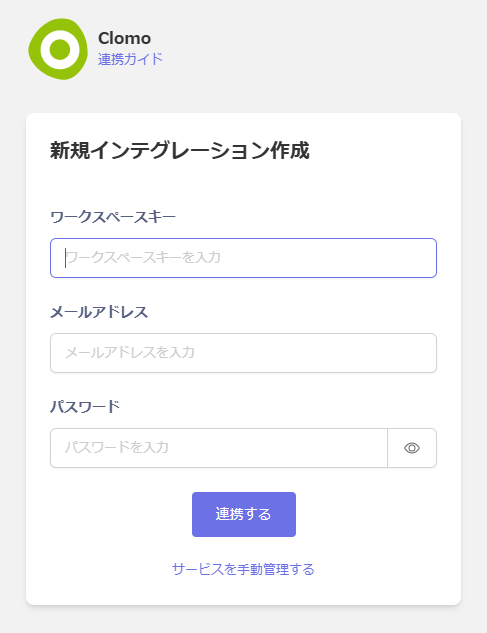
The workspace key is the XXX portion of https://clomo.com/panel/XXX/login.
Enter your login email address and password, then click Connect.
- Once the integration is successful, the registered user information will appear in the account list. If the process does not complete successfully. Click Edit from the Status tab on the integration screen and try connecting again. If the issue persists, please contact us via chat.