

Integration Specifications
Prerequisites
The integration uses the email address and password that you use to log in to Baserow.External authentication accounts such as Google or SSO cannot be used for the integration. For details, see Cannot connect with an external authentication account (Google, SSO).
How to obtain the workspace key (workspace ID)
- Log in to Baserow and open the workspace that you want to integrate.
-
Check the URL in the browser address bar. The number after
https://baserow.io/workspace/is the workspace ID.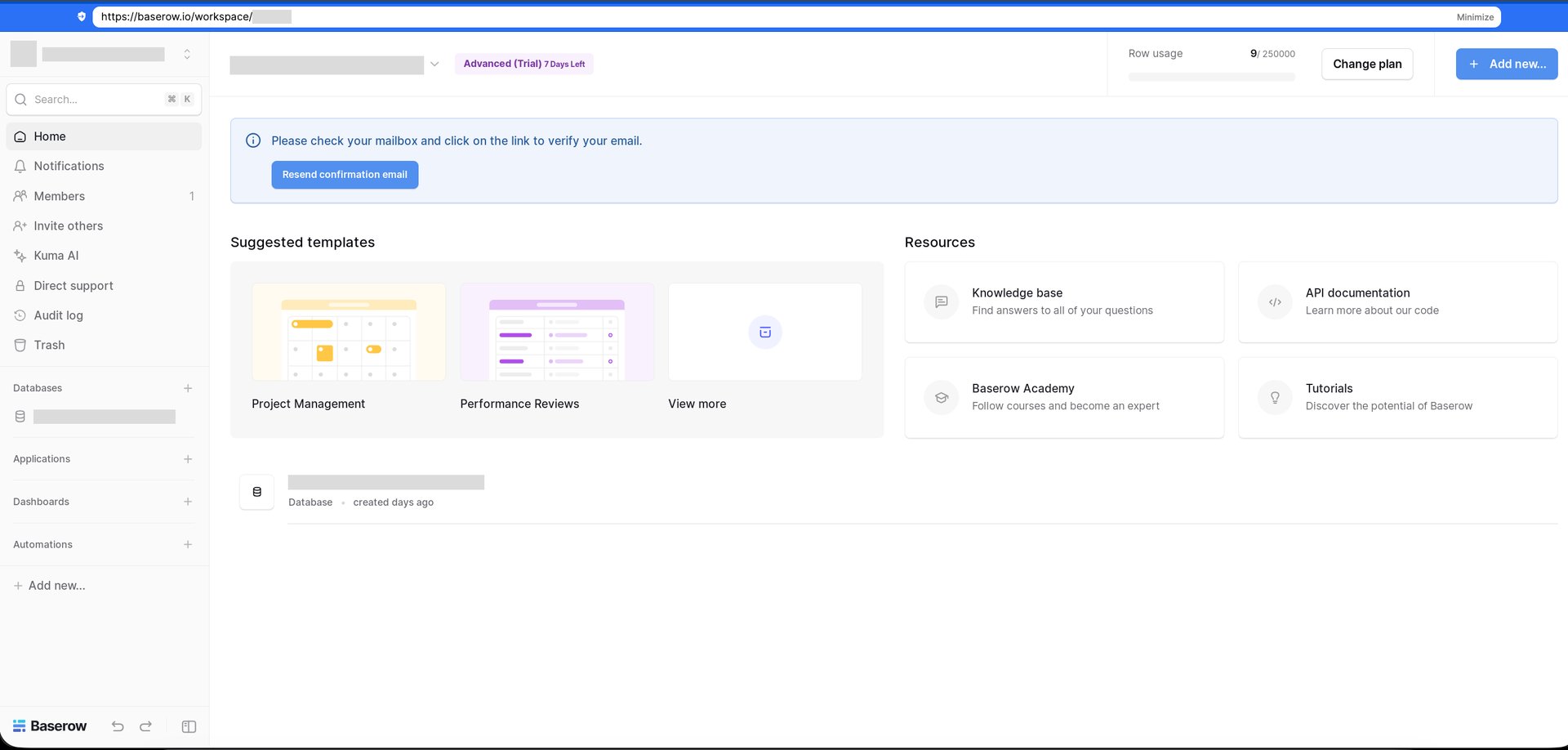
Setting up the integration
- In the integration screen, search for Baserow.
-
Enter the workspace ID in Workspace key. Enter your Baserow login email address and password in Email address and Password, then click Integrate.
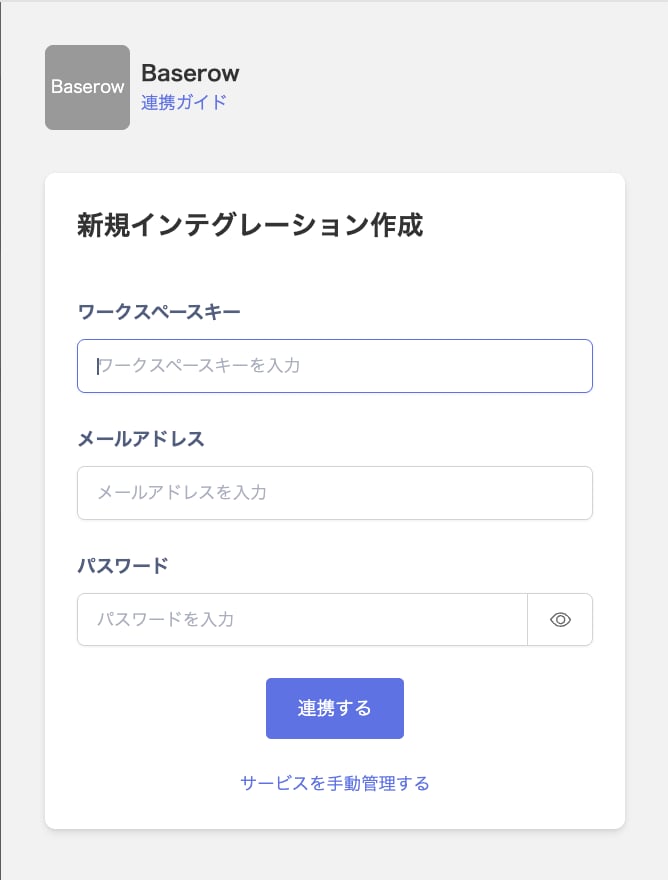
- When the integration with Baserow succeeds, registered user information appears in the account list. If it does not complete successfully, first try the steps in Troubleshoot SaaS integration errors. If the issue persists, check Information to provide and contact Support.