

Integration Specifications
Integration with organizations is supported, syncing Asana organization accounts.
If your Asana subscription plan is the Division plan, accounts may not be removed from the organization, causing a mismatch in account information. In this case, deleting the account will also remove it from the organization.
Integration Setup
- In the integrations screen, search for Asana.
-
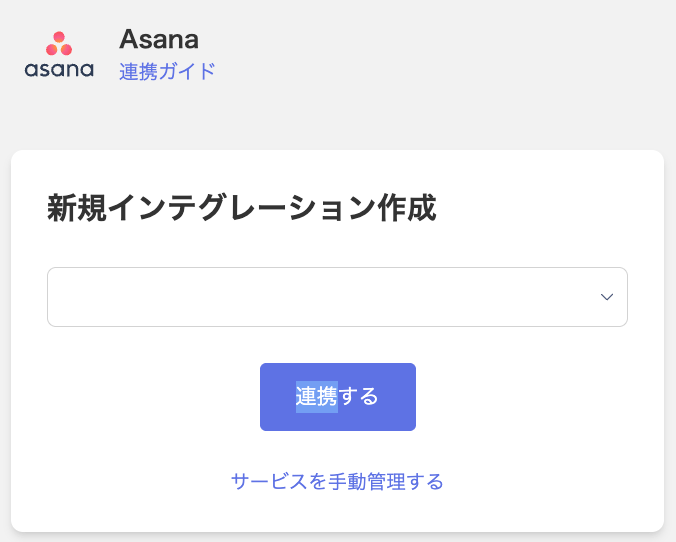
Select the Workspace and Team from the dropdown menus, then click Connect.
To integrate with a Team shown on the left side of the Asana screen, select “Team”.
-
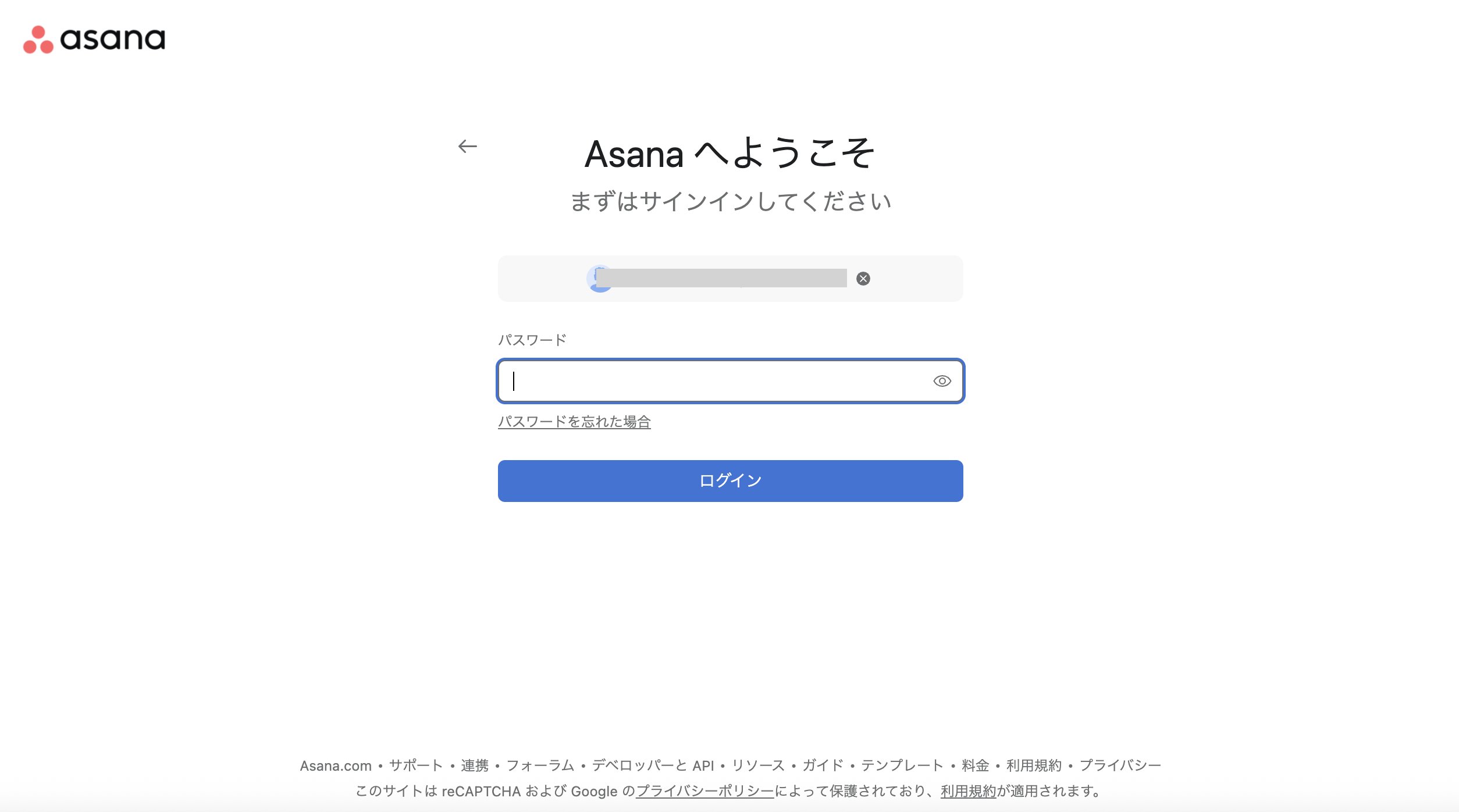
You will be redirected to the Asana login page. Enter your email address and password, then click Log in.
- Once the integration with Asana is successful, registered user information will appear under the service’s Accounts tab. If the integration does not complete successfully, go to Integrations > Status and try connecting again.
If the Asana Integration Fails
If the issue persists, please contact us via chat with the following information:- A screenshot or video of the error screen
- Error details