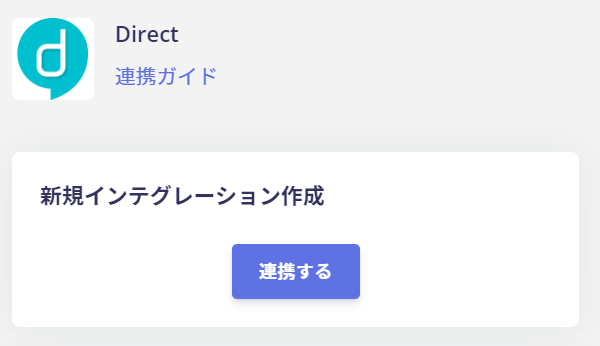
How to integrate direct with Admina using OAuth. Admina retrieves data such as user names, email addresses, and roles and supports account creation and deletion.
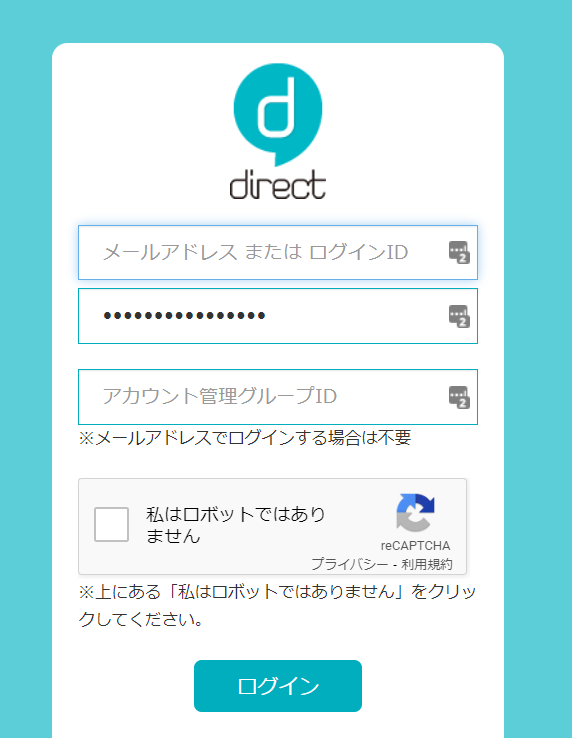
You will be redirected to the direct login screen. Enter your email address or login ID and password for direct, then log in.
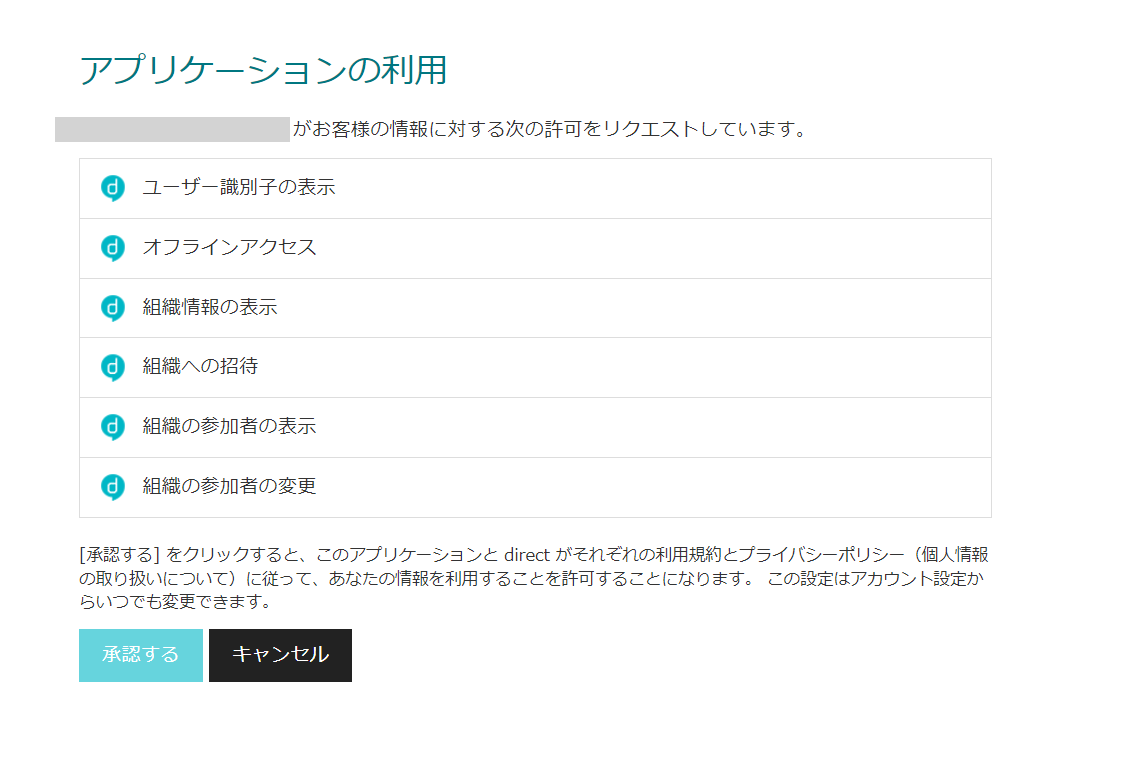
After logging in to direct, you will be taken to an authorization screen. Review the application’s usage details and click Authorize.
Once the integration with direct is successful, registered user information will appear in the account list. If the process does not complete successfully, click Edit in the status tab of the integration screen and try again.
In environments where IP addresses are restricted via direct’s “Account Management” feature, the integration may not work correctly.Please refer to the direct support page below and add this service’s client ID (1388129217870299136).https://support.direct4b.com/4e39225c4c2a4ae0afb1f6134f3edc53
If the issue persists, please contact us via chat.