How to integrate Azure DevOps with Admina using OAuth. Admina retrieves data such as user names, email addresses, and statuses and supports account creation and deletion.
Search for Azure DevOps on the integrations screen.
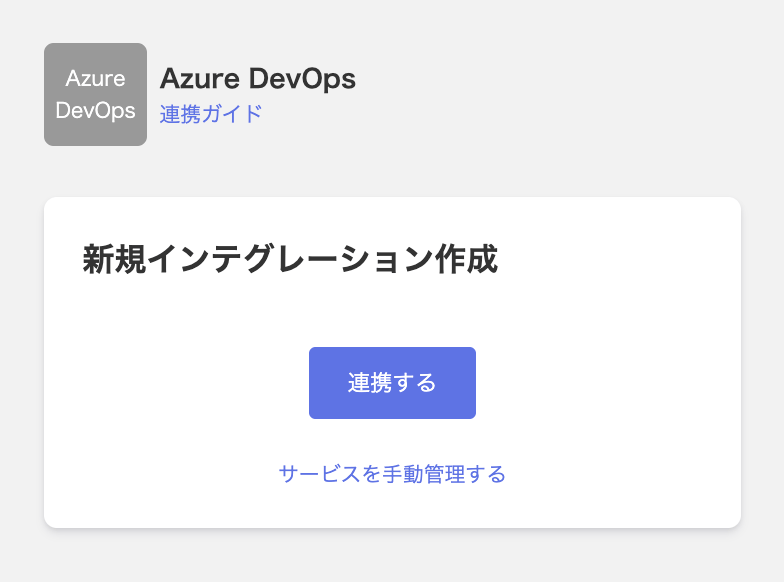
Click Integrate.
On the sign-in screen that appears, log in with your Microsoft Entra ID account.
Once the integration with Azure DevOps succeeds, registered user information appears in the account list. If it doesn’t complete successfully, first try the steps in Troubleshooting failed SaaS integrations. If that doesn’t resolve it, check Information to provide and contact support.