

Integration Specifications
Prerequisites
How to obtain the API key
-
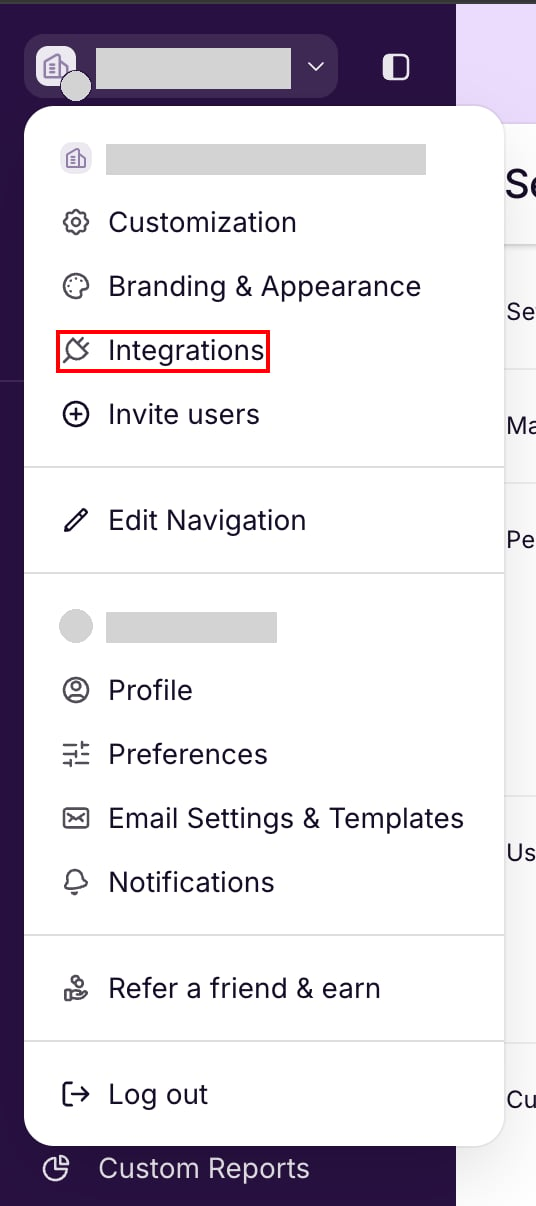
Log in to Copper and click the organization name in the upper left. In the menu, select Integrations.
-
On the Settings page, select API Keys under Integrations, then click Generate API Key.
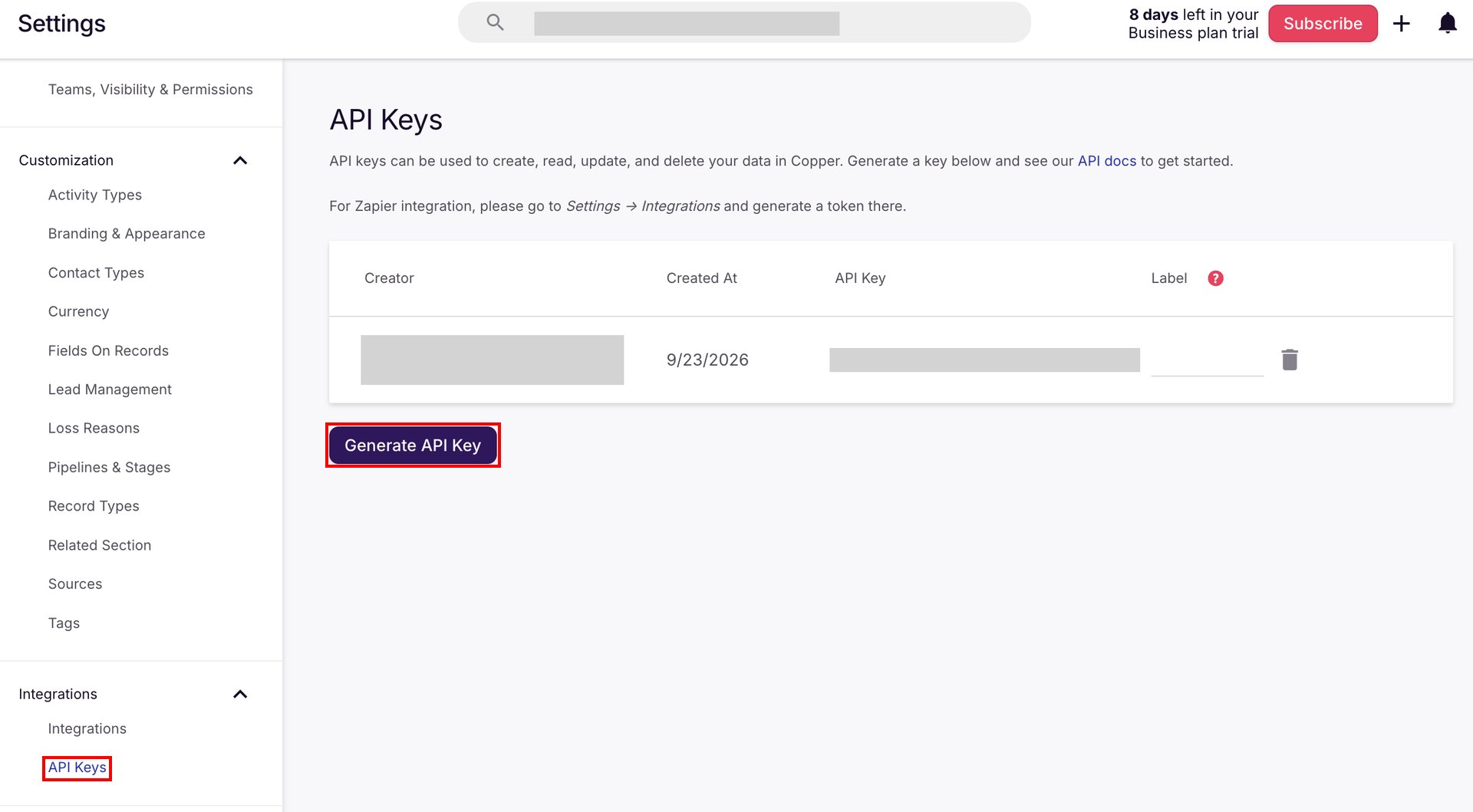
- Copy the generated API key and save it. The integration also uses the email address of the user who generated the API key.
Setting up the integration
- In the integration screen, search for Copper.
-
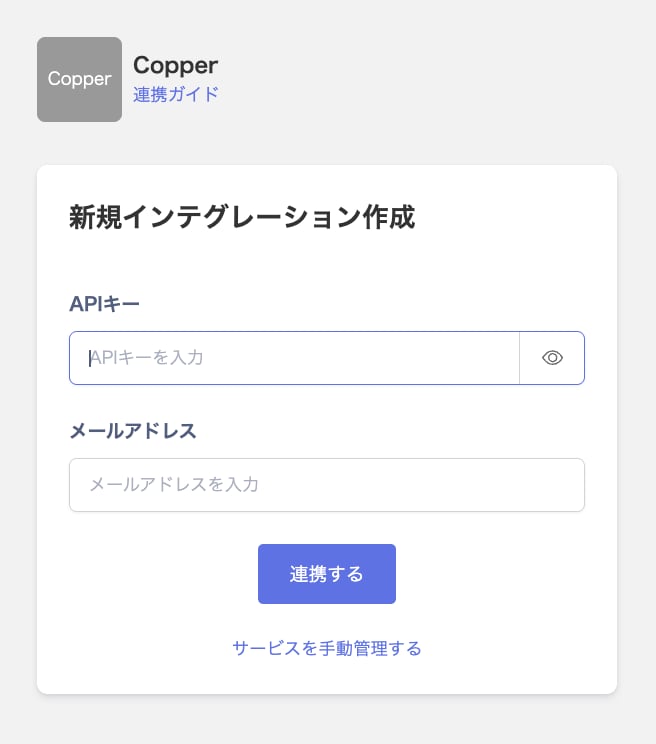
Enter the API key in API Key and the email address of the user who generated it in Email. Then click Integrate.
- When the integration with Copper succeeds, registered user information appears in the account list. If it does not complete successfully, first try the steps in Troubleshoot SaaS integration errors. If the issue persists, check Information to provide and contact Support.