How to integrate Clinked with Admina using an ID and password. Admina retrieves data such as user names, email addresses, and roles and supports account creation, deactivation, and deletion.
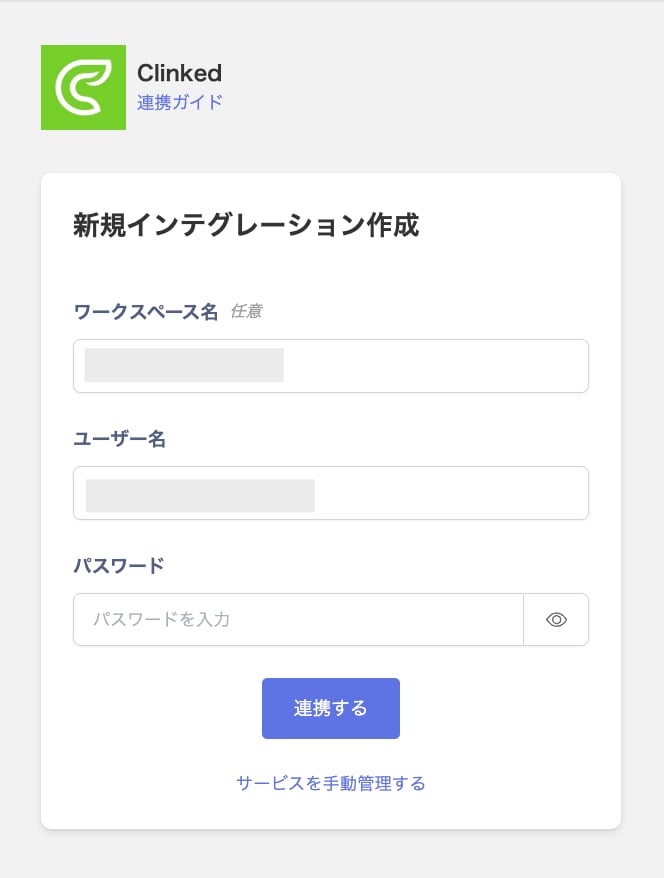
Enter the username and password of an account with administrator privileges in Clinked, then click Connect.
Once the integration with Clinked succeeds, registered user information appears in the account list. If it doesn’t complete successfully, first try the steps in Troubleshoot SaaS integration errors. If that doesn’t resolve it, check Information to provide and contact support.