

Integration Specifications
A paid plan subscription is required to use this integration.
Prerequisites
How to Log In to Channel Talk
Go to the Channel Talk login page and enter your email address and password to log in.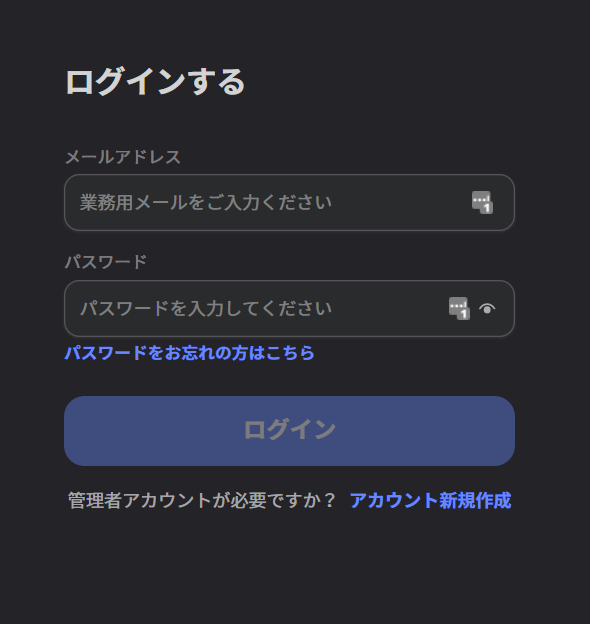
How to Obtain the Workspace Key
After logging in to Channel Talk, part of the URL becomes your workspace key. Save it for later. https://desk.channel.io/#/channels/`{workspace key}`/team_chats/groups/…How to Obtain the Client ID and Client Secret
-
In the sidebar, click Channel Settings > Security & Development > API Management > [+ Create New Authentication Key].
See Authentication (external site) for details.
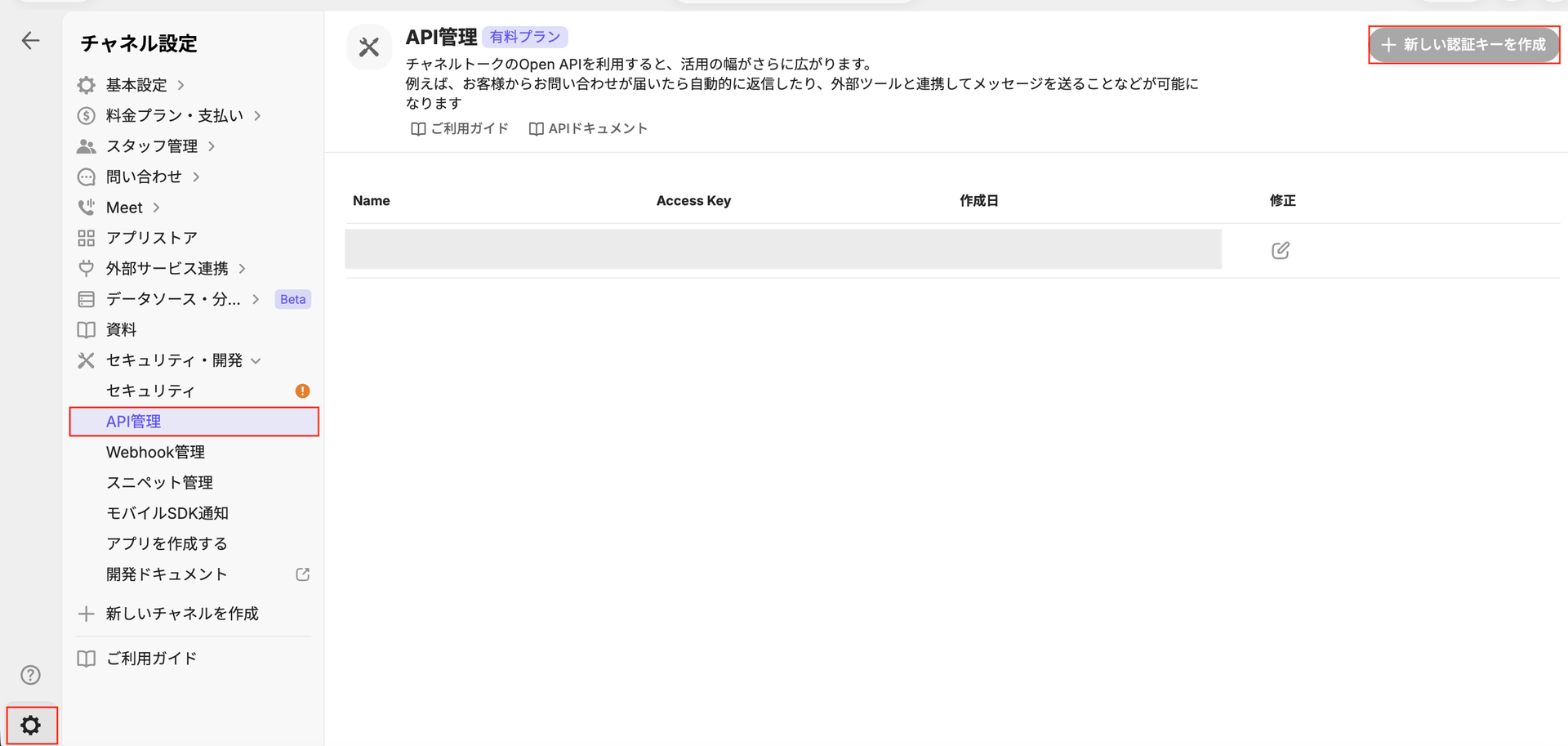
-
The Create API Authentication Key screen appears. Enter a name for the authentication key and click Confirm.
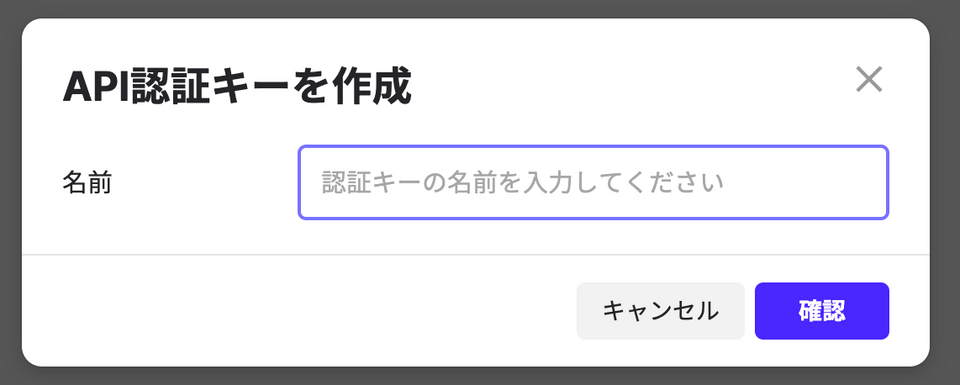
-
The API authentication key is created. The Access Key and Access Secret serve as your Client ID and Client Secret — save them for later.
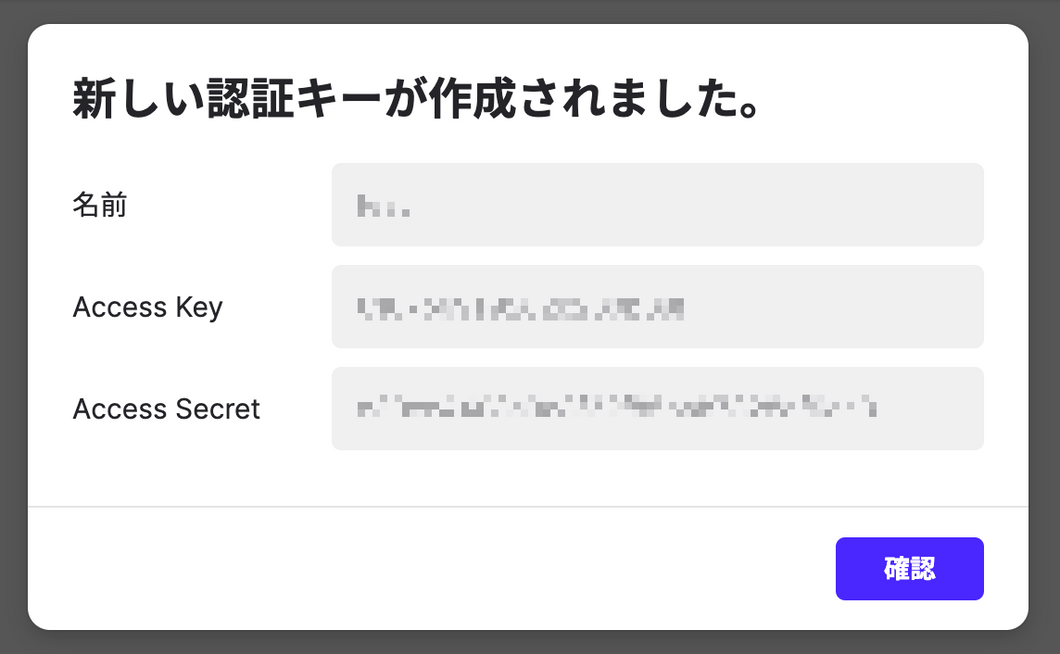
Integration Setup
- In the integrations screen, search for Channel Talk.
-
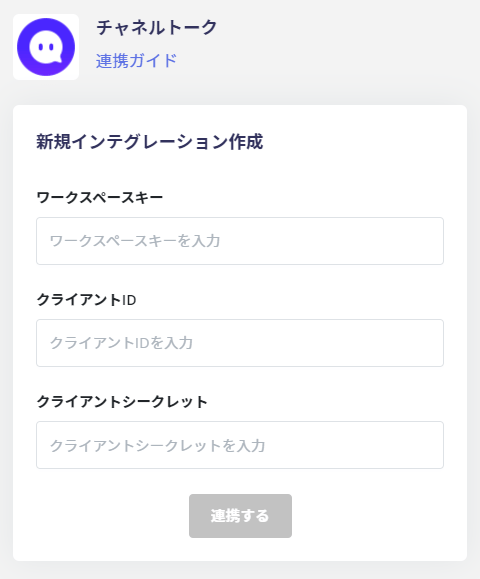
Enter the workspace key, client ID, and client secret obtained in the previous steps, then click Connect.
- When the Channel Talk integration succeeds, registered user information will appear in the account list. If the process does not complete successfully. Click Edit from the Status tab on the integrations screen and try connecting again. If the issue persists, please contact us via chat.
FAQ
Q. Is there a way to check the workspace key used for the integration?
A. Run one of the following commands with an issued key. Thechannel.id value returned is your workspace key. Enter it in the workspace key field.
Mac / Linux (Terminal / cURL)
\ (backslash) for line continuation.
Windows (PowerShell)
^ (caret) for line continuation.
Parameter settings and precautions
YOUR_ACCESS_KEY: Replace with your own access key (channel token).YOUR_ACCESS_SECRET: Replace with your own secret key.- Keep API keys and other credentials secure, and avoid exposing them externally.