

For details on the permissions required to use this feature, see Configure login users and roles.
Q. Does this service support multiple currencies such as JPY and USD? I see an “Invalid Request” error when connecting to Netsuite.
A. Multiple currencies are not supported. If you connect both a domestic and an overseas accounting system at the same time, data may not display correctly. Please disconnect one of the systems. For details, see Disconnect a SaaS integration.Q. After connecting freee Accounting, MoneyForward Cloud Expense, or a similar service, no data appears.
A. Check each of the following points.- Whether the data is unmatched with a SaaS entry.

- Whether the transaction is recorded as “income.”
- Whether the transaction date is set to a future date.
Q. Can I connect only SaaS accounts, or only cost data?
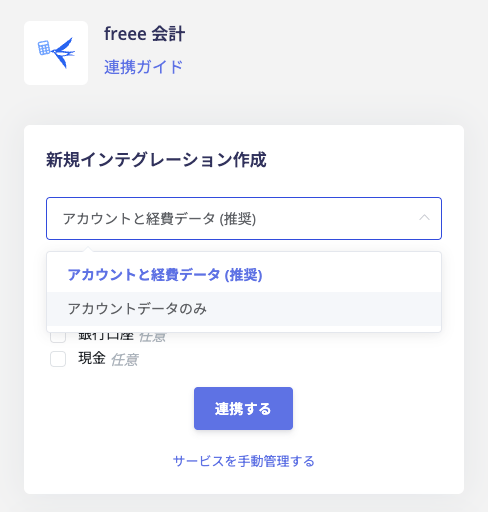
A. freee Accounting supports account-only integration. MoneyForward Cloud Expense and Accounts Payable support both account-only and cost-only integration. During setup, select [Account data only] from the dropdown menu to import account data only.
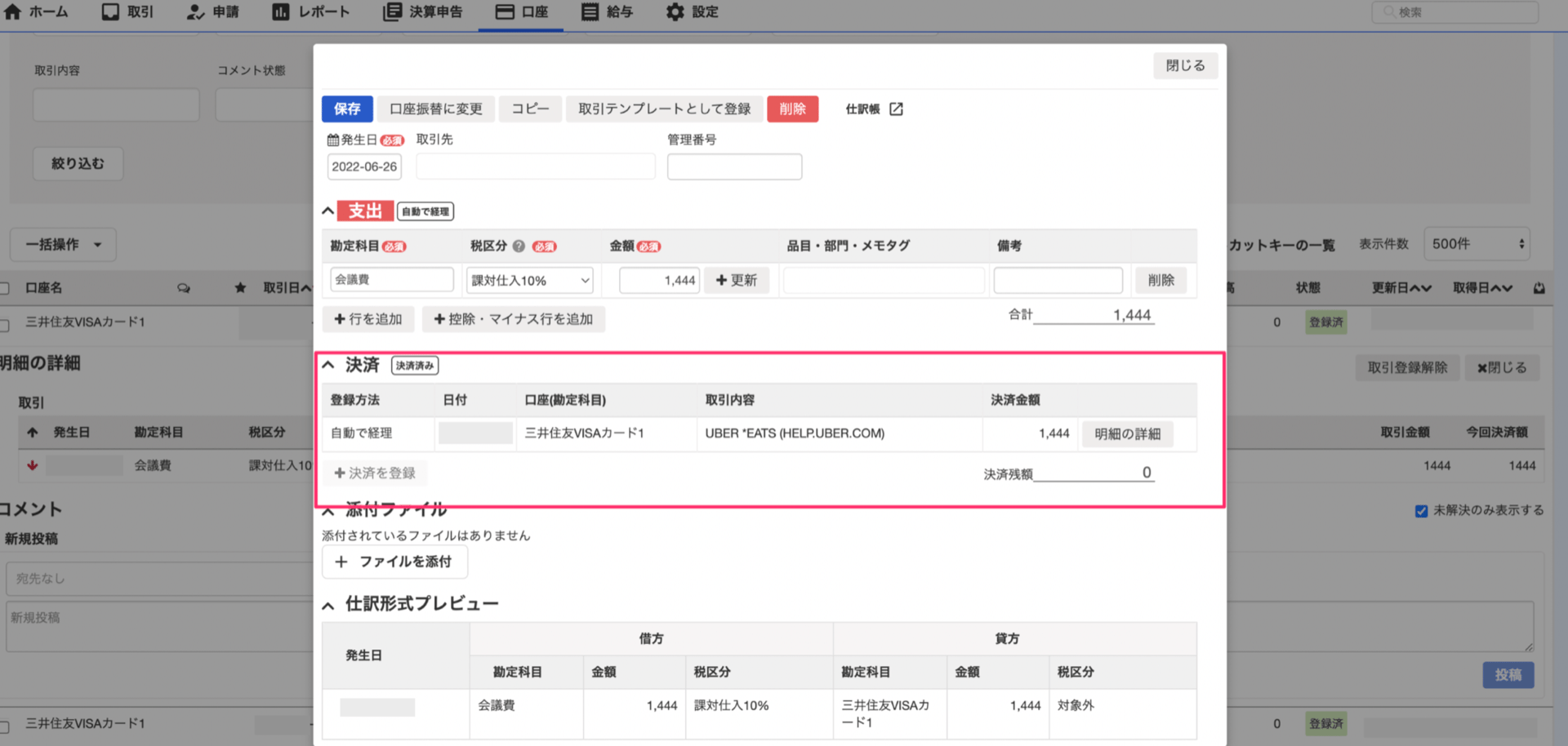
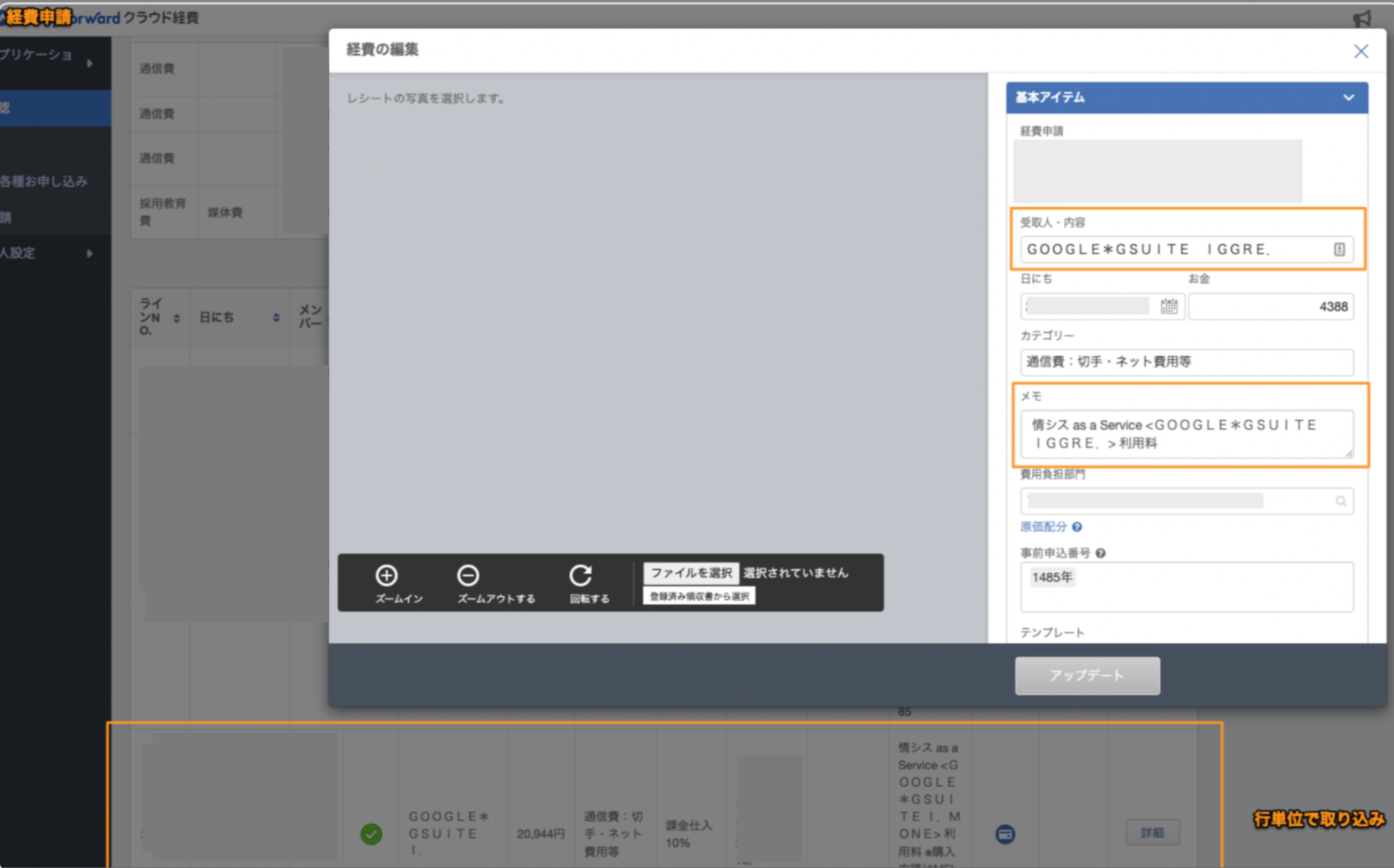
Q. When connecting freee Accounting, MoneyForward Cloud Expense, or similar services, what data is retrieved and where does it come from?
A. Data is retrieved from the following locations in each service.- freee Accounting
- MoneyForward Cloud Expense
-
MoneyForward Cloud Accounting Plus
Line items on the debit side of the journal are retrieved for the following account categories.
- Manufacturing expenses under Cost of goods manufactured
- Selling expenses and General and administrative expenses under Income statement
Q. How far back does Admina retrieve payment data when I connect cost data from MoneyForward Cloud services?
A. This applies to MoneyForward Cloud Accounts Payable, Expense, and Accounting Plus (Cost Data). Admina retrieves payment data for the following periods.- First integration: from the first day of the month 24 months ago to the day of integration
- Daily sync after that: the past 45 days